

How to Fix Can’t Equip Stuff Bug in Oblivion Remastered
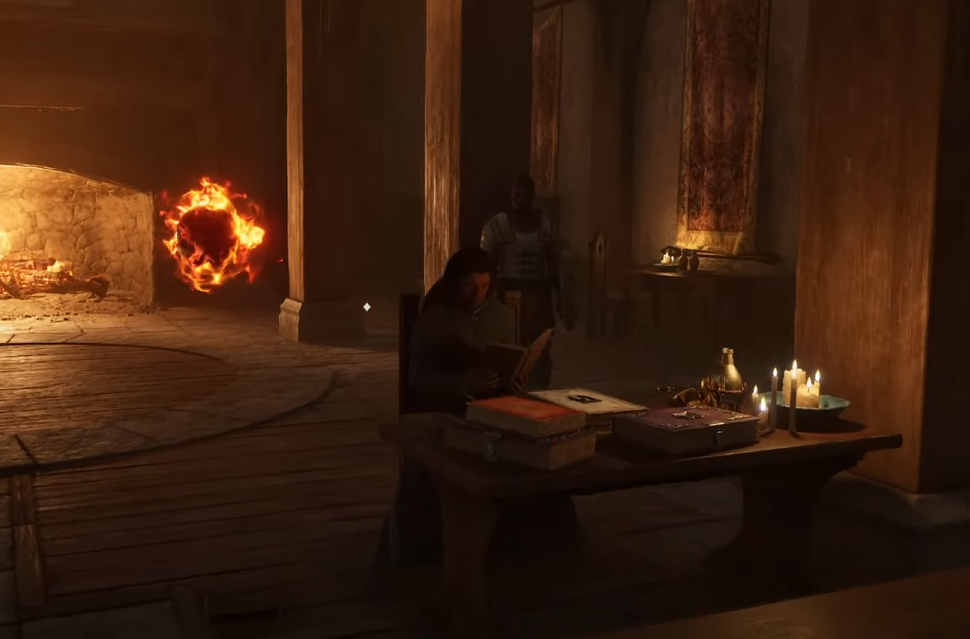
Image Credits: Bethesda Game Studios
If trying to equip something in Oblivion Remastered just tosses it on the ground like you’re rage-quitting fashion, you’re not alone. Here’s how to stop your hero from being a clumsy mess.
Quick Fixes for the Equip Bug
Toggle Sprint On/Off
Exit your inventory, turn sprint on, then off again. For some reason, this resets whatever weird mood your character is in.Press Shift a Few Times (PC)
The game might think you’re holding Shift (which drops items). Open your inventory and tap Shift a couple of times to snap it out of it.Sheathe Your Weapon
Press F to put your weapon away, then try equipping items again.Restart the Game
If all else fails, do the classic: save, close the game, and reload. It’s not elegant, but it works.
Final Blurb
Oblivion Remastered likes to remind you it’s still a Bethesda game—bugs and all. Thankfully, fixing this one doesn’t require magic, just a bit of patience and some button mashing.

Recommended | View all Oblivion Remastered


