

How to Play in Third Person in Oblivion Remastered
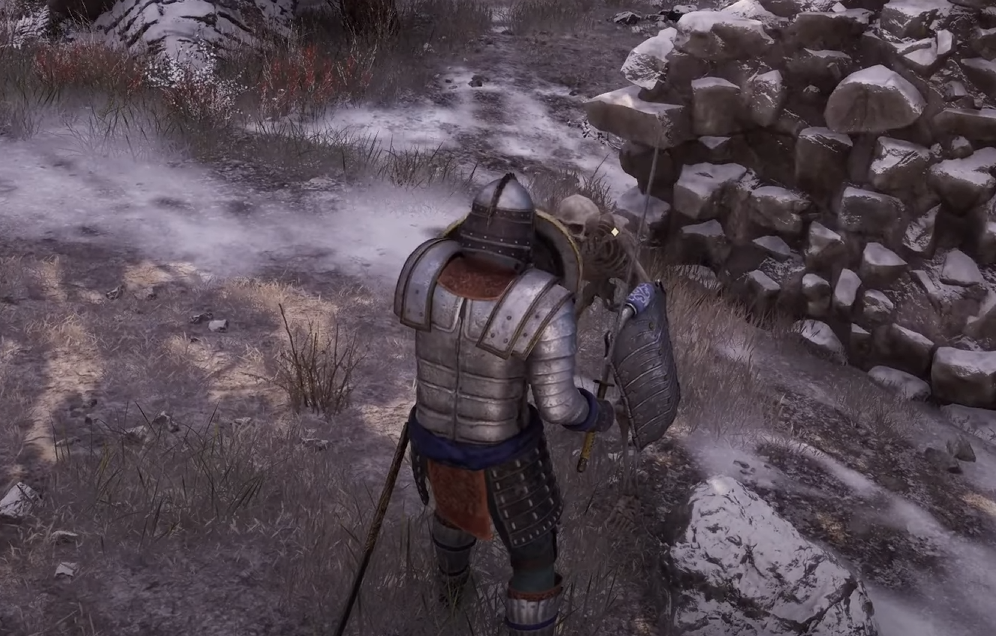
Image Credits: Bethesda Game Studios
Sometimes you just want to admire your character’s questionable fashion choices from a distance. Luckily, Oblivion Remastered lets you switch to third person with a simple button press.
How to Switch to Third Person
PC: Press the R key.
Xbox Controller: Click the Right Stick (R3).
PlayStation Controller: Click the Right Stick (R3).
Tap once to switch between first person and third person view.
If you're feeling fancy, you can also hold and move the mouse or right stick to rotate the camera around your character for those perfect scenic shots... or to watch yourself get ambushed by a mudcrab.
Final Blurb
Whether you want to see your hero in action or just check if that new helmet looks as ridiculous as you feared — third person has you covered. Just don’t blame the camera when you miss your swings.

Recommended | View all Oblivion Remastered


