

How to Fix KCD2 Won’t Load or Start After Update
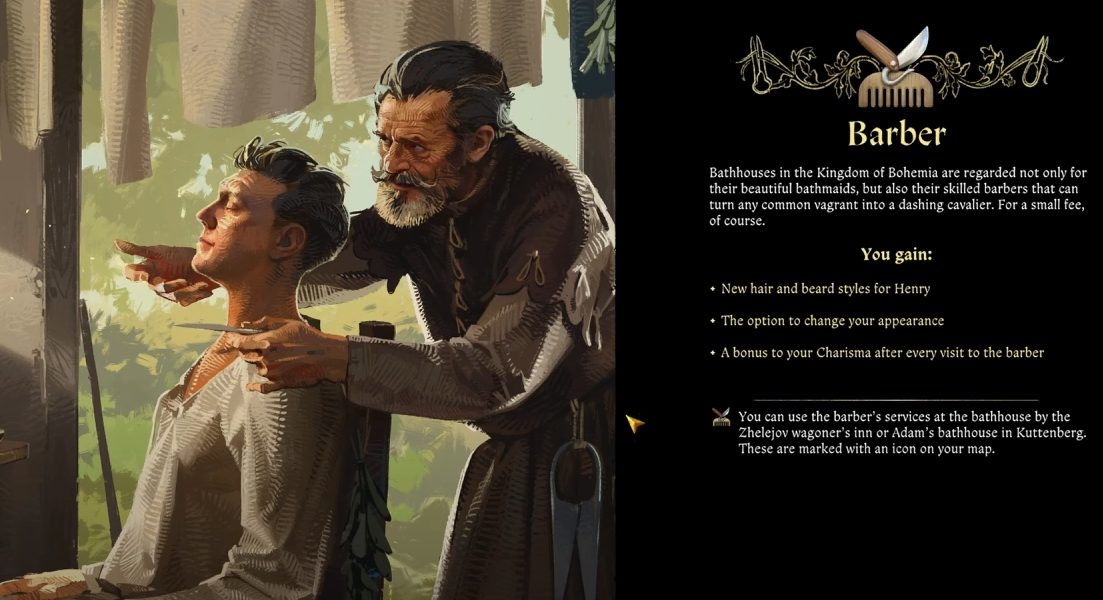
Image Credits: Warhorse Studios, Kingdom Come: Deliverance 2 (KCD2)
If Kingdom Come: Deliverance 2 is stuck on the loading screen or not starting after the latest update, you're not alone. Many players have reported the game freezing after the barber update screen or simply failing to load the main menu.
Luckily, there are a few fixes that have worked for players. Try these solutions to get back into the game.
Quick Fixes for KCD2 Not Loading After Update
1. Restart Your PC
The most common fix is simply rebooting your computer after the update.
Close the game.
Restart your PC.
Launch the game again.
Many players have reported that this immediately fixed the issue.
2. Spam the Escape Key at Startup
Launch the game and rapidly press the ESC key during the initial load.
This skips the intro screens and can force the menu to appear.
Several players confirmed that pressing ESC instead of clicking the button also worked.
3. Restart Steam
Close KCD2 and fully exit Steam (not just minimizing it).
Restart Steam and launch the game again.
If that doesn’t work, try restarting your PC after restarting Steam.
4. Verify Game Files on Steam
If your game still won’t start, verifying files might fix any missing or corrupted files from the update.
Open Steam.
Go to Library > Right-click Kingdom Come: Deliverance 2 > Select Properties.
Under the Installed Files tab, click Verify Integrity of Game Files.
Wait for it to complete, then restart Steam and try launching the game again.
5. Disable HDR in Windows Settings
Some players found that turning off HDR in Windows settings allowed the game to start.
Go to Settings > Display > HDR and turn it off.
Launch the game. If it works, you can try re-enabling HDR after.
6. Check for Mods and Remove the User.cfg File
If you were using mods, they may no longer be compatible with the update.
Remove all mods and try launching the game.
Some players also deleted their user.cfg file (found in the game’s installation folder) and reported success.
7. Reinstall the Game (Last Resort)
If none of the above work, uninstalling and reinstalling the game is a final option.
This should be your last resort since it takes time to redownload everything.
Final Blurb
If KCD2 won’t start after the latest patch, restarting your PC or spamming the ESC key seem to be the most effective quick fixes. If that doesn’t work, verifying game files, restarting Steam, or removing mods should help.
If you’re still having issues, let the community know—someone might have found a new fix.


