How to Fix the Eye Glitch in Doom: The Dark Ages

Image Credits: id Software, DOOM: Dark Ages
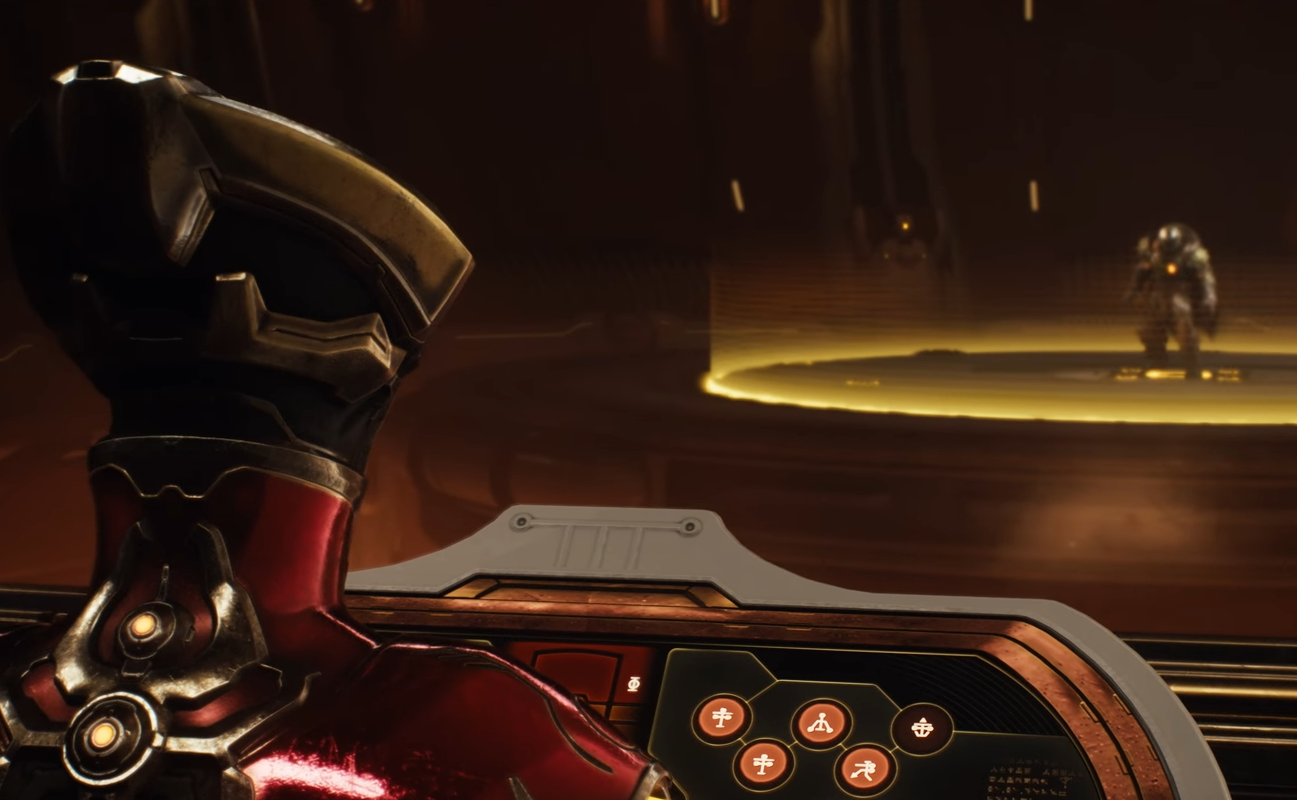
If you’re seeing solid white eyes on every character, including ones that definitely shouldn’t look like cursed mannequins, and half the world is pitch black, you're not alone. This visual bug hits a lot of PC players, especially those using 6GB VRAM laptops like the RTX 3060 or 4050.
Here’s how to try and fix the eye bug / glitch until the day that a patch is introduced.
Read More: All DOOM: The Age of Darkness Achievements
First: Understand What’s Causing It
This isn’t your GPU dying.
The real issue is the game silently disabling ray traced global illumination (RTGI) if your GPU reports just under 6GB of VRAM. A lot of laptop cards say 6GB on the box, but actually reserve a bit for system use, leaving around 5.8–5.9GB free.
That’s just low enough to break lighting and eye rendering entirely, making cutscenes and dark areas unreadable.
Option 1: Tweak Settings for Performance
This fix does lower your FPS slightly, even just by 10-20 depending on your rig.
To help offset that:
Use DLSS on Quality or Balanced
Drop Shadows to Medium
Disable Frame Gen if you're on older drivers or it feels unstable
You’ll get clear visuals without tanking your performance.
After making settings changes it might be worth restarting the game, too.
Option 2: Use the VRAM Spoof Fix
You can “trick” the game into thinking your VRAM is above 6GB with a simple workaround:
Download the spoof files:
MEGA link here**Be sure to do your own research on what you download to your PC. If you are not comfortable downloading somethng else, see option 1 and the next one, option 3.
Extract both files from the archive.
Paste them into your main Doom: The Dark Ages install folder
(Right-click game in Steam → Manage → Browse local files)Launch the game.
Then go into settings and set Performance Metrics to Medium.If it worked, you’ll now see RT: On on the metrics screen, and the dark shadow bug and white eye glitch will be gone.
Option 3: HDR Band-Aid
If you don’t want to spoof VRAM and deal with performance loss, a sloppy workaround is to:
Turn on HDR mode in settings
Tweak the HDR sliders until dark areas become visible
It makes everything look a bit washed out, but at least you’ll be able to see where you’re going.
Final Blurb
It’s a dumb fix for a dumb problem caused by the game being too picky about VRAM. But with that quick file drop, the white or blue eyes and black hole shadows are gone, and you can finally enjoy Doom: The Dark Ages without feeling like you’re fighting demons and the engine.
FAQ
Q: What’s the “white eye bug” in Doom: The Dark Ages?
It’s a visual glitch where character eyes render as solid white, blue, or glow incorrectly due to lighting errors.
Q: Will this get patched officially?
Hopefully. It happened with Indiana Jones too and was later fixed with an update. For now, this workaround is the best available until a patch is introduced.
Q: Why are all my shadows pitch black?
Your system likely has under 6GB of accessible VRAM, which disables ray tracing features and breaks ambient lighting.
Q: Does this fix work for the Game Pass version?
Yes, as long as you can access the game files to paste them in.
Q: Is it safe to use the spoof file?
It’s been widely used across both Doom and Indiana Jones communities without issue. As always, use at your own risk and keep a backup of your game folder just in case.
Recommended | View all DOOM: The Dark Ages