How to Save the Game in DOOM: The Dark Ages
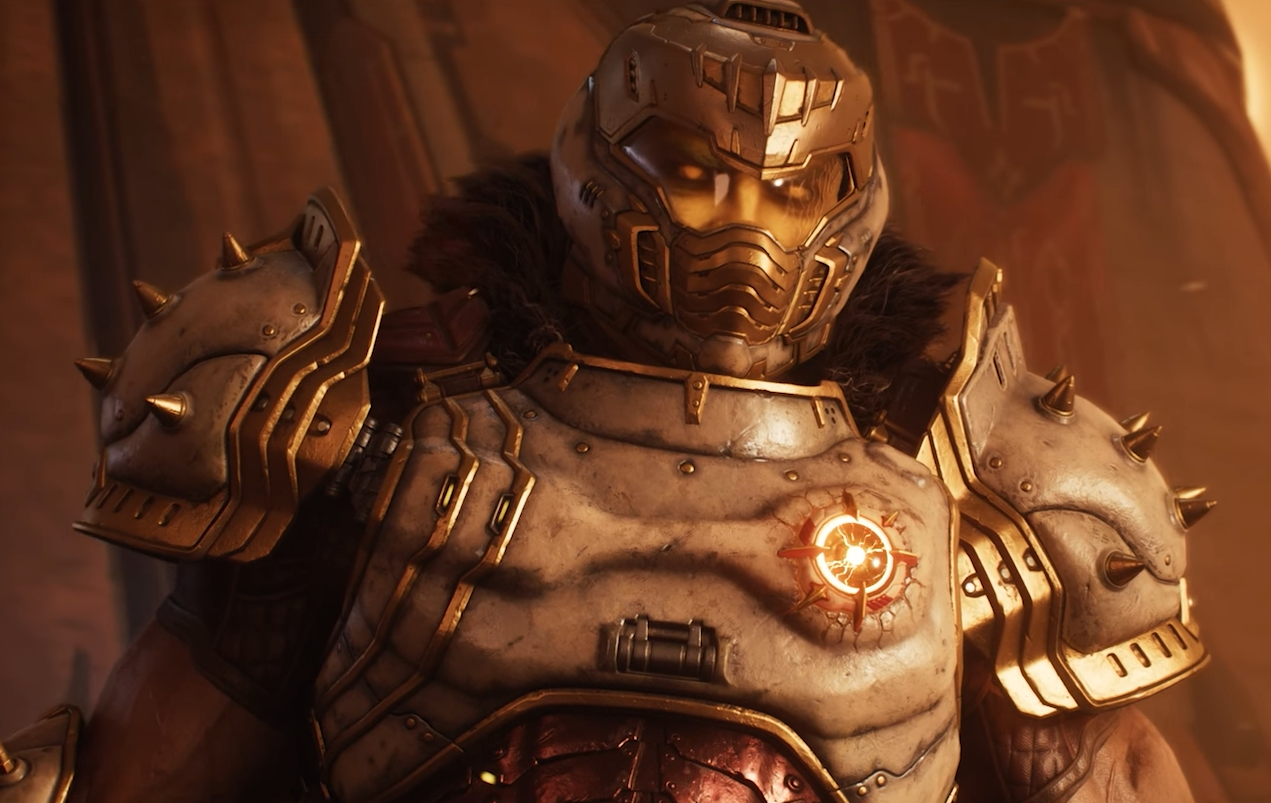
Image Credits: id Software, DOOM: Dark Ages
Note: If you’re looking for how to fix error encountered while saving, click here.
Saving in DOOM: The Dark Ages works a little differently than some newer games. There’s no manual save button, and if you’re not paying attention, it’s easy to miss how saving actually works.
Here’s how it works, how to know it saved, and what options you have.
The Game Uses Auto-Save Only
There is no way to save manually. The game handles everything with auto-saves.
You’ll see the little floppy disk icon pop up in the corner when it’s saving.
That means you hit a checkpoint.
If you quit before one of those, you’ll lose progress.
When Doom: The Dark Ages Saves
Auto-saving happens at:
Major checkpoints during levels
The end of a mission or chapter
When returning to the hub area later in the story
When it saves, you’ll see a little floppy disk icon pop up in the corner.
If you quit the game before seeing that icon, your progress is gone.
Ultra-Nightmare Changes Everything
If you're playing on Ultra-Nightmare, the rules change:
Checkpoints don’t work
No mid-level saving at all
The game only saves after a full chapter is completed
If you die during a mission on Ultra-Nightmare, you’re done.
Your entire run is erased, and you go back to the very beginning.
This mode is meant for hardcore players who want the no-mistake experience. It’s brutal but intentional.
Save Slots and Campaigns
You get three save slots total.
Each slot is tied to one campaign, and it tracks:
Difficulty
Progress
Total playtime
You can start new runs in different slots to try out other builds or difficulties.
But each slot only holds the latest checkpoint from that campaign.
No rewind, no chapter select.
Save Slots Explained
You get three save slots.
When you start a new campaign, it takes up a slot.
Each one tracks:
Your difficulty
Your total progress
Your playtime
If you want to test different difficulties or try a permadeath run, just start a new game and pick another slot.
Can You Load Previous Saves?
Nope.
There’s no load screen with previous checkpoints to pick from.
Each slot just keeps your latest checkpoint.
If you're on something like Ultra-Nightmare, this means one bad move can wipe your whole run.
Where the Save Files Are Stored (PC)
If you're on Windows and want to back them up manually:
Game Pass / Windows Store version:
C:\Users\[YourName]\Saved Games\id Software\DOOMTheDarkAges
You can copy this folder somewhere else if you want a backup. But the game also uses cloud saves on most platforms, so you don’t usually need to.
Final Blurb
DOOM: The Dark Ages doesn’t let you save whenever you want, and that’s by design. If you’re coming from more modern shooters with quick saves, it might feel harsh, but it’s meant to push you into that classic arcade-style pacing. Just keep an eye out for the floppy icon, and don’t quit out right after a big fight unless you see it.
FAQ
Q: How do I manually save in DOOM: The Dark Ages?
You can’t. The game only uses auto-save at checkpoints.
Q: How do I know it saved?
Look for the small floppy disk icon in the corner. That means it saved.
Q: Can I have multiple campaigns at once?
Yes, the game has three save slots.
Q: Does Ultra-Nightmare save the same way?
No. On Ultra-Nightmare, the game only saves after finishing a full chapter. Dying resets your entire run.
Q: Where is my save file located on PC?
For Game Pass and Windows Store:C:\Users\[YourName]\Saved Games\id Software\DOOMTheDarkAges
Recommended | View all DOOM: The Dark Ages