How to Fullscreen in Deltarune
Written by Aarav Agarwal
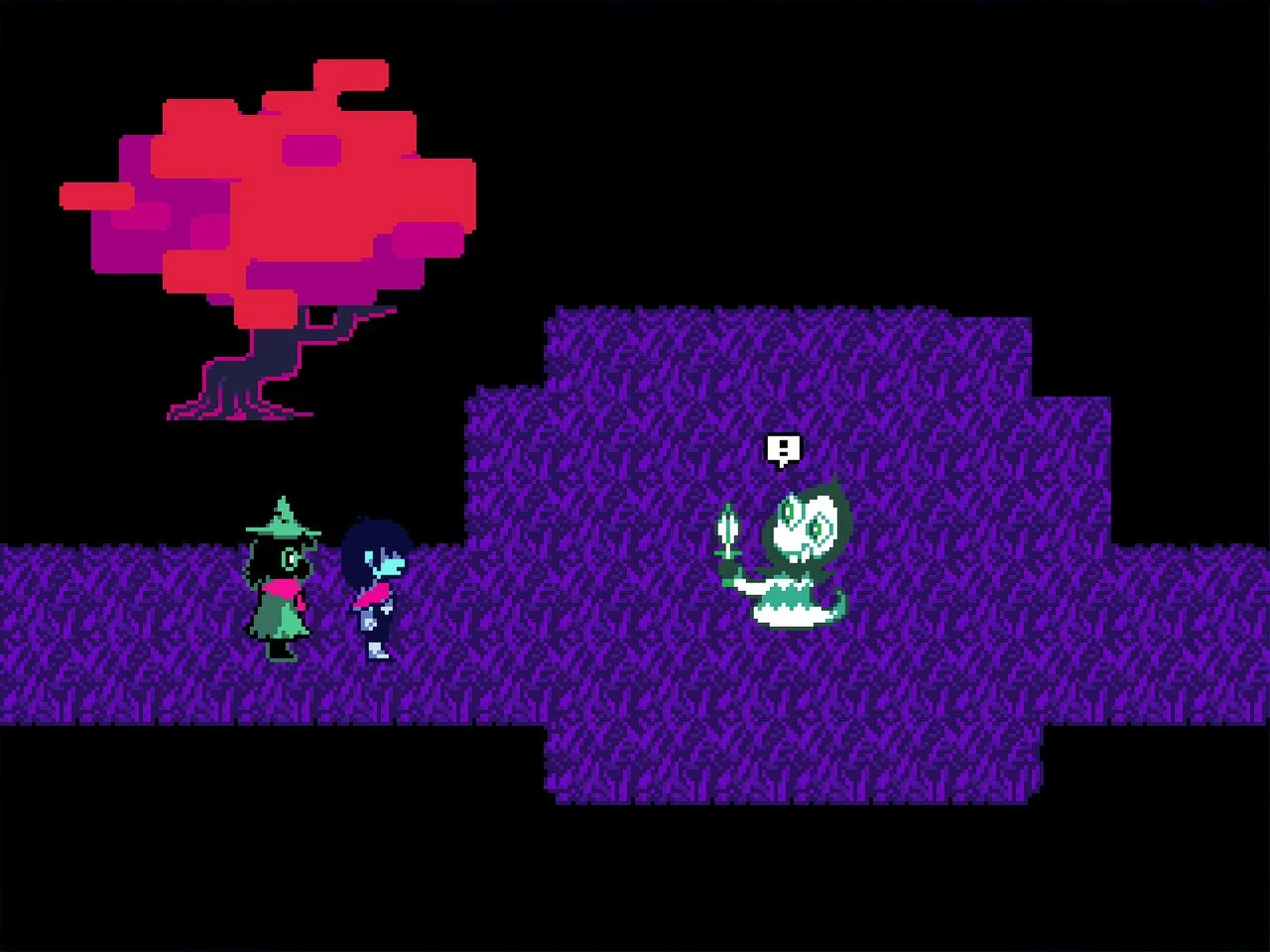
Thankfully you can play Deltarune in fullscreen, but it’s not automatic.
To go fullscreen on PC, press Alt + Enter or just hit F4. Not Alt + F4 unless you're in the mood to quit out completely.
There are no fullscreen settings inside the game’s menu, so you have to toggle it manually each time you open the game. If it’s not working, make sure the window is active when you press the shortcut.
On console, the game will automatically run in fullscreen, and you won’t need to change anything. If you’re playing handheld on Switch or Switch 2, it will also stretch to fit the screen as expected.
Fullscreen mode works the same across all chapters, even in Chapter 4.
Final Blurb
Fullscreen in Deltarune is simple once you know the shortcut, but the lack of an in-game setting makes it easy to miss. Just hit Alt + Enter, not Alt + F4, and you’re set.
Make sure your game window is selected first, or it won’t register.
FAQ
Q: How do I fullscreen Deltarune on PC?
Press Alt + Enter or F4 while the game window is selected.
Q: Can I toggle fullscreen in the settings menu?
No, there’s no option for that inside the game.
Q: What happens if I press Alt + F4?
You’ll close the game. Don’t do that unless you mean it.
Q: Does fullscreen work on consoles like Switch or PS4?
Yes, console versions default to fullscreen automatically.
Q: Is there any difference in fullscreen between Chapters 1–4?
No, it works the same across all chapters.
More DELTARUNE Guides
Latest Gaming Guides and Articles