Written by Aarav Agarwal
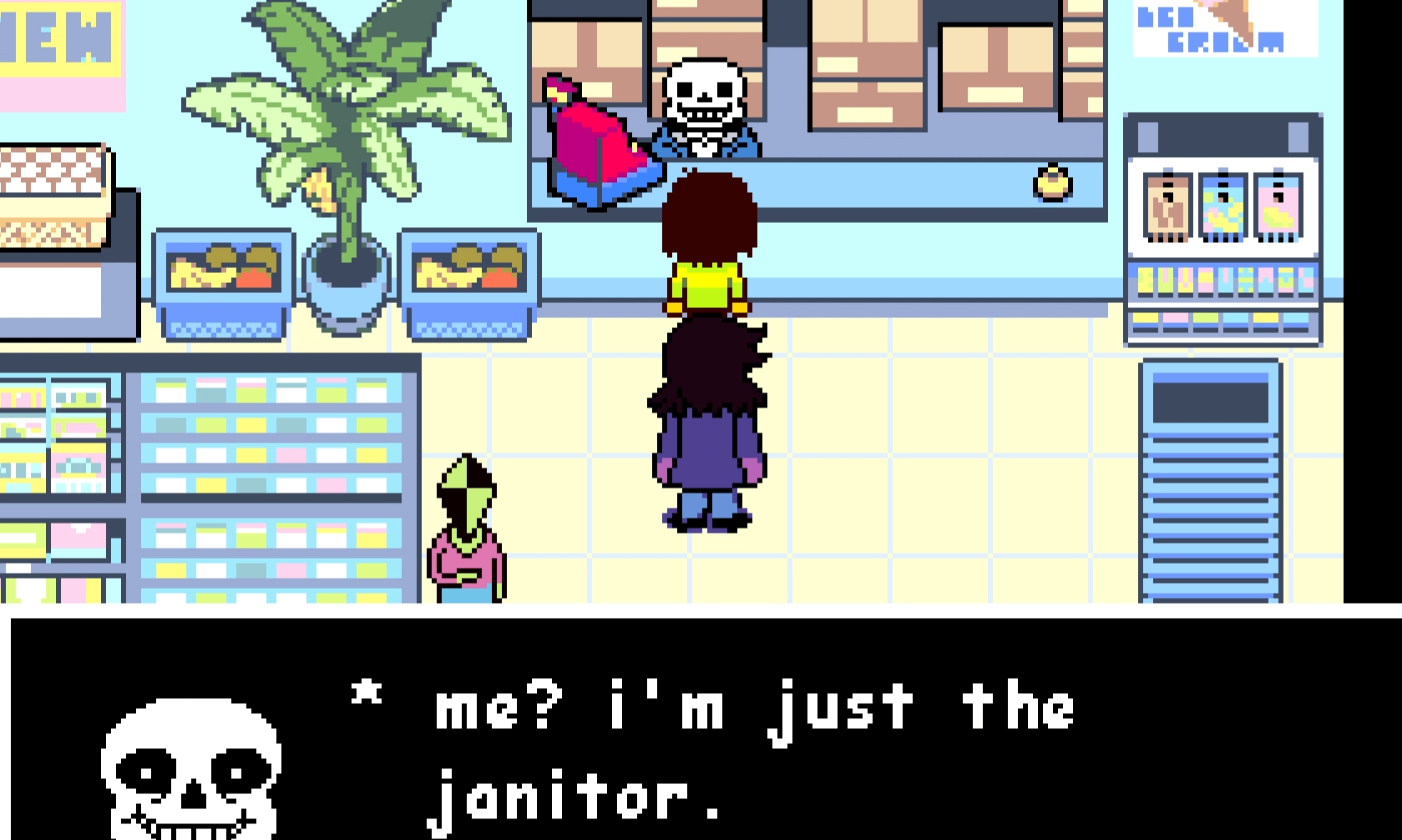
If you're replaying a chapter or just tired of reading the same lines, Deltarune makes it easy to skip dialogue.
Hold X on the Switch/console or C on PC to fast-forward through any cutscene or dialogue. You don’t have to mash... just hold the button down and it’ll speed up automatically.
This works in every chapter, including the newly released Chapter 4. It even skips full scenes if you've already beaten that part before.
If you want to skip the entire beginning of Chapter 1, you can also go back to bed in the Hometown section and it’ll drop you right into the Dark World.
Final Blurb
Skipping dialogue in Deltarune is simple. Hold X on console or C on PC and let the text fly by. Great for second playthroughs, or if you accidentally overwrote your save and need to rush back to a boss.
Just be careful not to skip past something you haven’t seen yet.
FAQ
Q: How do I skip dialogue in Deltarune on console?
Hold the X button during any scene or text box.
Q: How do I skip dialogue on PC?
Hold the C key to fast-forward through lines.
Q: Can I skip entire cutscenes?
Yes, if you've seen them already. Otherwise, you'll just fast-forward.
Q: Can I skip straight to the Dark World in Chapter 1?
Yes, go back to bed in the Hometown section to skip the intro.
Q: Will skipping dialogue affect secret boss progress?
No, skipping text won’t lock you out of any bosses or routes.
More DELTARUNE Guides

Latest Gaming Guides and Articles