How to Get More Customers in Supermarket Simulator
Written by Tyler Harris
The best way to get more customers in Supermarket Simulator 1.0 is by leveling up your store. Other upgrades can help a little, but your store level is what truly raises the daily customer count over time.
Here’s how to level faster and use your store setup to support it.
Leveling Up Is What Brings More Traffic
Store Points Increase Your Daily Customers
Your store level is based on how many store points you earn. These points come from selling items. As you gain levels, your customer limit naturally goes up.
The more you sell each day, the faster your level increases... and so does your customer count.
Move Product to Gain XP
Filling shelves and keeping them stocked is the best way to earn store XP. Unlock licenses so you have more variety, then make sure you’re always restocking bestsellers.
The faster you move inventory, the faster you level.
Improve Your Layout to Support Growth
Unlock New Product Licenses
Adding new product types gives you more chances to sell, especially if you already have the space and shelving to support them. This keeps your customers buying more during each visit.
Always check what kind of storage the license needs before you buy.
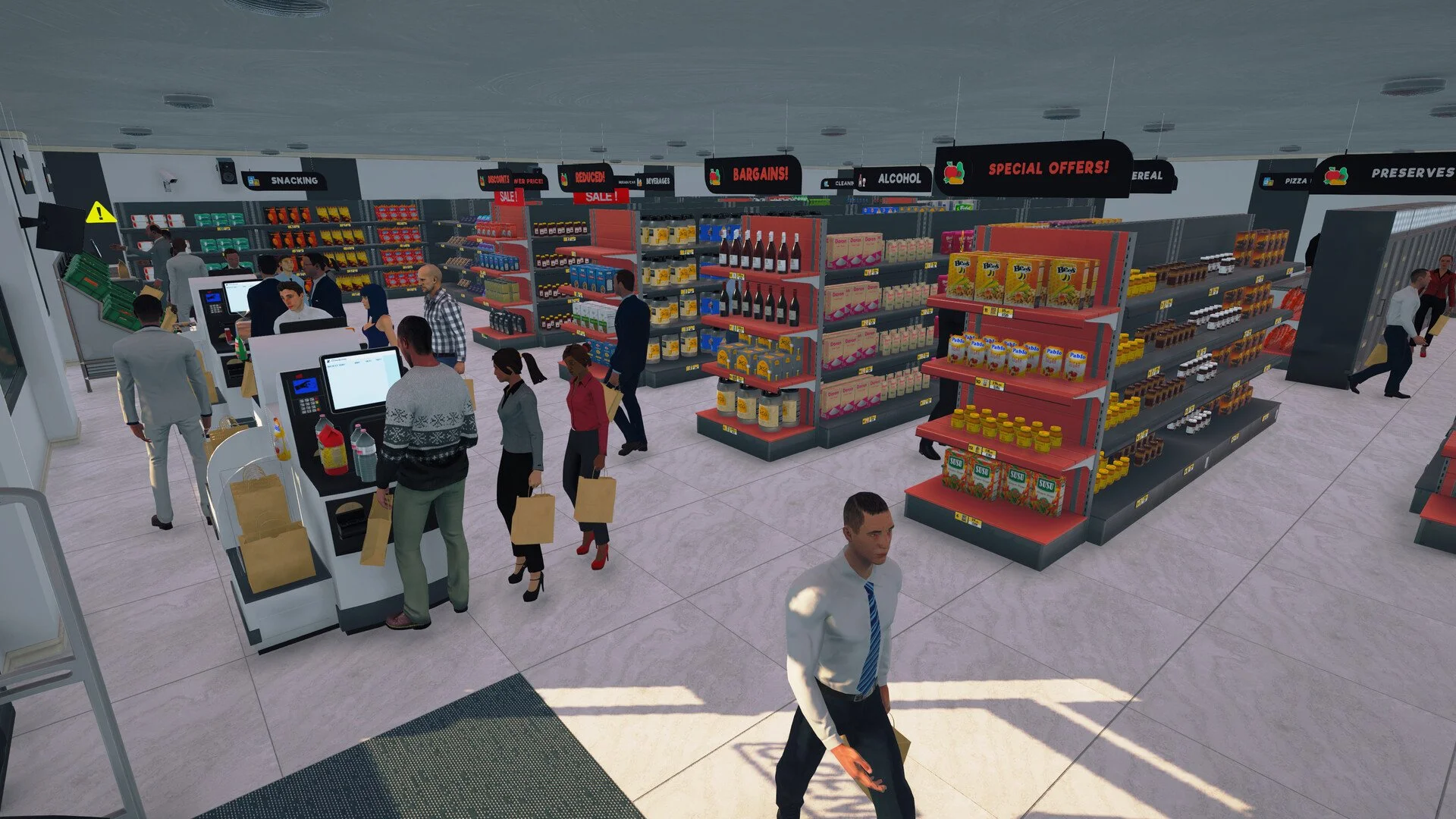
Add Self-Checkout Counters
Some players have seen traffic rise after placing self-checkout machines. Even if it doesn’t boost level XP, it helps speed up customer flow, which can improve overall sales volume.
It also saves space by reducing the need for extra staffed registers.
Expand Smart
More space lets you place more shelves, which lets you stock more items. But expansion costs can pile up fast. Make sure your current layout is fully used before you invest in more tiles.
It only helps if you’re actually selling more as a result.
Keep the Basics in Good Shape
Prices Should Be Fair
Customers still show up with higher prices, but they won’t always buy. If your goal is leveling, you want steady sales. Keep pricing reasonable so items move.
If something is just sitting there, lower the price a little and check again.
Stay Stocked Daily
Stick to the simple method: buy 4 boxes if a product is empty, and 2 if it’s low. Focus on top-selling items first. Keeping shelves full is what keeps XP flowing.
You don’t need to restock everything every day... just what matters.
Keep Lights On All Day
Some players noticed fewer customers when the lights were off during the morning. Once they turned them on earlier, their daily count went up noticeably.
To be safe, keep lights on during store hours. The power bill is worth it.
Final Blurb
Getting more customers starts with leveling up your store. That’s the part that raises your traffic ceiling. Everything else... from product selection to self-checkout... helps support that goal by improving how much you sell.
Just stay stocked, light up the store, and keep things moving.
FAQ
Q: How do I get more customers in Supermarket Simulator?
Leveling up your store is the main way. Each level raises your customer cap.
Q: How do I level up faster?
Sell more items. That’s how you earn store points and XP.
Q: Can self-checkout increase traffic?
Yes, some players have seen higher counts after adding them.
Q: Does lighting affect customers?
Yes. Keeping lights on earlier in the day can bring in more traffic.
Q: Do prices matter for customer count?
Not directly, but higher prices can reduce how much customers buy.
Q: Should I expand right away to get more customers?
Only if you’re ready to use the space for selling more products.
Q: Do product licenses help?
Yes. More items to sell means faster XP, which means faster leveling.
More Supermarket Simulator Guides
Latest Gaming Guides and Articles