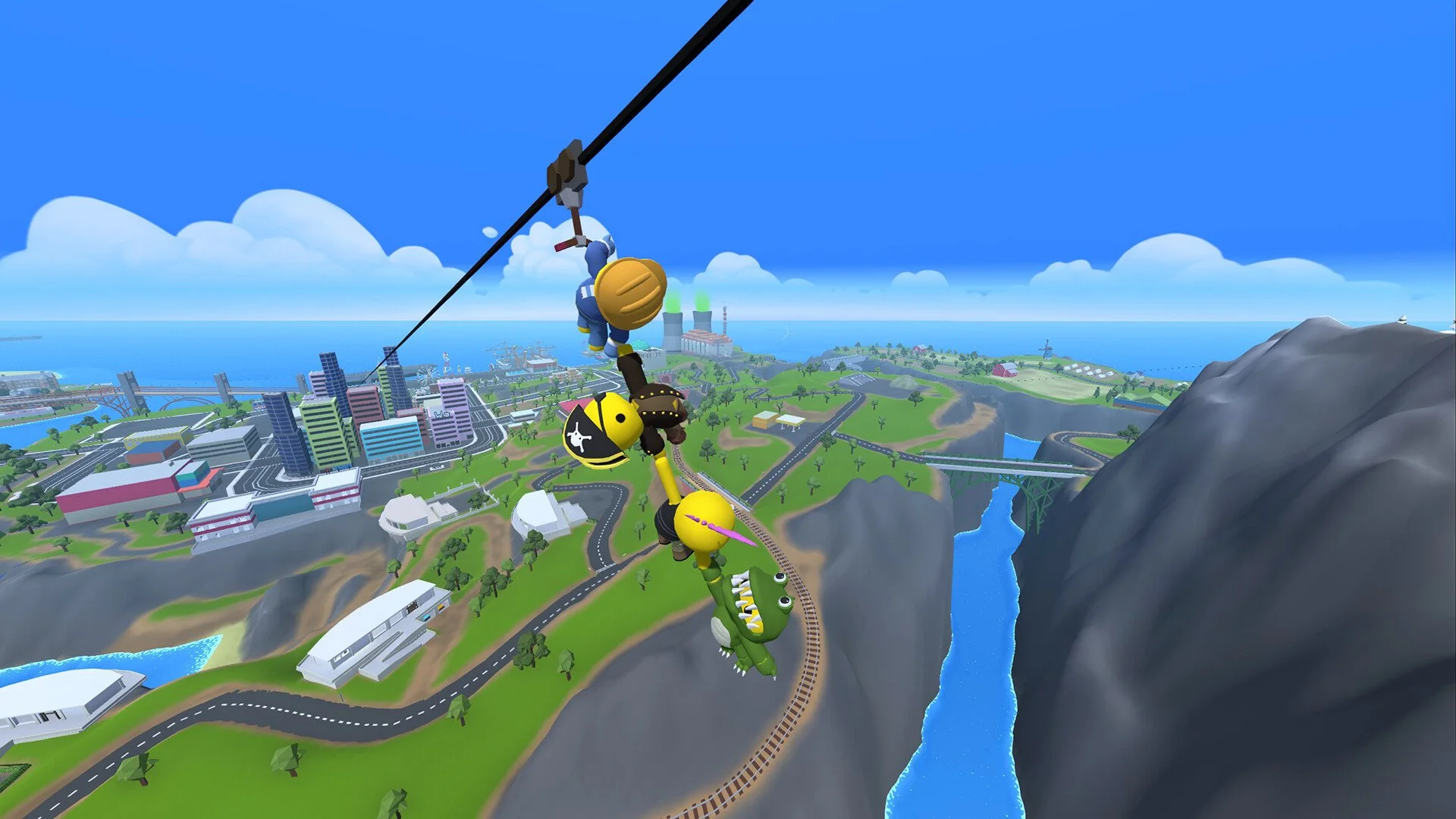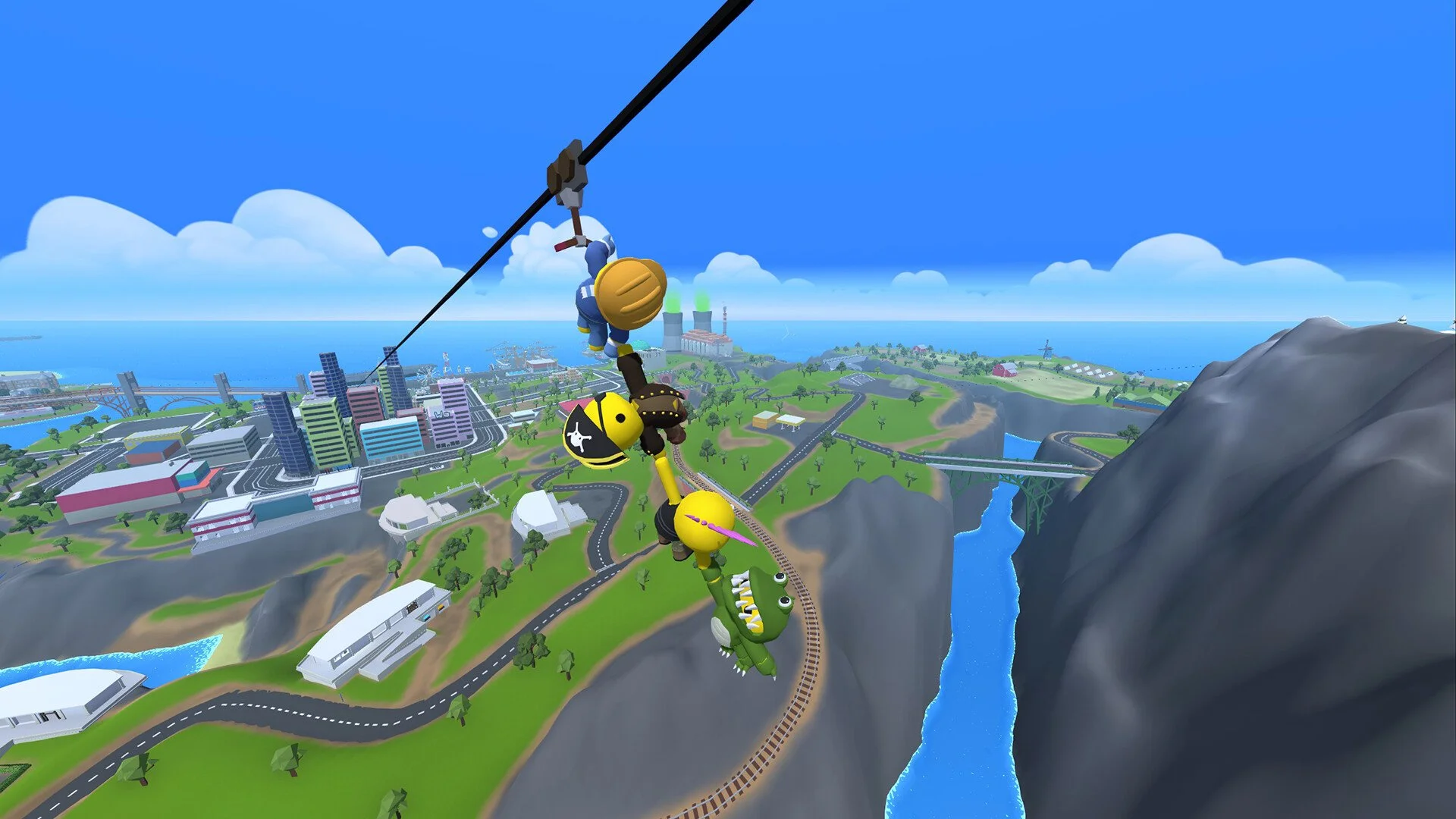
Wobbly Life supports local split screen, so you and a friend can play on the same PC. The game doesn’t automatically explain it well, but setting it up is simple once you know the steps.
How to Play Split Screen on PC
Start the game and load into your world as normal.
Plug in a second controller (Xbox, PlayStation, or any PC-compatible gamepad).
On the second controller, press the Start/Options button.
A new Wobbly character will appear on screen, controlled by Player 2.
That’s it. You’re now in split screen mode.
Important Details
Keyboard + controller does not work together. You need at least one controller per extra player.
Wobbly Life supports up to 4 players split screen if you have enough controllers.
Progress, money, and items are saved for Player 1. Other players join as guests.
Online multiplayer is also available, but you can mix local split screen with online friends only if everyone has their own setup.
Final Blurb
Split screen in Wobbly Life is one of the best ways to enjoy the game’s silly physics and mini-jobs with friends on the same couch. Just grab an extra controller, hit start, and you’ll be wobbling around town together in seconds.
FAQ
Can you play split screen with just a keyboard and mouse?
No. At least one controller is required for each extra player.
How many players can play split screen?
Up to 4 players on the same PC, each using a controller.
Does Player 2 keep their progress?
No. Only Player 1’s progress is saved. Extra players are guests.
Can you mix split screen and online play?
Not currently. Split screen is local-only, while online play requires each player on their own device.
More Wobbly Life