Artifacts in Jump Space give your ship passive buffs during missions, but many players run into the problem of needing to take one off. Unlike ship parts, artifacts aren’t permanent upgrades, and knowing how to remove them is part of learning how to manage your loadout.
How to Remove Artifacts in Jump Space
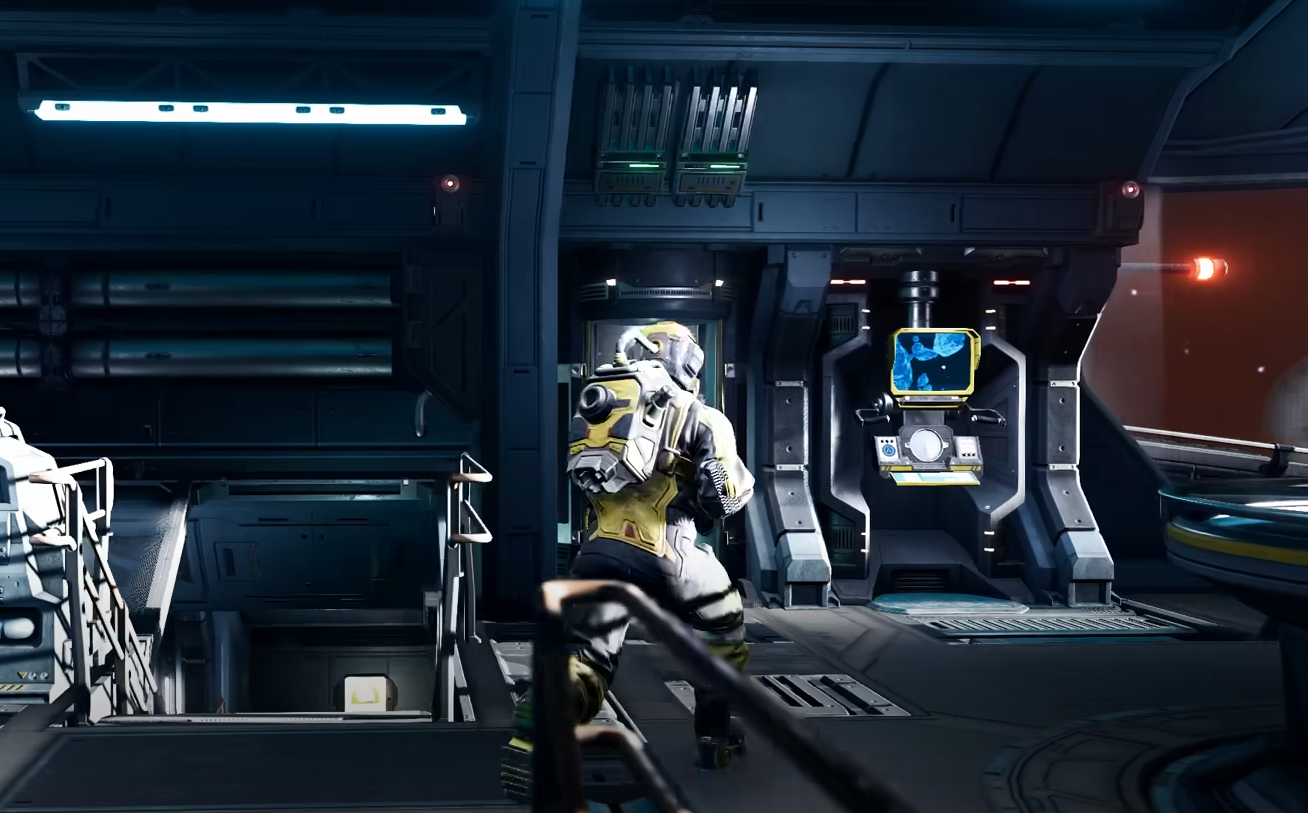
To remove artifacts, head back to your hangar between missions. Interact with your ship’s artifact slots and choose the one you want to uninstall. Once removed, that slot is freed up for another artifact you find during your next run.
Artifacts are only temporary items. They cannot be carried over from one mission to another. When you finish a run, all artifacts are cleared automatically, even if you don’t manually remove them. That means removal is only useful if you want to swap mid-progress or test different combinations in your current run.
How Artifacts Work
Artifacts act like passive modifiers for your ship. Some give bonuses like stronger shields, while others improve resource gains or boost certain systems. They install instantly when picked up, but they also take up a limited number of slots.
Managing these slots is important. If you find a better artifact, you’ll need to remove an old one to make room. This is why learning to uninstall is essential, especially on long missions where the right buff can make the difference.
See our full guide on using artifacts here.
What Happens After Missions
Once a mission ends, all artifacts are wiped from your ship. They are not permanent upgrades like turrets, reactors, or thrusters. If you want long-term progress, you’ll need to focus on salvaging ship parts and using credits to upgrade them back at the hangar.
Artifacts are meant to add variety and adaptability within a single run, not carry over forever. Think of them as temporary boosts that encourage different playstyles each time you launch.
Final Blurb
Removing artifacts in Jump Space is simple, but understanding why and when to do it makes a big difference. Clear out weaker passives to make room for stronger ones, experiment with different setups, and remember that artifacts always reset after missions. They are a tool for the moment, not for long-term progression.
FAQ
How do you remove artifacts in Jump Space?
Go to your ship in the hangar, interact with the artifact slots, and select the artifact you want to uninstall.
Do artifacts carry over between missions?
No, artifacts are wiped at the end of every mission. They only affect your ship during the run where they are collected.
Are artifacts permanent upgrades?
No, only ship parts and hangar upgrades are permanent. Artifacts are temporary buffs.
Why would I remove an artifact during a mission?
You might want to swap out a weaker artifact for a stronger one, or clear a slot to adapt to the challenges of your current sector.
More Jump Space