Changing factions in Warborne: Above Ashes can be tempting if you want new allies, different perks, or simply a fresh start. The process is simple to follow, but it comes with real costs that can set you back if you are not prepared. Knowing what stays, what resets, and how to avoid mistakes is the key to switching smoothly.
How to Change Your Faction in Warborne Above Ashes
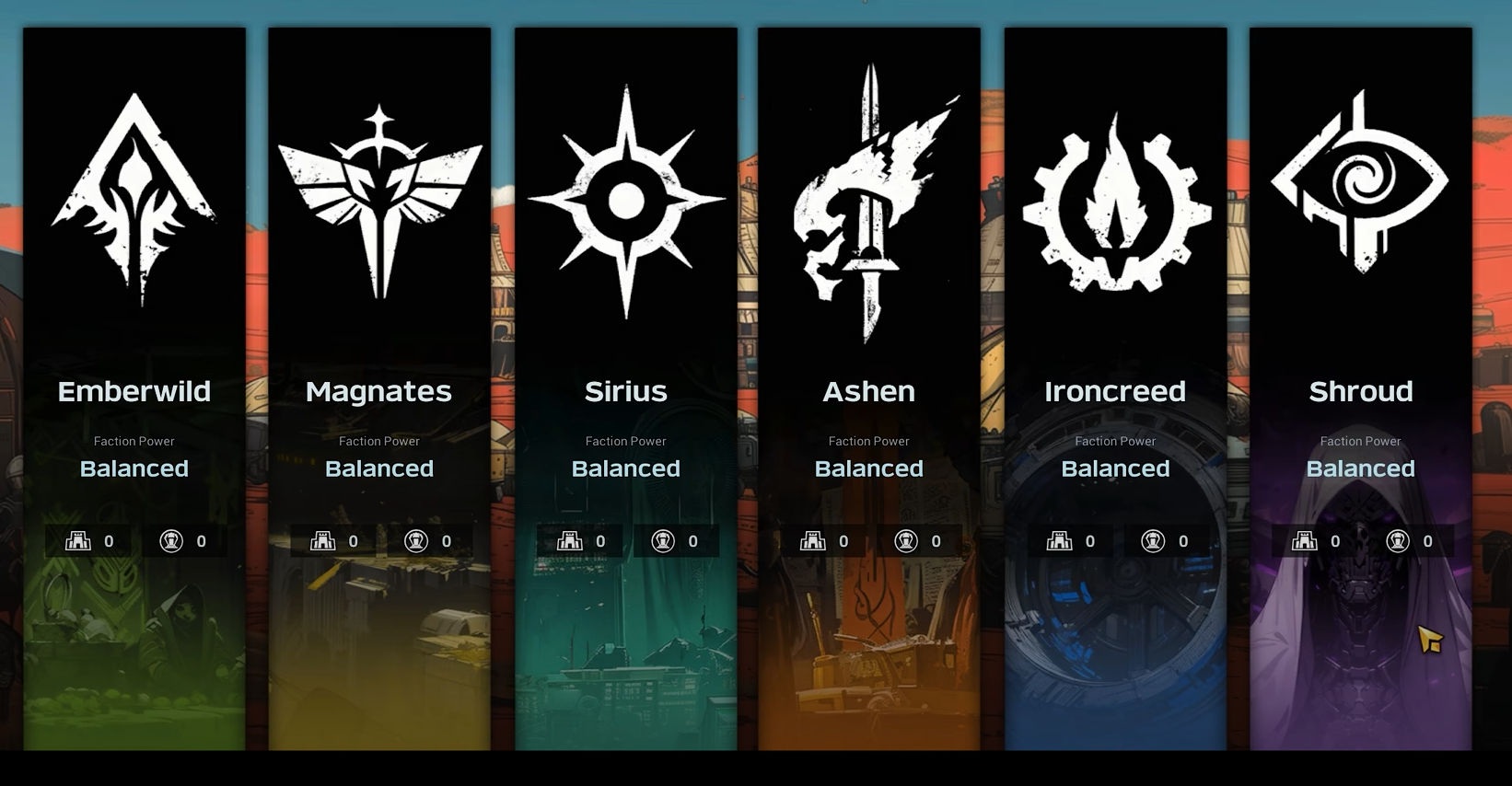
To switch factions, open the Faction Missions menu on the right side of your screen. From there, go to the “Faction Info” tab. Select the option “Change Faction,” then choose your new side from the list that appears.
Once confirmed, your character and Driftmark are teleported to the Shattered Verge. This area works as a reset zone for new members, letting you begin under your new banner.
What You Keep and What You Lose
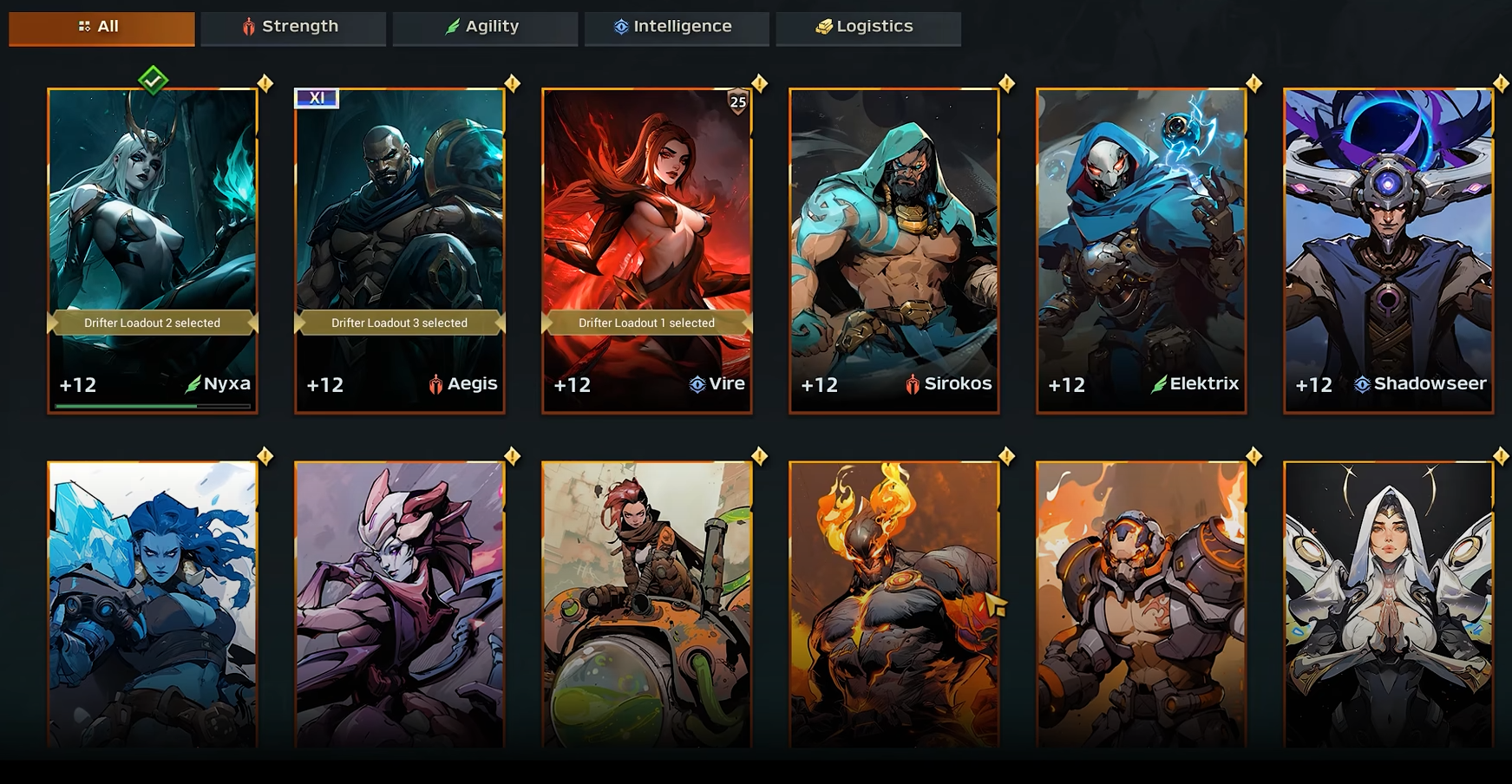
Most of your progress is safe. You keep money, equipment, unlocked research, drifters, PvP rank, and your Nomad Posts. These do not vanish when you leave a faction.
What you do lose is half of your Faction Contribution. Some rewards and ratings that are tied to your old faction may also reset or become unavailable.
Important Warnings Before Switching
Never attempt a switch while your Driftmark is disassembled. Doing so can cause issues that may make it vanish. If it fails to appear after you switch, use ESC → Options → Summon Driftmark to call it back.
Be ready for relocation, since you will not remain in your old faction’s territory. Have your Driftmark assembled and active before confirming the move.
Tips for Making the Transition Easier
Choose a faction that fits your long-term playstyle. Switching often only drains contribution and progress.
Prepare your resources and gear before moving, since you may need to rebuild certain systems under the new group.
If you belong to a warband or guild, let them know ahead of time. Faction shifts can break alliances and impact PvP access.
Always check faction bonuses to match them with your build. Some groups are stronger in tech, others in stealth or gathering.
Final Blurb
Switching factions in Warborne: Above Ashes is quick, but the penalty makes it something you should plan carefully. You keep your core progress, but you lose half your contribution and risk losing some faction perks. Make sure your Driftmark is ready, your resources are stocked, and your new faction truly matches your playstyle before making the leap.
FAQ
How often can you change factions?
There is no strict timer, but losing contribution makes frequent changes a poor choice.
Do Driftmark upgrades reset when switching?
No, all upgrades and research for your Driftmark remain intact.
Can you return to your old faction?
Yes, but you will lose contribution again and may need to rebuild standing.
Do Nomad Posts stay when switching factions?
Yes, your Nomad Posts remain in place on the map even after you move.
More Warborne Above Ashes