

Mage Arena: Best Graphic Settings Guide (Steam)
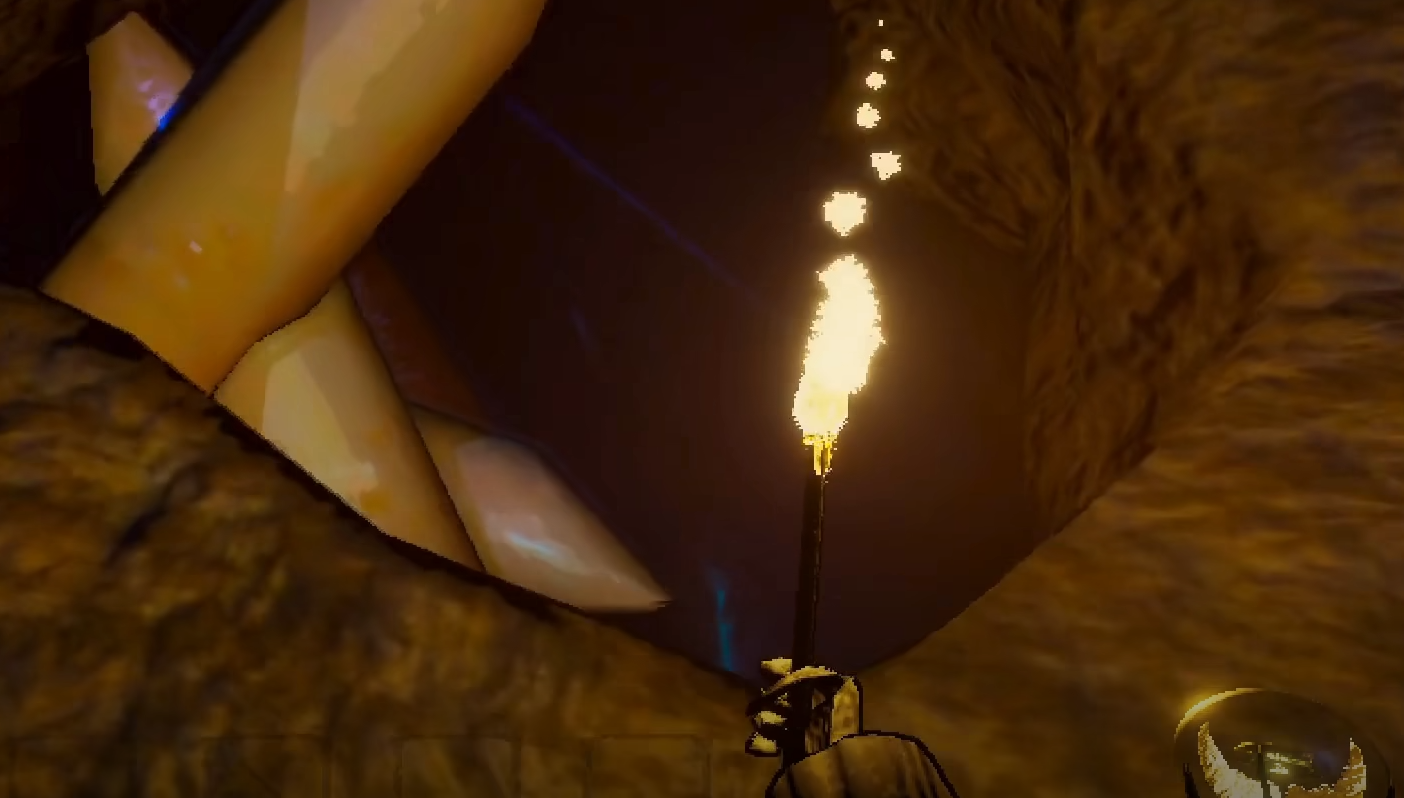
Mage Arena does not have in-game graphic settings at this time. All visual changes must be made using your PC’s display and GPU control panel settings.
Best Graphic Settings for Performance
Set your display resolution to your monitor’s native resolution. Lowering resolution will improve frame rate if your PC struggles.
Use your GPU control panel (NVIDIA Control Panel or AMD Radeon Software) to force settings. Disable features like V-Sync and Motion Blur for faster response.
Lower antialiasing settings for a sharper, faster experience. Texture quality and shadow detail should be left at default or lowered slightly if needed.
Best Graphic Settings for Clarity
Enable a high refresh rate in your monitor settings. Lock the frame rate to match your monitor’s refresh for smooth gameplay, or lower it if for some reason your PC is struggling.
Use your GPU to enable anisotropic filtering at 8x or higher for sharper textures. Set color mode to full RGB range for better contrast.
Disable unnecessary background software to free up system resources. Keeping drivers updated also ensures the game runs at peak performance.
Final Blurb
Mage Arena does not offer in-game graphic settings yet. For best results, change resolution and performance options through your PC display and GPU settings.
Adjusting antialiasing, shadows, and frame rate from your control panel will give you smoother gameplay and clearer visuals.
FAQ
Can I change graphics inside Mage Arena?
No. All settings must be adjusted on your PC, not in the game itself.
What resolution is best for performance?
Lower resolutions improve performance, but use your monitor’s native resolution for best clarity.
Should I use V-Sync?
No. Disabling V-Sync improves response time and reduces input lag.
Does updating GPU drivers help?
Yes. Updated drivers improve stability and performance for Mage Arena.
More Mage Arena


