My Winter Car Can’t Sleep Fix: Why the Game Won’t Let You Rest
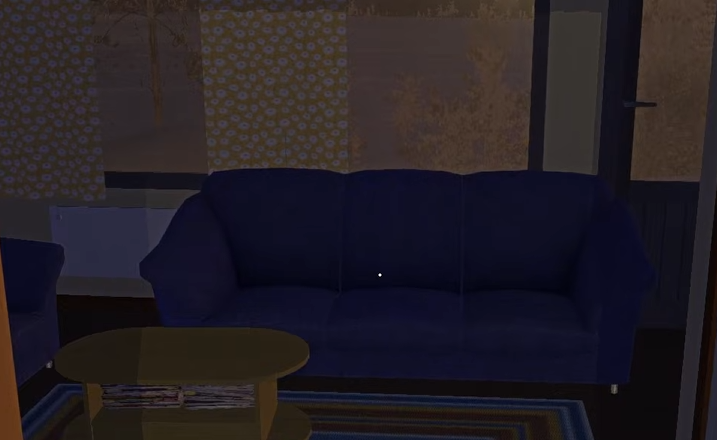
Sometimes the game suddenly refuses to let you sleep, even when it worked earlier. Your temperature drops, freezing starts, and beds stop working at home or at your parents’ house.
Why You Can’t Sleep in My Winter Car
You cannot sleep if the game thinks your character is still too cold or not settled yet.
Even if the temperature meter rises back up, the sleep check can lag behind for a short time. When that happens, the game blocks sleeping until conditions fully stabilize.
The Actual Fix That Works
In most cases the fix is simply waiting.
After warming up, the game needs a little time before it allows sleep again. Once the internal state updates, sleeping works normally.
This is why some players report it suddenly working after doing nothing.
Common Reasons Sleeping Gets Blocked
These are the most common triggers.
Temperature dropped to freezing recently
Entering a cold house or car before sleeping
Trying to sleep immediately after warming up
Heaters not warming the room fast enough
The game is very strict about temperature checks.
Heaters Maxed but Still Can’t Sleep
Even with heaters fully on, the room may still be flagged as cold for a short period.
Stay inside. Do not move around too much. Let the heat sit for a bit.
Once the room and character settle, sleeping becomes available again.

Sleeping at Parents House vs Home
Both locations follow the same rules.
If it is too cold at one, it will also fail at the other until your character fully warms up. Driving between houses does not reset the check.
What Not to Do
These actions usually make it worse.
Rapidly entering and exiting beds
Driving around while freezing
Standing outside between attempts
Assuming the save is broken
This is not a save issue.
Is This a Bug or Intended
This appears to be intended behavior with strict temperature conditions.
The delay after warming up feels unintuitive, but it is consistent once you know how it works.
Final Blurb
If My Winter Car won’t let you sleep, your character is almost always still considered too cold. Even after warming up, the game may need a short wait before allowing sleep again.
Stay inside, keep heaters on, and give it a minute. Eventually, the bed will work like normal.
FAQ
Why won’t the game let me sleep even after warming up
The temperature check can lag behind. Waiting usually fixes it.
Do heaters actually matter for sleeping
Yes. The room must be warm enough before sleep is allowed.
Is this a bug
It behaves consistently, but the delay feels rough.
Can driving somewhere else fix it
No. The temperature state follows you.
Is my save corrupted
No. This is a common temperature related issue.
Related Guides