Ninja Gaiden 4 How To Change Outfits
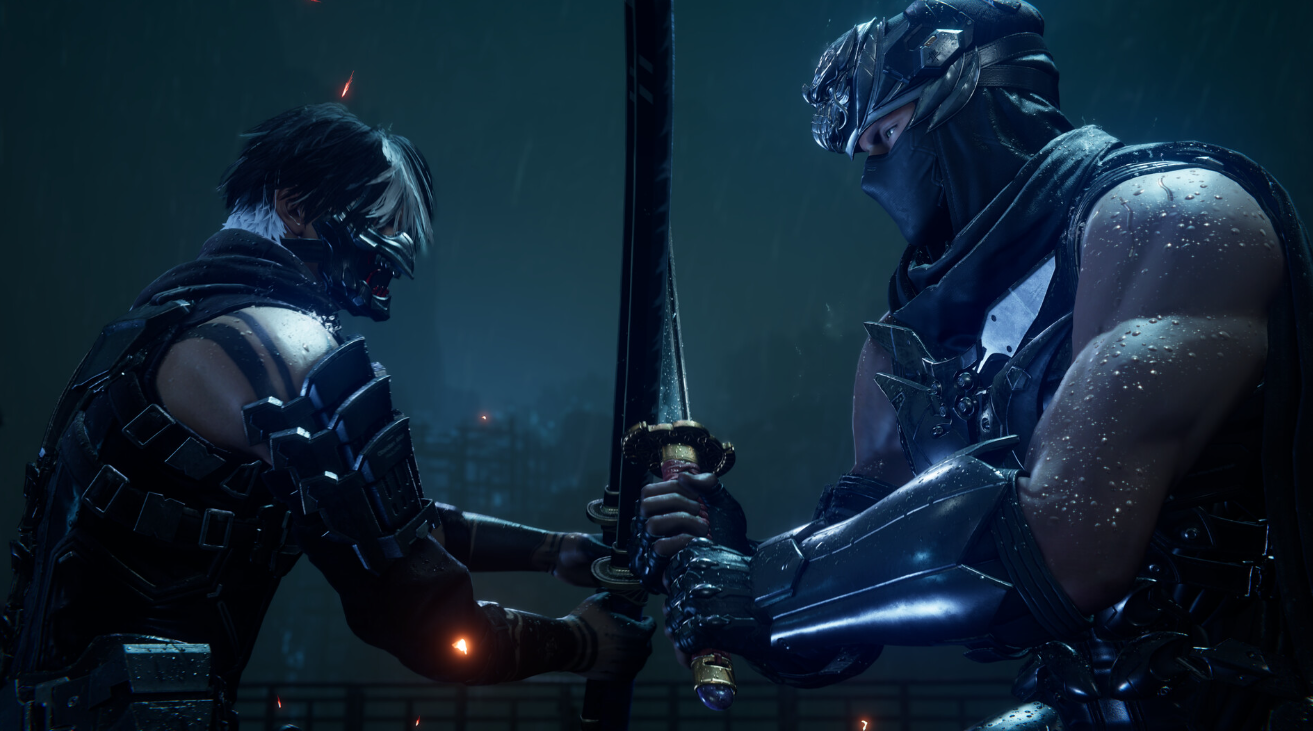
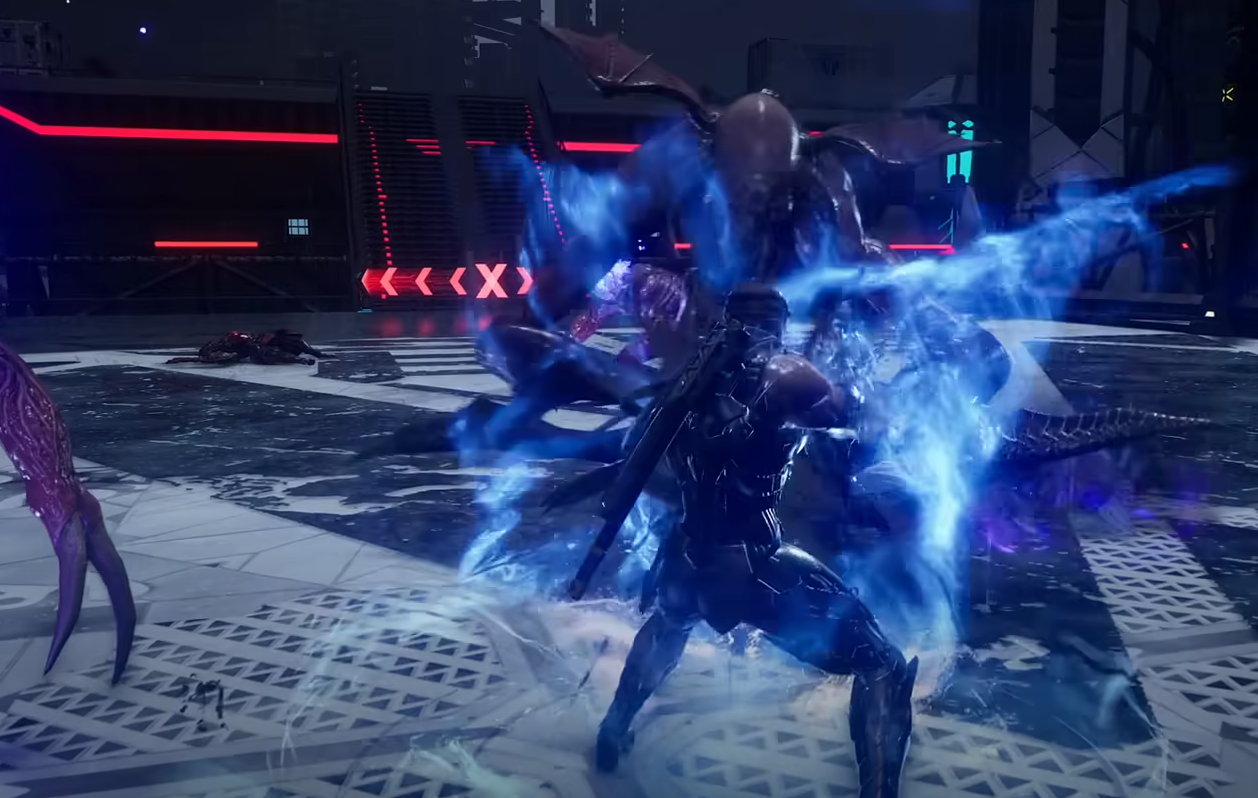
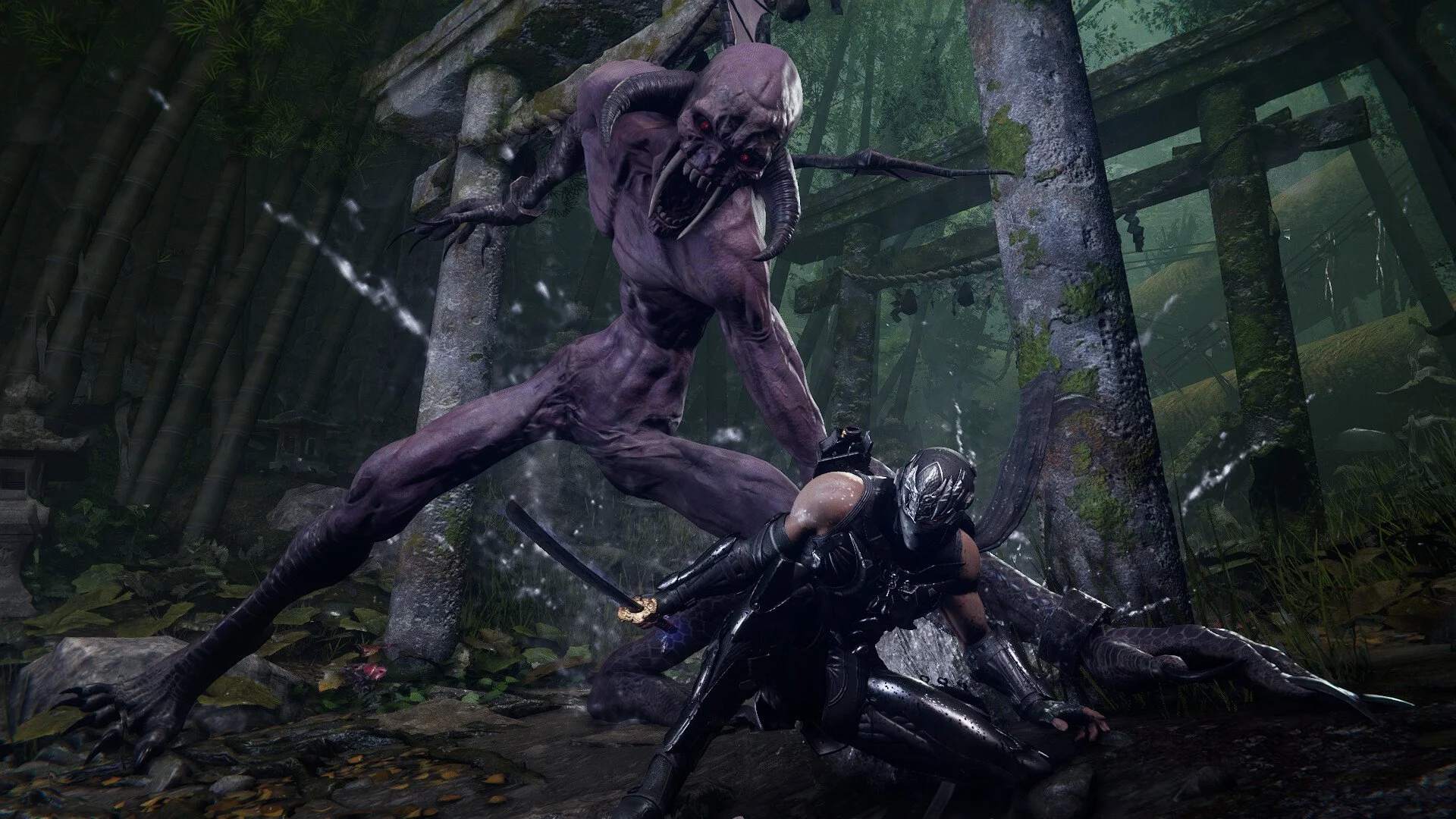
Switching looks in Ninja Gaiden 4 takes a bit more digging than older entries. The game hides its outfit options behind a few menus, and most bonus skins come from the Deluxe Edition. Here’s exactly how to change your outfit, find the Appearance menu, and claim every costume available.
How To Change Outfits in Ninja Gaiden 4
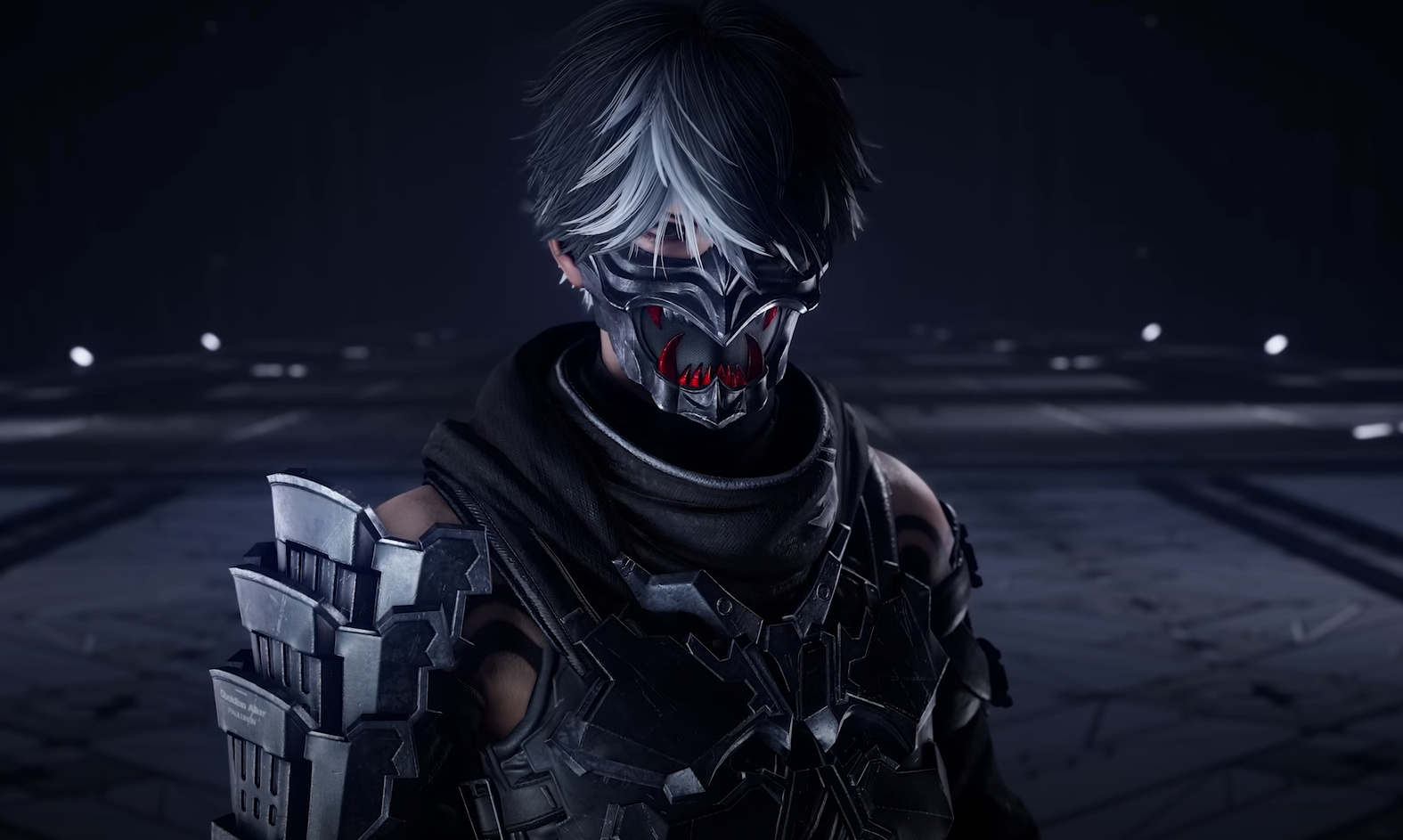
Pause the game once you reach your main mission hub, then open the Equipment tab. At the bottom left of that screen, select Appearance. This lets you equip any unlocked outfits for Ryu or Yakumo and apply weapon skins. Each outfit preview appears instantly, so you can swap styles without leaving the menu.
How To Unlock More Outfits and Skins
After completing the opening tutorial, continue through the Tokyo mission until you find a DarkNest Terminal. Interact with it to access several features, including the Receive Content option. That’s where Deluxe Edition and bonus rewards are stored. Select it to claim your extra items, which then appear automatically in the Appearance menu.
Full Deluxe Edition Content List
Once you’ve claimed everything, these items are added to your inventory.
Blade of the Archfiend Ryu Weapon Skin
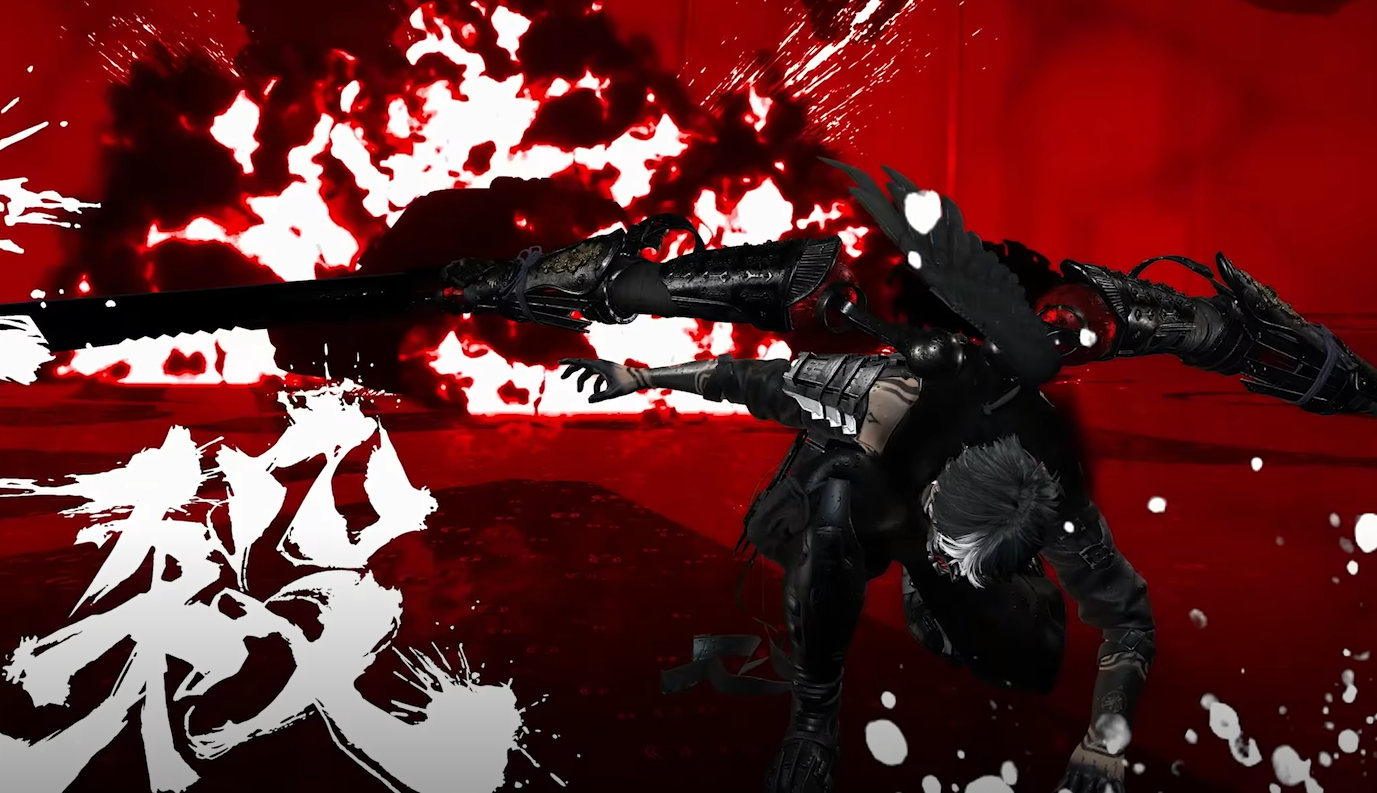
Traditional Dark Blue and Legendary Black Falcon Ryu Skins
Divine Chimera and Raven Master Yakumo Skins
Divine Chimera Yakumo Weapon Set
50,000 Bonus NinjaCoin
Life Elixer x5
Divine Life Elixer x3
Crimson Blood Pellets x2
Senjin War Brew x2
Kongou Iron Brew x2
Incense of Rebirth x1
If your inventory is already full, you’ll automatically get NinjaCoin instead of duplicates. Spend those on early combat upgrades instead of consumables. It makes your first few hours way easier.
Where Future Outfits Might Appear
The DarkNest Terminal is likely where future post-launch skins will drop too. Keep an eye on new “Receive Content” options whenever updates roll out, since the interface already supports extra add-ons and pre-order bonuses.
Final Blurb
Changing outfits in Ninja Gaiden 4 only takes a few clicks once you know where the Appearance option hides. The DarkNest Terminal handles everything Deluxe Edition or bonus related, so always check it between missions. With both Ryu and Yakumo having unique styles, there’s plenty of reason to mix things up before your next fight.
FAQ
How do I change costumes for Ryu and Yakumo in Ninja Gaiden 4
Pause the game, go to the Equipment tab, and pick Appearance in the bottom left. From there you can switch both character outfits and weapon skins.
When do I unlock the Appearance option
It becomes available right after finishing the tutorial and starting the first Tokyo mission. You’ll need to reach a DarkNest Terminal before Deluxe skins appear in your menu.
Can I use Deluxe Edition outfits right away
Yes, once you access the first DarkNest Terminal, select Receive Content and they’ll unlock instantly.
What happens if I already have the max number of items
You’ll receive NinjaCoin instead. The game replaces duplicates with currency automatically.
Will Ninja Gaiden 4 get more outfits later
The developers haven’t confirmed it yet, but since Deluxe and pre-order content use the same terminal system, future skins will probably show up there too.
© 2025 GamerBlurb. Linking is welcome with credit to GamerBlurb.com. Copying or reproduction without permission is prohibited.
More Ninja Gaiden 4