Ninja Gaiden 4 Hit Lag Explained
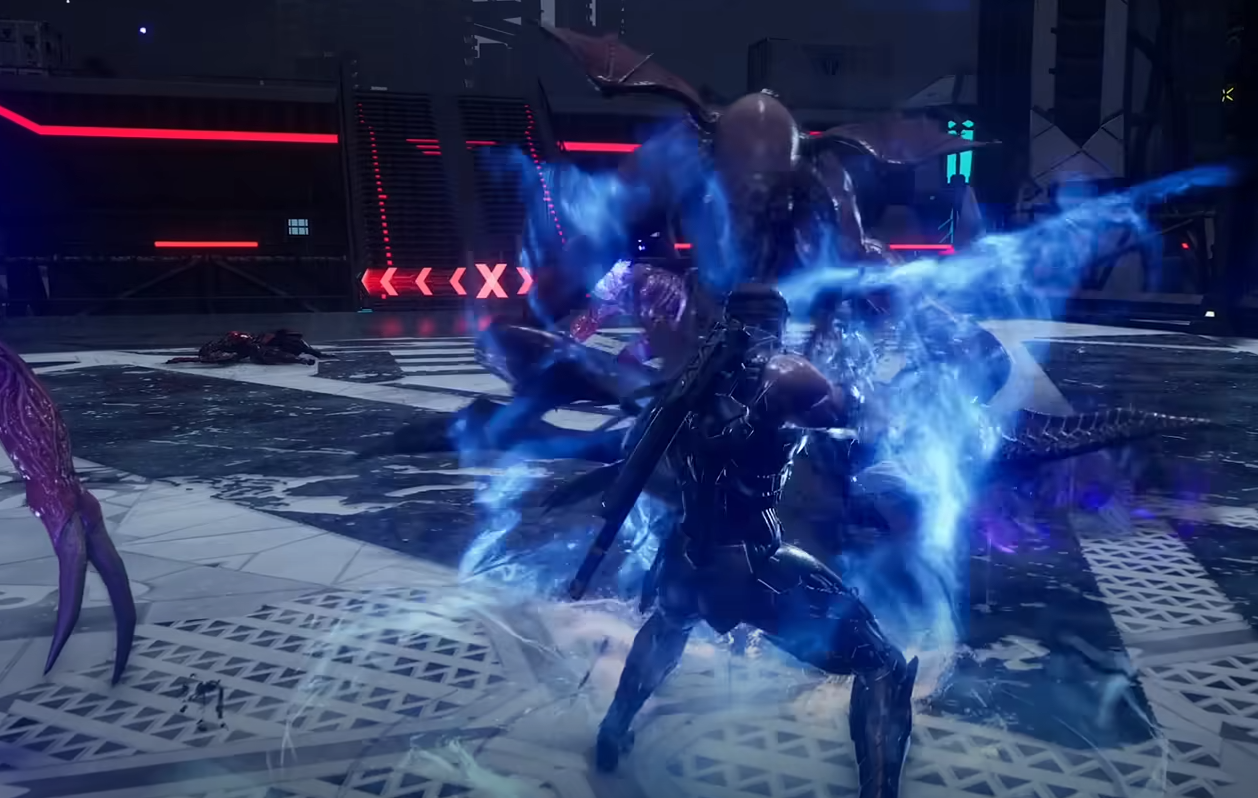
Hit Lag, also called Hitstop, is one of those tiny settings that can change how the whole game feels without you even realizing it. It tweaks how every hit connects, affecting speed, rhythm, and overall flow during fights.
What Hit Lag Does
Hit Lag causes a very brief pause when your attack connects with an enemy. This pause is usually just a few frames, but it creates a sense of weight and impact. Fighting games like Street Fighter or Tekken use the same effect to make hits feel stronger.
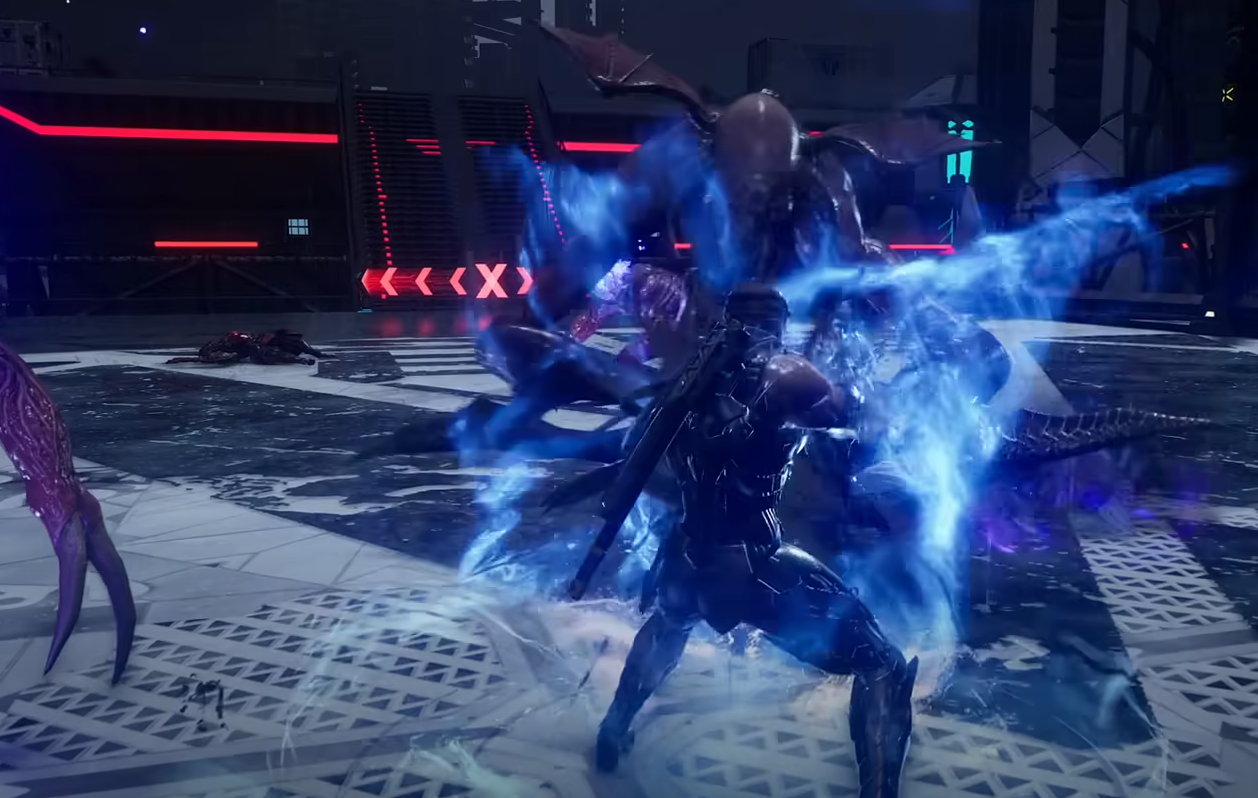
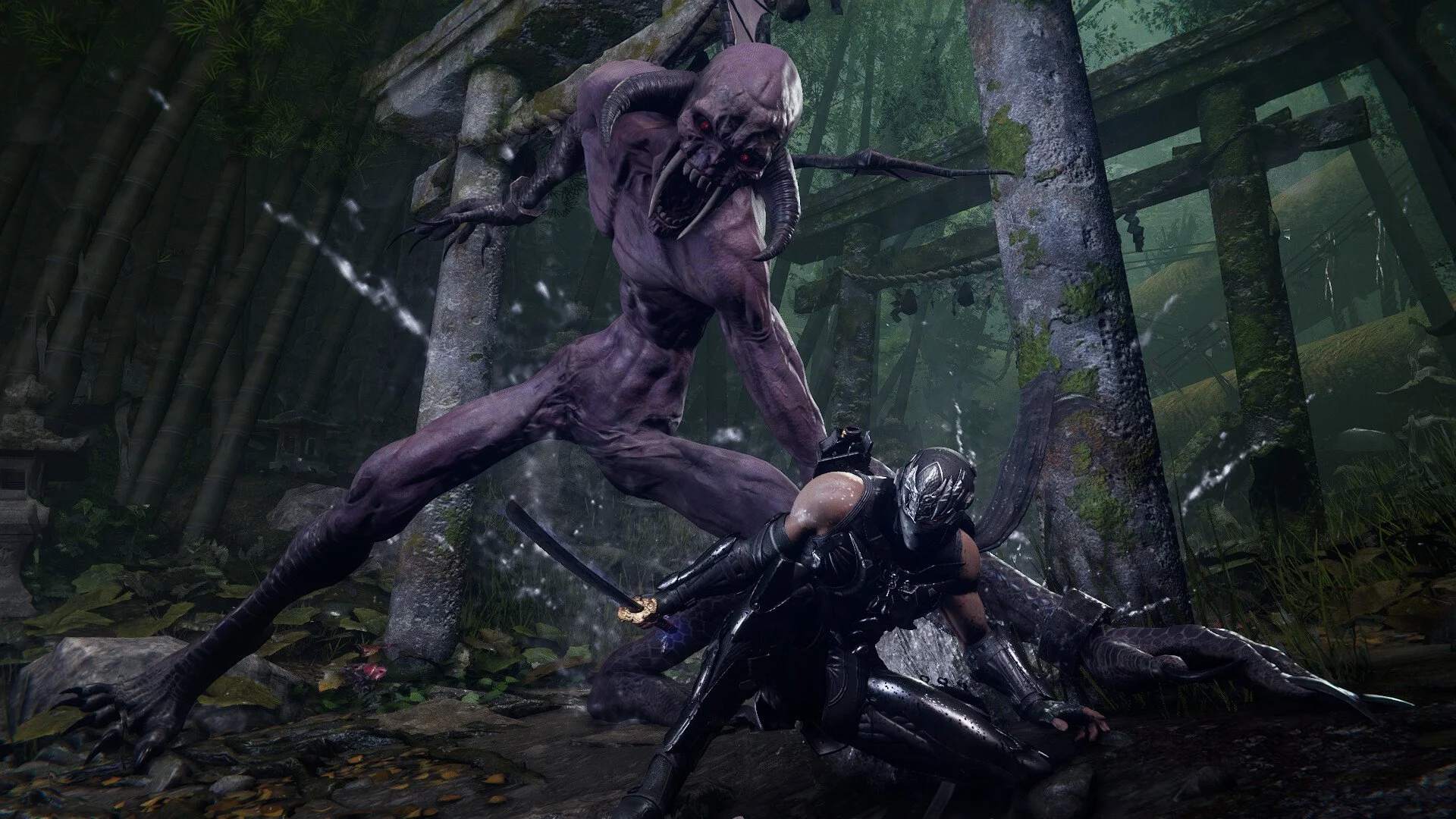
In Ninja Gaiden 4, it slightly slows the moment of impact, letting you see the strike land before combat resumes. With it on, fights feel more cinematic and heavy. With it off, combat flows faster and feels closer to the older Ninja Gaiden games.
Should You Turn Hit Lag On Or Off
If you want smoother, uninterrupted combat, turn Hit Lag off. Disabling it keeps the speed high and prevents the micro-pauses that can break momentum during long combos. Many players who grew up with classic Ninja Gaiden prefer it off for that exact reason.
If you like games that emphasize hit feedback, or if you play a lot of fighting games, keep it on. The brief slowdown gives every slash more punch and makes timing easier to read early on.
Recommended Setting For Most Players
Most players should try leaving Hit Lag off after testing both options. The difference is subtle early in the game, but becomes noticeable during boss fights or crowded arenas. Without it, your movements feel faster and more reactive, which suits Ninja Gaiden 4’s high-speed combat style.
Final Blurb
Hit Lag in Ninja Gaiden 4 comes down to preference. On gives weight and clarity, off gives flow and speed. Try a few missions both ways and pick the feel that matches your rhythm.
FAQ
What is Hit Lag in Ninja Gaiden 4
It’s a brief pause when attacks connect that adds impact to each hit.
Does turning off Hit Lag make the game harder
Not really, but it can make timing slightly tighter since combat moves faster.
Should beginners keep Hit Lag on
Yes, it helps you visually track hits and learn attack timing early on.
Do pros play with Hit Lag off
Usually yes, since faster response and uninterrupted combos suit advanced players better.
Can you change the setting anytime
Yes, you can toggle Hit Lag on or off at any point in the options menu.
© 2025 GamerBlurb. Linking is welcome with credit to GamerBlurb.com. Copying or reproduction without permission is prohibited.
More Ninja Gaiden 4