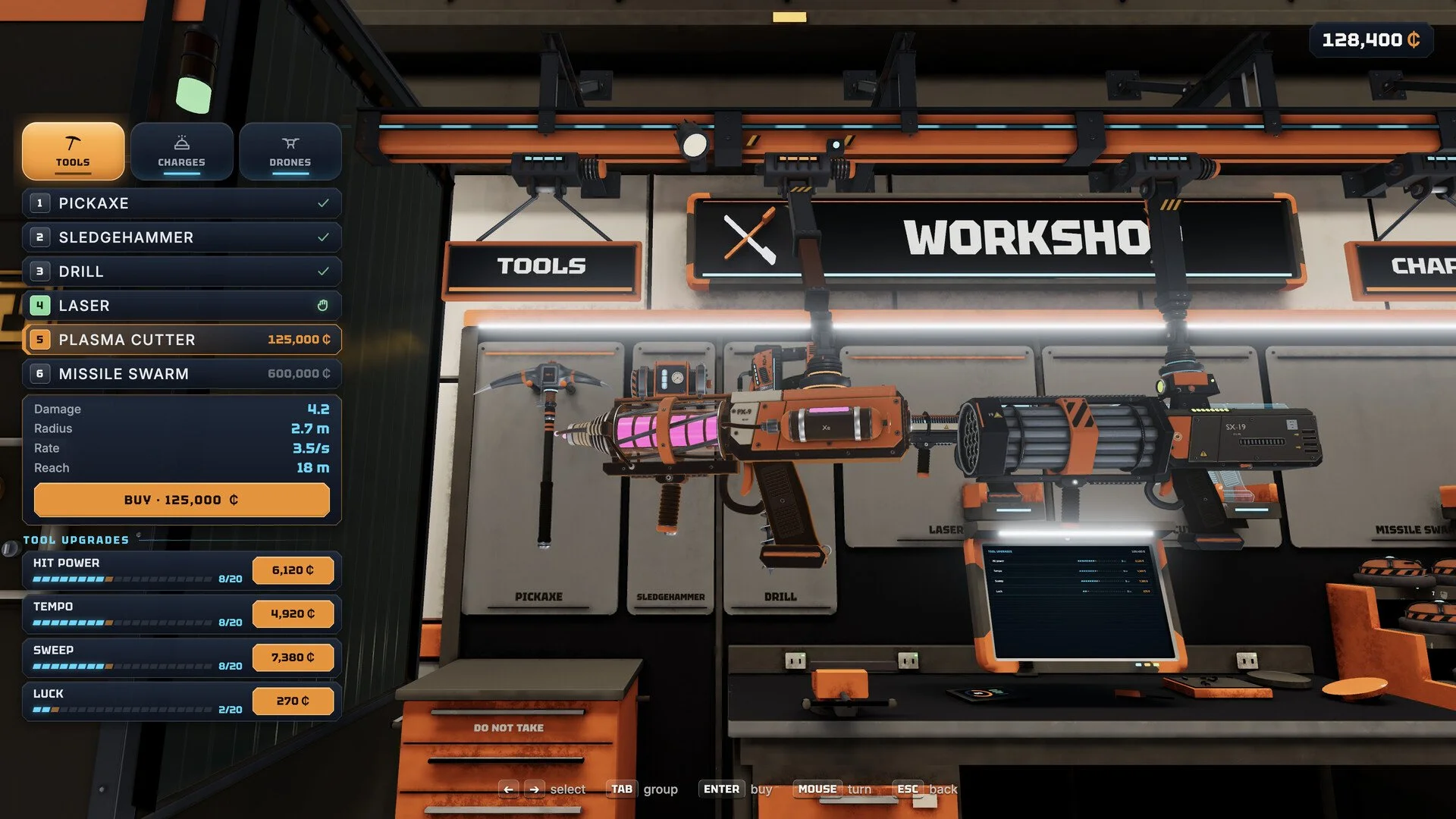
The Repair Station in No Asteroids lets you clean damaged ship interiors, restore worn surfaces, and earn permanent bonuses for individual rooms. However, it costs $50,000 and doesn't become available immediately. Here's where to unlock it, how its two sprayer modes work, and what you gain from restoring your ship.
How to Use the Repair Station
All Room Repair Bonuses
How to Reach 100% Restoration
Is the Repair Station Worth Buying?
How to Get the Repair Station in No Asteroids
The Repair Station costs $50,000 from the Supply Kiosk aboard your ship in No Asteroids. It becomes available on Day 28 of Year 1, so you cannot purchase it during the opening weeks of your campaign.
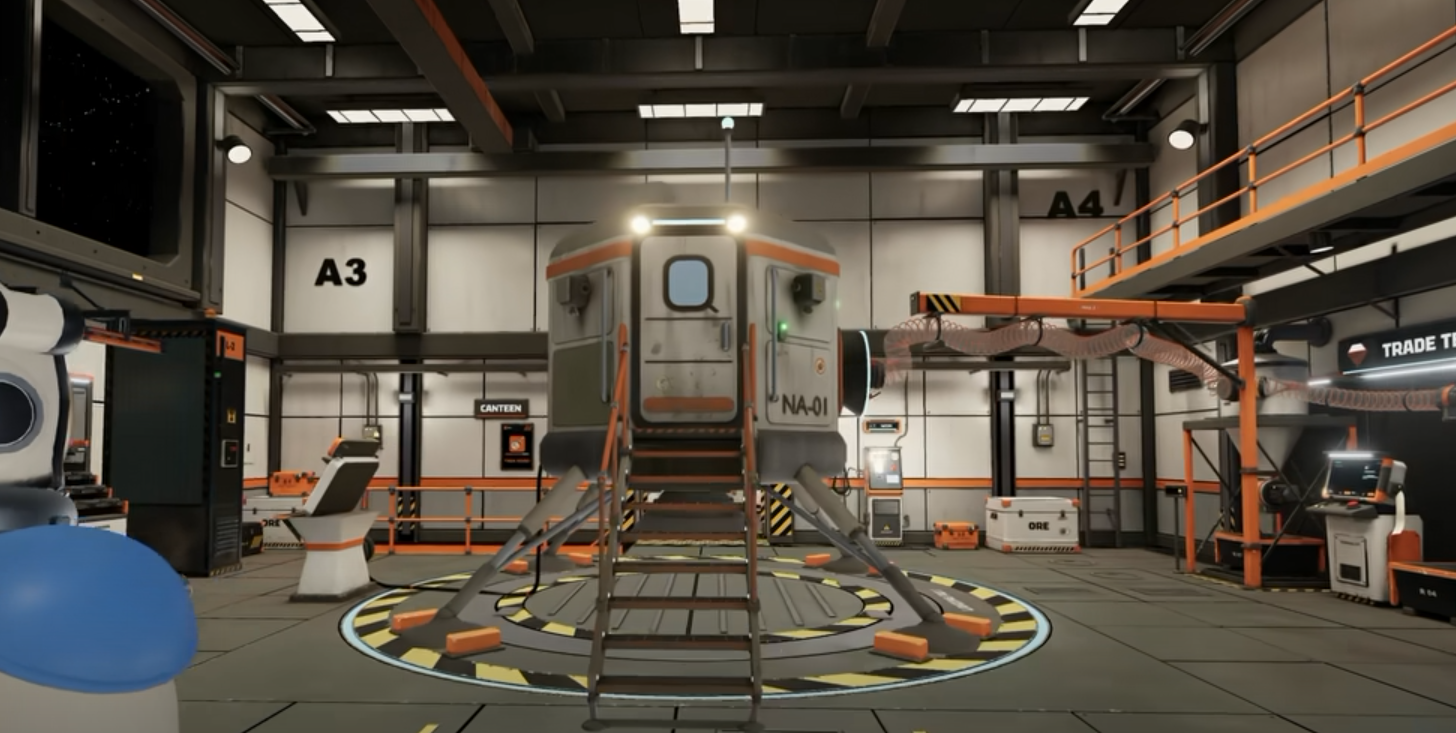
After purchasing it, head to the Hangar and look beside the existing Wash station. You'll find a new Cleaning dock holding a sprayer, which is the equipment used for both washing and repairing the ship.
The Repair Station isn't a separate room or a machine you enter. It adds equipment to the Hangar that you can carry into other ship sections.
It's also different from the regular Wash sprayer used on your lander. The Repair Station's cleaning tool works on the mothership itself, and attempting to spray the lander with it produces a message explaining that the tool isn't certified for that vehicle.
How to Use the Repair Station in No Asteroids
The Repair Station has two operating modes: Cleaner and Restorer. Cleaner removes dirt from ship surfaces, while Restorer fixes individual damage spots, including chipped edges and worn sections.
You need to use both modes to fully restore a room.
The Cleaner has unlimited use, so washing dirt doesn't consume additional supplies. Restorer is different: its cartridge costs $10 and provides 45 seconds of spraying. When it runs out, press F to purchase another cartridge.
The highlight function is particularly valuable because some damage spots are difficult to distinguish from ordinary wall textures. Switching modes changes what gets highlighted, so you can search for dirt and structural damage separately.
All Repair Station Room Bonuses in No Asteroids
Repairing the ship provides more than cosmetic improvements. Each of the five main ship sections grants a gameplay bonus when its cleaning and restoration requirements are completed.
| Ship Section | Completion Bonus |
|---|---|
| Hangar | +3% Cargo Hold Capacity |
| Bridge | +3% Ship Gun Fire Rate |
| Museum | +5% Find Rewards |
| Canteen | +3% Air |
| Engine Room | +3% Ship Gun Firepower |
The Museum is a particularly attractive section to restore first if you're still collecting valuable finds, since its 5% reward bonus can benefit future discoveries.
Alternatively, the Hangar's cargo bonus benefits players who frequently fill their ship's storage, while the Bridge and Engine Room upgrades are better suited to builds relying heavily on ship weapons.
These bonuses remain active for the rest of the current Year once the relevant section is certified, even if dirt eventually returns. A new Year resets the certificates and their associated bonuses.
How to Reach 100% Repair and Cleaning in No Asteroids
To fully complete a section, its washing indicator must display 100% and every restoration pip must be filled. Interestingly, you don't need to clean every visible pixel of the room to satisfy the washing requirement.
The game considers a section fully washed once approximately 95% of its surfaces are cleaned. The displayed meter then reaches 100%, provided you've covered enough of the room.
Damage is tracked separately. If your washing meter is complete but the room hasn't been certified, switch to Restorer and use the highlight function to locate any remaining damaged areas.
Each completed section pays $100, while every restored damage spot provides another $5. Completing all five sections therefore awards $500 in room-completion payments, plus the additional money earned from individual repairs.
When all five sections are completed at the same time, you also receive the Certificate of Honour. However, this certificate doesn't provide another financial reward or an additional ship upgrade.
If you're struggling to reach 100%, make sure your game is updated. Update 1.0.2 corrected restoration percentages and removed unreachable dirt and damage from the completion requirements. A subsequent update also addressed damaged spots that could move between sessions.
Is the Repair Station Worth Buying in No Asteroids?
The Repair Station is worth considering for its permanent ship bonuses, but it isn't an efficient purchase if your only goal is earning money.
At $50,000, the initial purchase costs far more than the $500 awarded for completing all five rooms. Even with the additional $5 payments from restoring damaged spots, the direct cash rewards aren't the main reason to buy it.
The larger benefit comes from improvements to cargo capacity, air, ship weapons, and find rewards. These affect activities you'll continue performing throughout the campaign, making the Repair Station more attractive when purchased early enough to benefit from its upgrades.
There's also little reason to keep cleaning a certified room solely for another payout. Restoration payments are one-time rewards, and completed sections retain their bonuses for the remainder of the Year.
Cleaned surfaces now remain dust-free for 35 days before gradually gathering dirt again, so regular maintenance isn't immediately necessary.
For a timed campaign, prioritize restoring the rooms that benefit your current equipment and mining strategy instead of spending valuable days making every surface spotless. In No Rush mode, where the standard deadline is removed, completing the entire ship is easier to fit into your schedule.