

Not Enough Money in Cash Cleaner Simulator — What to Do
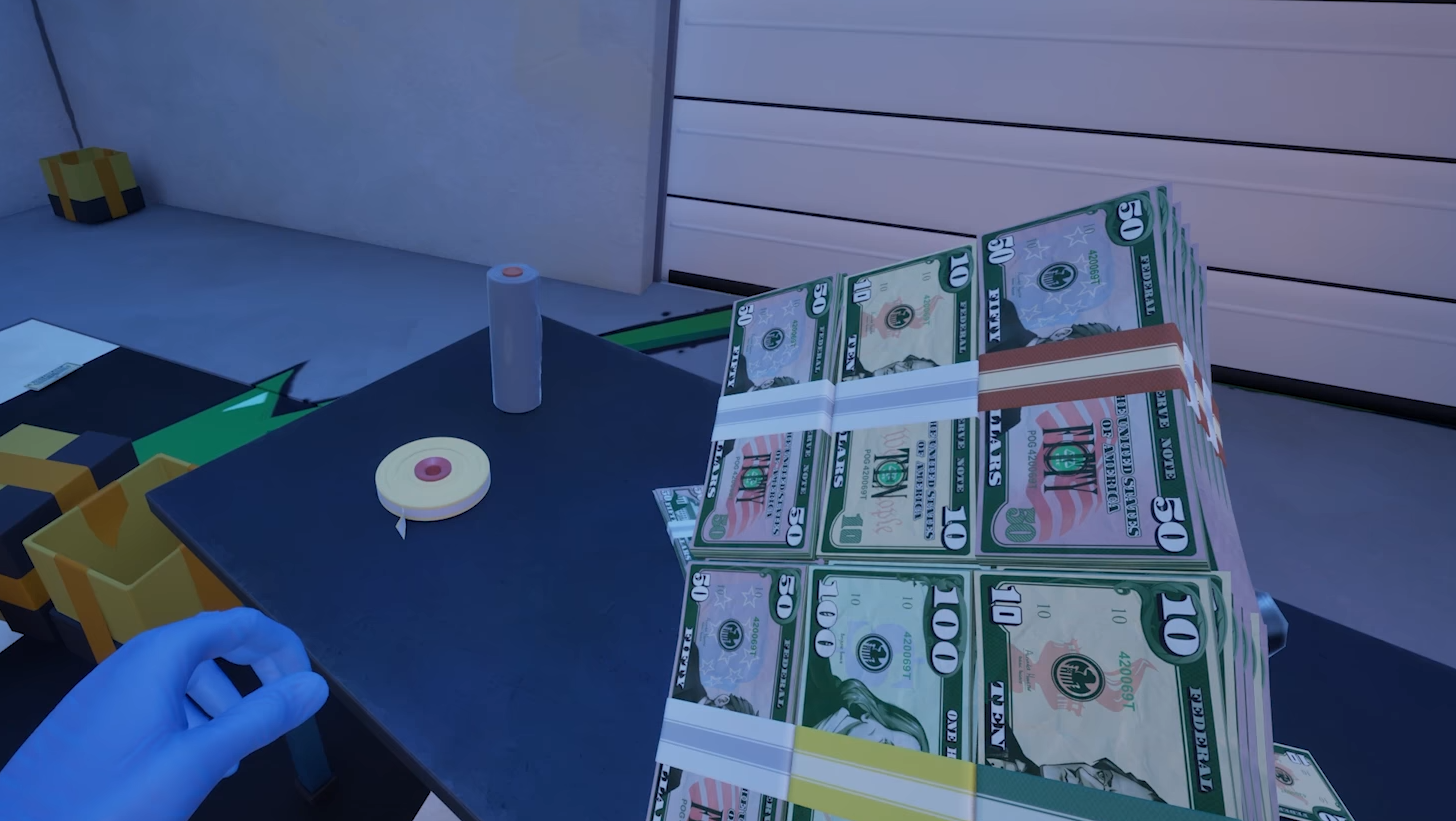
Image Credit(s): Mind Control Games, Cash Cleaner Simulator
If you accepted a mission in Cash Cleaner Simulator and realized there’s not enough cash lying around to complete it, don’t panic. It’s part of how the game teaches you to stockpile and plan ahead.
Here’s what to do if you ran out of money.
Read More: All Achievements in Cash Cleaner Simulator
Step 1: Double Check for Hidden Bills
Open every box that dropped during the mission
Look behind walls, shelves, and furniture—sometimes containers bounce out of reach
Use flashlights or crouch to spot money stuck under tables or carts
You might just be missing a crate with more bills.
Step 2: Save Your Extra Cash
Not every mission gives you enough cash to finish the job. And some missions won’t drop any money at all. That’s why you should:
Save all extra cash from earlier missions
Bundle partial stacks and store them in boxes or on pallets
Organize by denomination if you want to save time later
This lets you take on harder missions without waiting for perfect drops.
Step 3: Don’t Shred or Burn Usable Bills
Unless a mission specifically tells you to destroy cash, keep every single bill you find. Even a messy pile of $5s can come in handy when the next job wants a big total.
Final Blurb
You’ll hit missions that give you too much cash and others that leave you hanging. That’s normal. The trick is to treat every extra dollar like it’s your emergency stash. Save now, clean later, and you won’t get stuck on a $15,000 job with $14,990 in your pocket.
Recommended | View all Cash Cleaner Simulator


