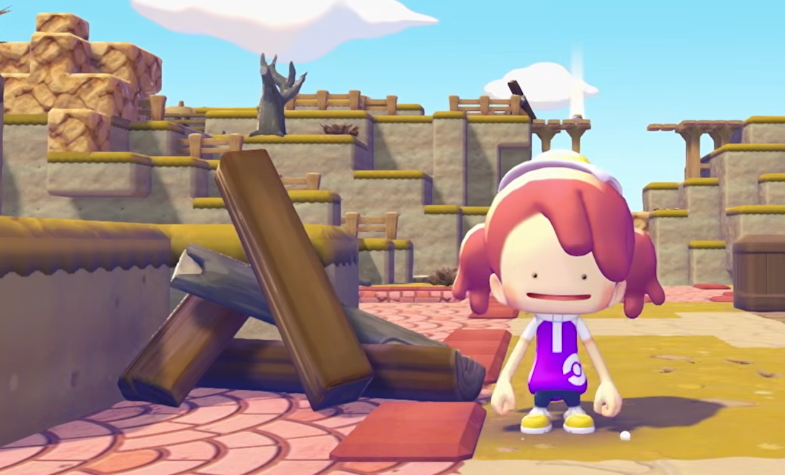
Pokemon Pokopia Multiplayer Guide: How To Play With Friends
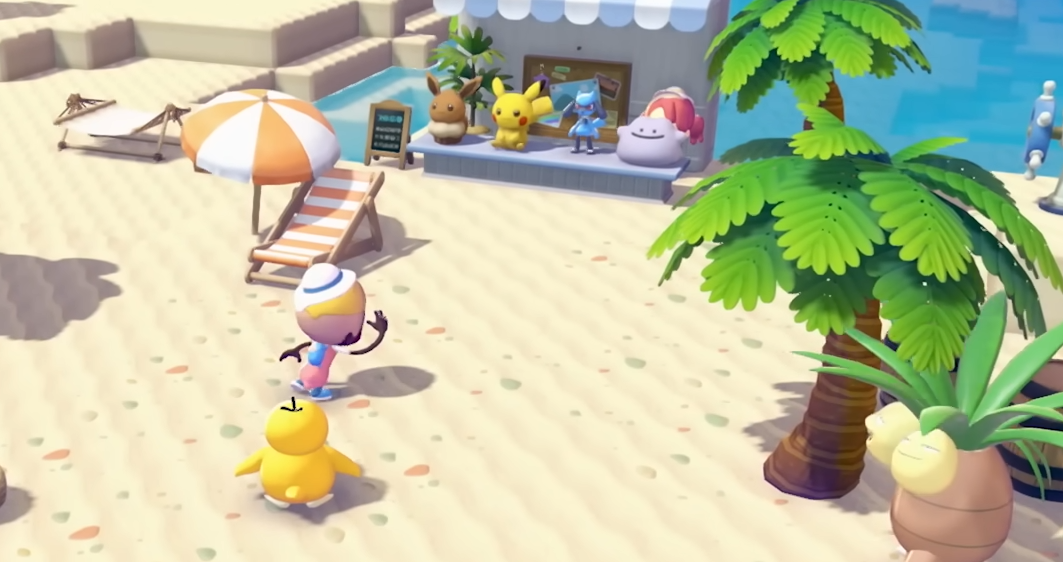
Pokemon Pokopia lets players relax, build, and explore a shared island with their favorite Pokemon. Crafting furniture, decorating houses, and gathering materials feels even better when friends join the adventure. Pokemon Pokopia supports multiplayer for up to 4 players through online or local play, with an additional GameShare option that allows limited sharing of the game.
Multiplayer opens up once you progress far enough in the early game, letting you invite friends to visit your island and help shape the world together.
Unlocking Multiplayer In Pokemon Pokopia
Multiplayer is not available immediately when you start the game. Players must first progress through the opening tutorial and begin developing their island.
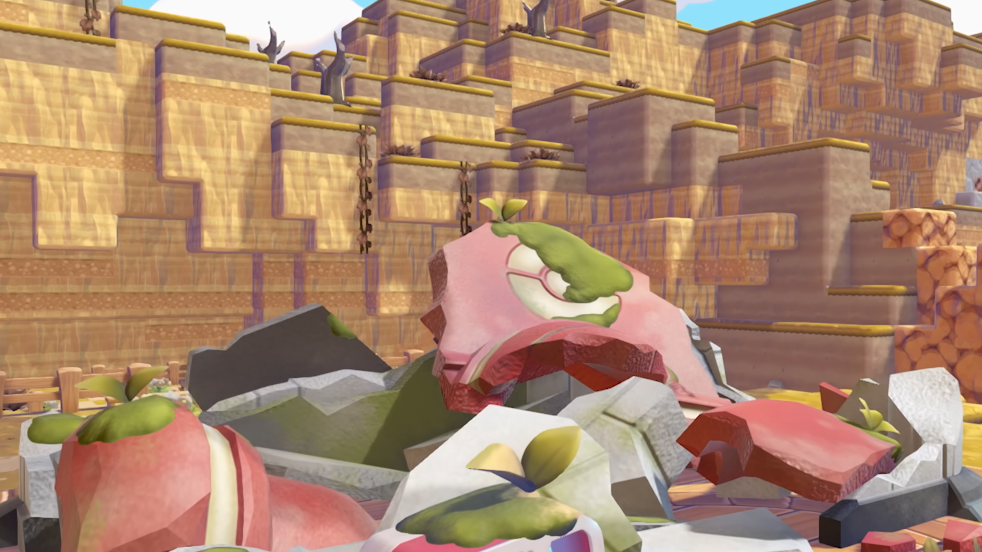
After building your first Pokemon Center, the multiplayer machine inside becomes functional. Interacting with this machine allows you to host a session or join another player’s island.
Once unlocked, multiplayer becomes a regular feature you can access whenever you want to play with friends.
Online Multiplayer Explained
Online multiplayer allows you to play with friends who are not physically near you. Up to 4 players can explore the same island at the same time.
Each player joining online must meet a few requirements.
A Nintendo Switch Online membership
A stable internet connection
A copy of Pokemon Pokopia on their Nintendo Switch 2 system
Online play is the best option if your friends live far away but still want to build and explore together.
Local Multiplayer With Friends Nearby
Local multiplayer works when players are in the same physical location. This option allows nearby systems to connect without using the internet.
Unlike online multiplayer, a Nintendo Switch Online subscription is not required when playing locally. However, each player still needs their own copy of the game and a Nintendo Switch 2 console.
Local multiplayer is a great option for friends visiting your house or playing together in the same room.
GameShare Multiplayer
Pokemon Pokopia also supports GameShare. This feature allows one player who owns the game to share access with another system.
The shared player can join the session even if they do not own the game themselves. However, GameShare sessions only allow two players at a time.
Once the GameShare session ends, the shared player loses access to the game until another session begins.
GameShare can also allow a Nintendo Switch 1 system to temporarily join a multiplayer session hosted by a Nintendo Switch 2 console.
What You Can Do In Multiplayer
When friends join your island, everyone appears in the host player’s world. Players can interact with the environment and help shape the island together.
Activities available in multiplayer include:
Building structures and decorating the island
Crafting furniture and items
Planting crops and gathering materials
Discovering Pokemon and registering them in your Pokedex
Playing hide and seek mini games
Any changes made to the island remain in the host player’s world even after guests leave.
Maximum Number Of Multiplayer Players
Pokemon Pokopia supports different player limits depending on how multiplayer is used.
Online multiplayer supports up to 4 players
Local multiplayer supports up to 4 players
GameShare supports 2 players at a time
This allows small groups of friends to build and explore the same island together.
Final Blurb
Pokemon Pokopia focuses on relaxing gameplay and creative freedom, and multiplayer adds a fun social layer to the experience. Friends can visit your island, help construct buildings, gather resources, and explore together.
With support for both online and local multiplayer, plus GameShare for limited sharing, Pokemon Pokopia makes it easy to turn your peaceful island life into a group adventure.
FAQ
How many players can play Pokemon Pokopia multiplayer
Pokemon Pokopia supports up to 4 players in both online and local multiplayer sessions.
Do you need Nintendo Switch Online for multiplayer
Nintendo Switch Online is required for online multiplayer but not needed for local multiplayer.
Can Nintendo Switch 1 join Pokemon Pokopia multiplayer
Yes, a Nintendo Switch 1 system may be able to join a GameShare session hosted on a Nintendo Switch 2 console.
What can you do in Pokemon Pokopia multiplayer
Players can build structures, decorate islands, gather resources, discover Pokemon, and play mini games like hide and seek together.