PowerWash Simulator 2 Not Working Xbox Fix Guide
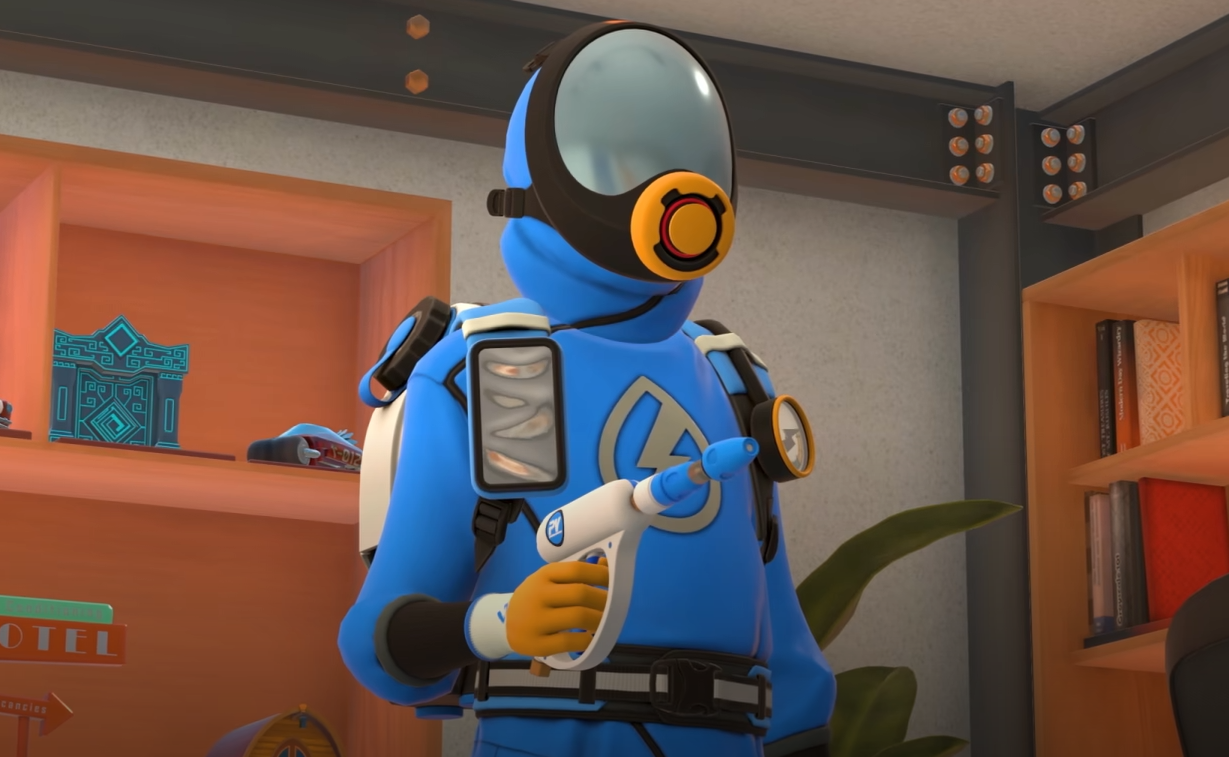
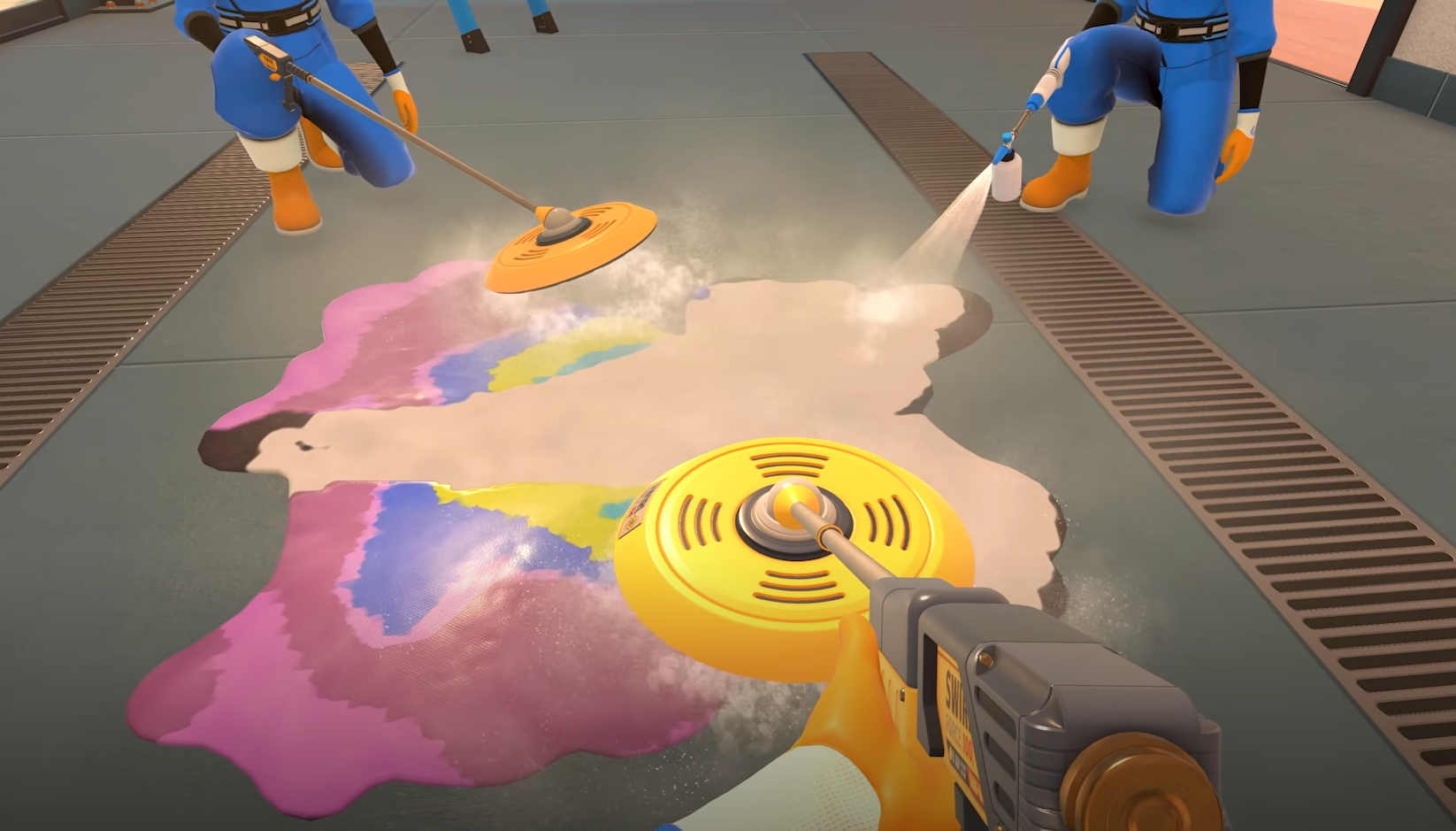
Multiplayer on Xbox has been unstable since launch. Crashes, frozen screens, and connection drops make co op sessions tough to start, but there are a few reliable fixes already confirmed.
Why Multiplayer Breaks On Xbox
The biggest problem comes from current network and session bugs. On Xbox Series X and S, PowerWash Simulator 2 can crash during the loading screen when joining a multiplayer job. Some players also report the game closing completely after sitting too long on the cross platform play screen. These issues are listed in the official Known Issues list and are not caused by connection loss or slow internet.
How To Fix Multiplayer Crashes And Errors
Restart PowerWash Simulator 2 before rejoining a co op session
Press Continue quickly on the cross platform play screen instead of waiting too long
If the Type button stops working after resuming from standby, fully quit and relaunch the game
When joining fails, start a new session instead of retrying the same one
Toggle crossplay off, then on again to refresh Xbox Live matchmaking
Each fix has been confirmed by the developers while they work on permanent patches.
Other Multiplayer Bugs On Xbox
Helpers can freeze on loading if the host leaves for Home Base
Crossplay sessions may time out when servers are overloaded
Missing menu prompts appear after resuming from sleep mode
Helpers might lose PowerWash Points if they leave before completion
Reloading the game or restarting the console temporarily clears most of these.
Final Blurb
PowerWash Simulator 2’s co op still needs a few updates to stabilize on Xbox. Restarting, toggling crossplay, or creating a fresh session can usually get it working again. The developers have confirmed ongoing fixes, so multiplayer should smooth out with the next patch.
FAQ
Why does PowerWash Simulator 2 crash on Xbox multiplayer
The game can close during loading or after waiting too long on the cross platform play screen.
How can I fix the Type button not responding
Completely close and reopen the game before trying again.
Does restarting help
Yes, restarting resets the multiplayer connection and usually clears the bug.
Can helpers lose progress
Yes, if they leave before the job ends, some PowerWash Points won’t be saved.
Are fixes coming for Xbox
Yes, FuturLab listed these multiplayer bugs as part of their post launch update plans.
© 2025 GamerBlurb. Linking is welcome with credit to GamerBlurb.com. Copying or reproduction without permission is prohibited.
More PowerWash Simulator 2