PowerWash Simulator 2 Split Screen PC, Xbox, and PS5 Guide
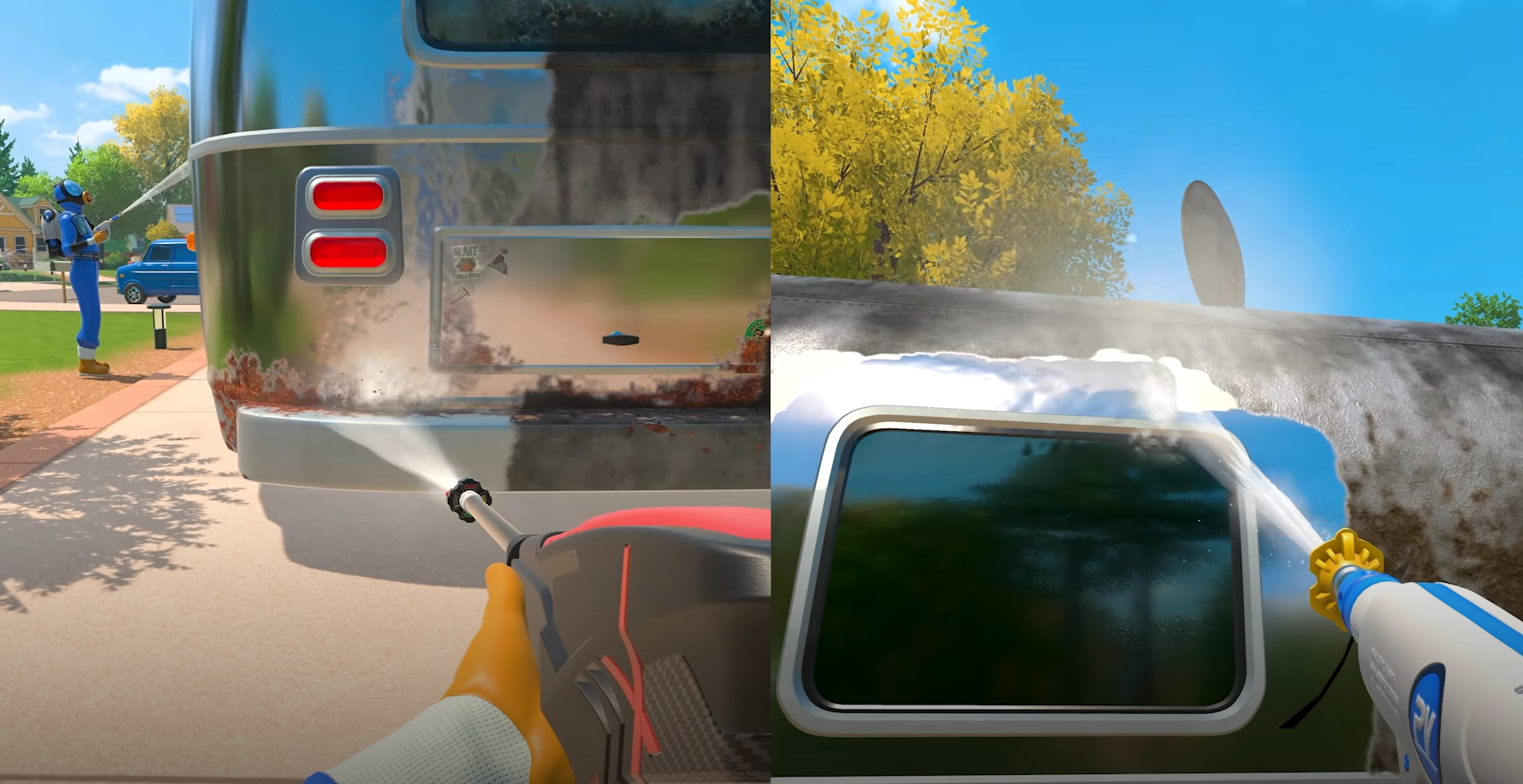
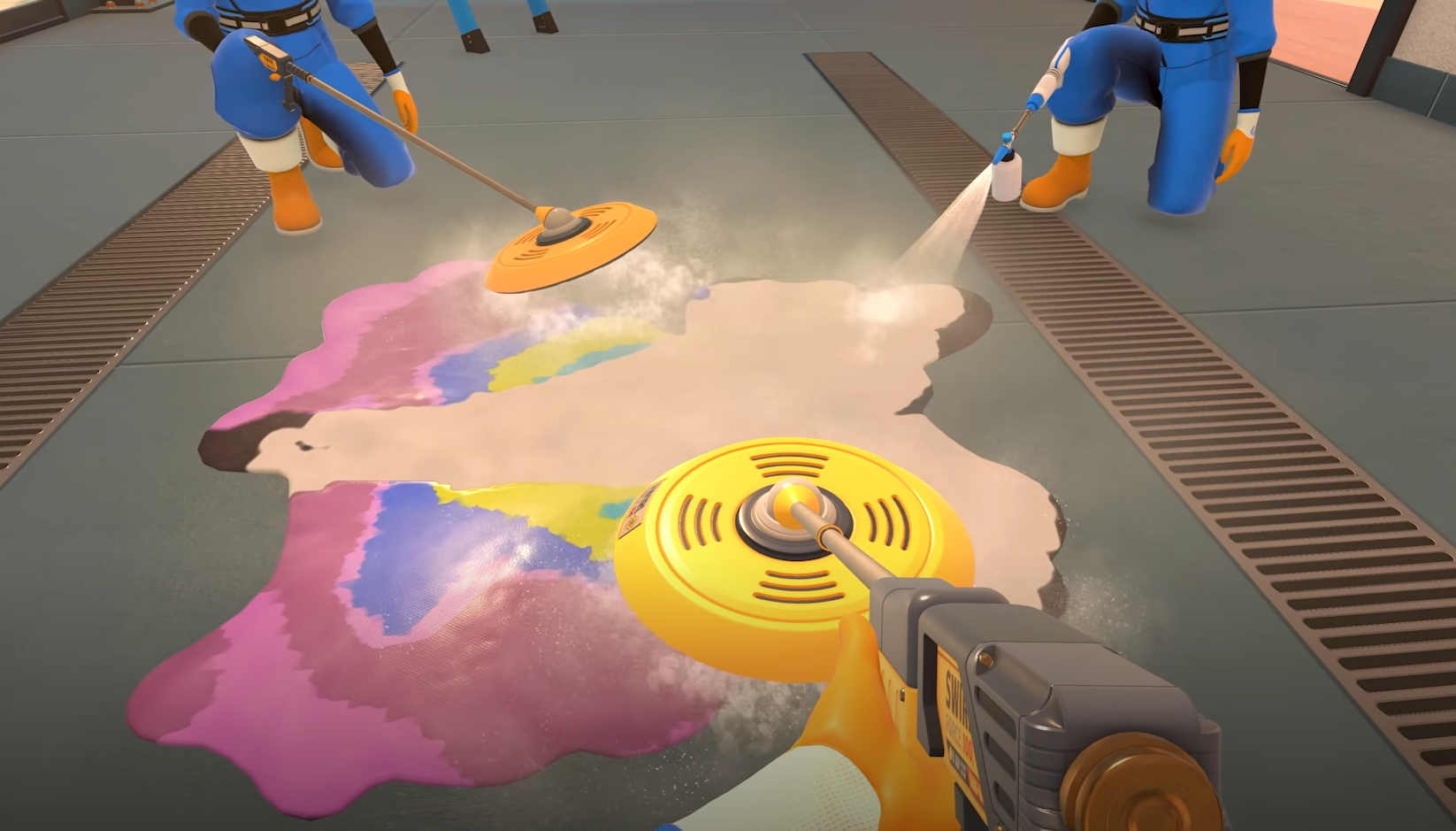
PowerWash Simulator 2 brings back the calm satisfaction of cleaning, but this time you don’t have to scrub alone. Split screen co op lets you play locally with a friend on the same PC, turning even the dirtiest jobs into a two person cleanup session.
How To Play Split Screen On PC
To start split screen on PC, open the multiplayer menu from the main screen and choose Start Split Screen Session. Connect a second controller and your partner will instantly join as Player 2. You can both help on any unlocked job from your profile, including career and free play missions.
If you start the session using a controller, note that the one confirming the setup becomes Player 2 automatically. This small quirk was confirmed in the Known Issues list and is being patched in future updates.
Split Screen Setup Tips
Connect both controllers before starting the game
Select Start Split Screen Session from the multiplayer tab
Choose any unlocked job to begin cleaning together
Player 1 uses keyboard and mouse by default, Player 2 uses controller
You can swap inputs in the menu if both players prefer controllers
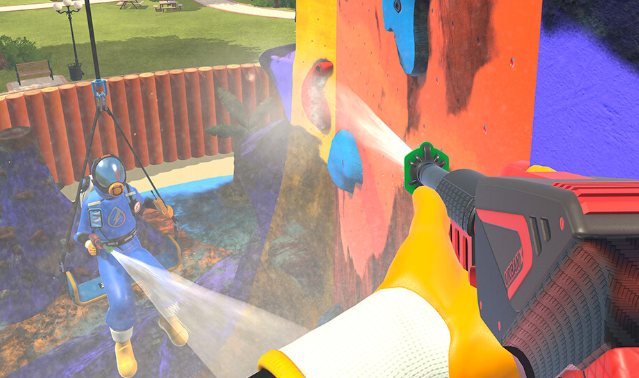
Split screen supports all in game features including soap usage, ladders, and abseiling. Both players earn PowerWash Points during the same mission.
Crossplay And Online Notes
Split screen only works locally. If you want to play online, PC users can connect with Xbox players through crossplay. PlayStation 5 and Switch 2 do not support crossplay outside their own platforms. There’s also no cross progression, so save files stay on each system.
Known Split Screen Bugs
The confirming controller becomes Player 2 automatically
Some menu prompts overlap during session setup
Leaving a split screen session may require restarting the game to refresh inputs
These bugs are already listed by FuturLab and will be fixed in a post launch patch.
Final Blurb
Split screen on PC works smoothly once you’re set up, and it’s the easiest way to share a power washing marathon with someone in the same room. Just start a split screen session, grab a controller, and enjoy the grime free bonding.
FAQ
Does PowerWash Simulator 2 have split screen on PC
Yes, you can play local co op through the Start Split Screen Session option in the multiplayer menu.
Can you mix keyboard and controller
Yes, Player 1 uses keyboard and mouse while Player 2 uses a controller by default.
How many players can play locally
Split screen supports two players on the same PC.
Can you play split screen and crossplay at the same time
No, split screen is local only. Crossplay is separate for online sessions.
Does split screen work with all jobs
Yes, any unlocked job from your profile can be played together.
© 2025 GamerBlurb. Linking is welcome with credit to GamerBlurb.com. Copying or reproduction without permission is prohibited.
More PowerWash Simulator 2