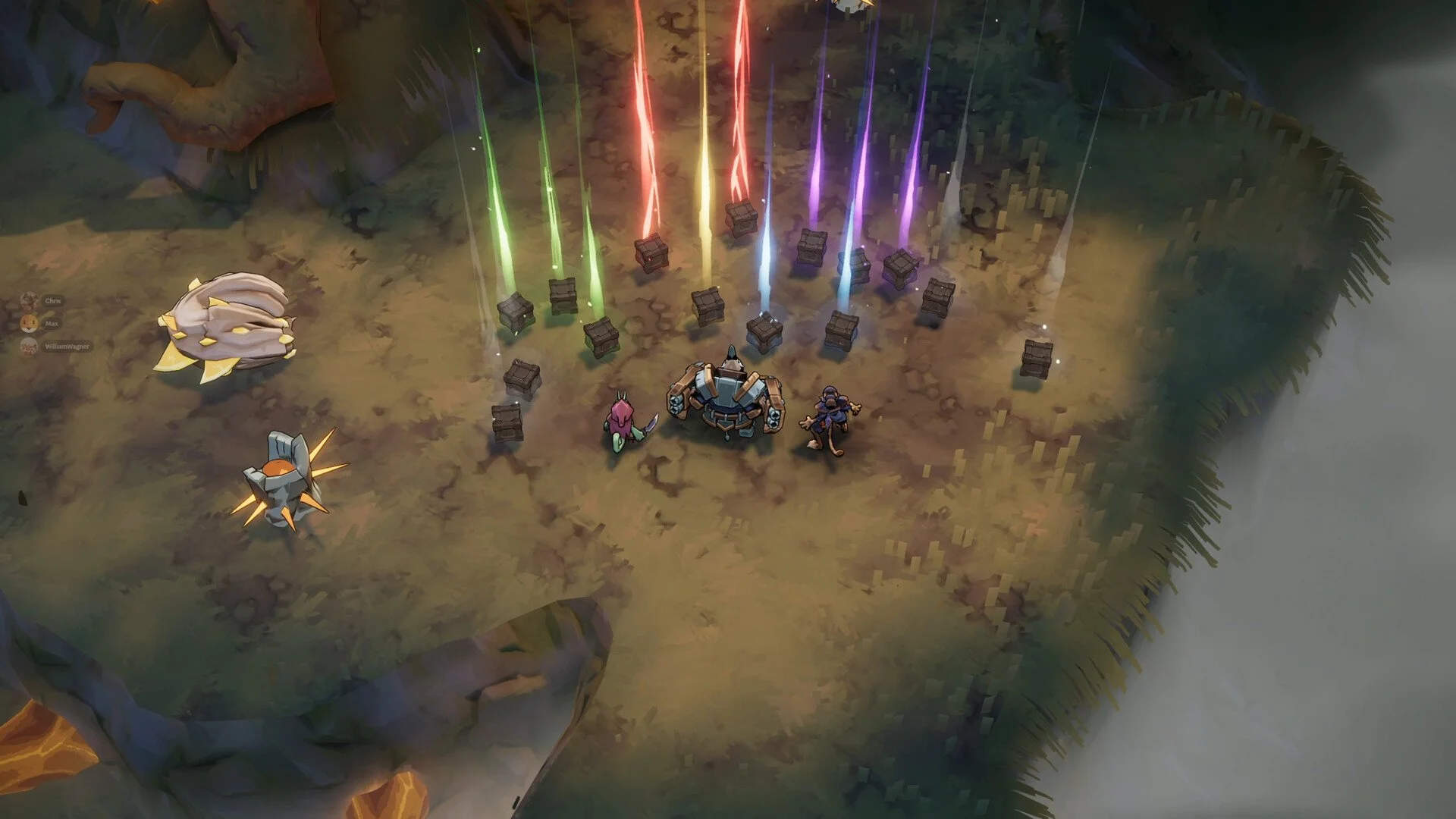
Raiders of Blackveil How to Invite Friends Co Op Multiplayer Guide
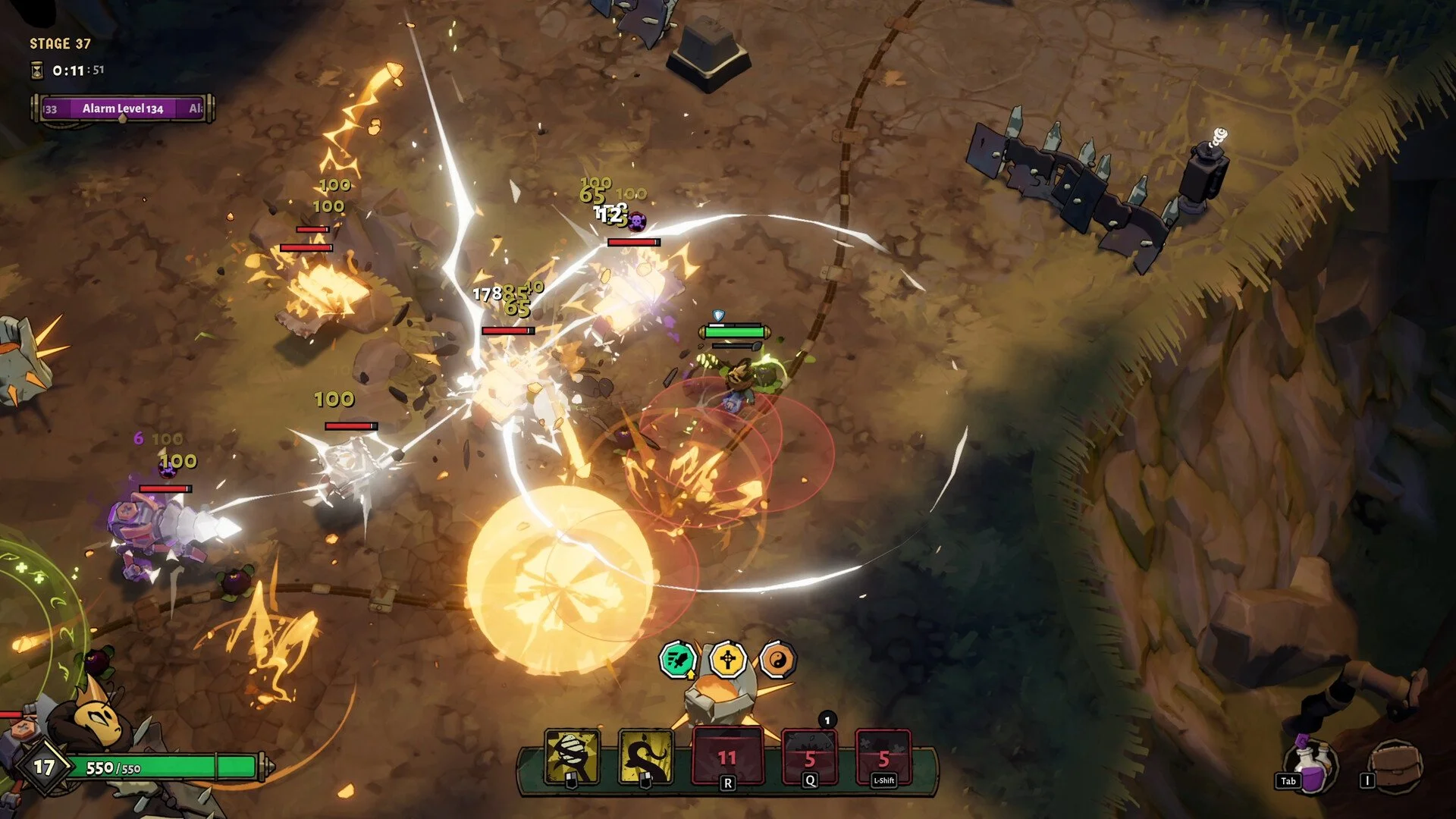
Raiders of Blackveil co op can be confusing at first, especially after the tutorial, since multiplayer works differently than a public lobby system.
How To Invite Friends In Raiders Of Blackveil Co Op
You cannot reliably join random players from a public lobby. Co op works through Steam friends and direct invites.
To play co op, both players must be friends on Steam. One player hosts a session, then invites friends through Steam. The invited player joins from the Steam invite, not by clicking random lobbies in game.
Step By Step Co Op Invite Setup
Follow these steps in order to avoid the black screen and non responsive join issue.
Complete the tutorial and return to the main menu
Add your friend on Steam and make sure Steam is online
One player selects multiplayer and hosts a session
The host sends a Steam invite from the Steam overlay or friends list
The invited player accepts the Steam invite to join the lobby
Joining through the in game lobby browser often does nothing. This is normal behavior right now.
Why Joining Random Lobbies Often Fails
The lobby browser may show runs that are already in progress. These cannot be joined.
Some players report clicking Join and getting stuck on a black screen with no UI. This usually happens when trying to join non friend lobbies or outdated sessions.
At the moment, co op and multiplayer appears to be friend based rather than true public matchmaking.
Hosting Vs Joining Tips
Hosting is more reliable than joining. If joining fails, have the other player host instead.
Restarting the game and Steam can help if invites stop responding. Both players should avoid alt tabbing during the join process.
Does Co Op or Multiplayer Actually Work
Yes, co op does work. Many players report stable runs when playing with Steam friends.
Issues mostly appear when trying to join random players or using the lobby list instead of Steam invites.
Final Blurb
Raiders of Blackveil co op works best when treated as friend only multiplayer. Skip the public lobby list and use Steam invites instead. Once connected, co op runs smoothly and feels like the intended way to play.
FAQ
Can you play co op with random players
No, co op currently works reliably only with Steam friends.
Why does the Join button do nothing
The lobby may be invalid or already in progress. Use Steam invites instead.
Do both players need to finish the tutorial
Yes, both players must complete the tutorial before multiplayer works.
Is co op bugged
It can appear bugged when using public lobbies, but friend based co op works consistently.