Raiders of Blackveil Black Screen Fix
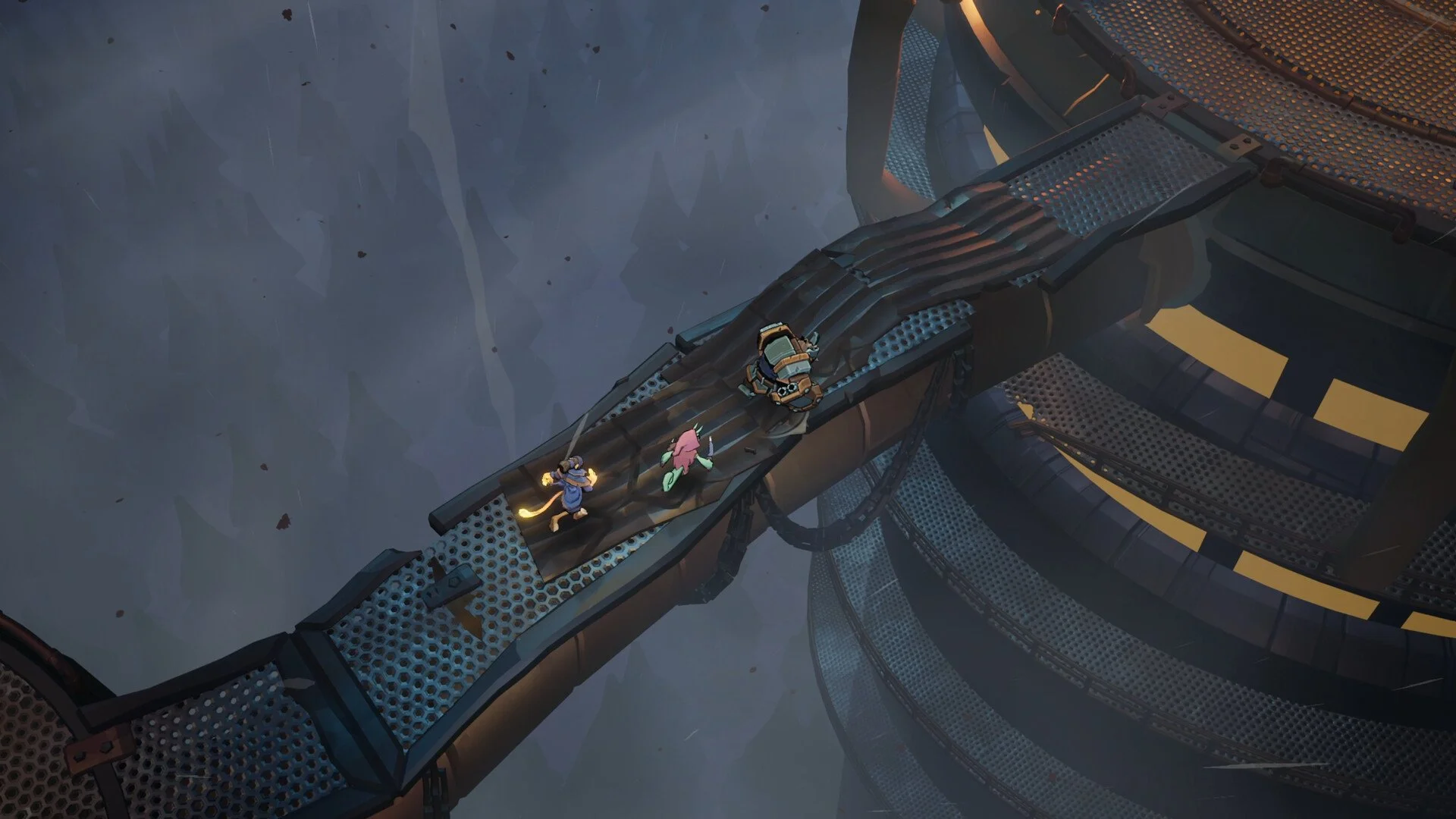
Endless black screens can happen when entering a new room or extracting after a boss, usually tied to session or transition issues rather than permanent save damage.
What Triggers The Endless Black Screen
The black screen most often appears during room transitions or right after extraction. This is commonly linked to a failed load, a session desync, or a temporary save state issue.
It can happen in solo play, but it is more common in co op sessions where the host and client fall out of sync.
Fast Fixes To Try First
These are the quickest things to try and fix most cases immediately.
Force close the game and relaunch
Fully restart Steam
Verify game files through Steam
Temporarily disable Steam Overlay
In many cases, this clears the issue without further steps.
Co Op Related Fixes And Tips
Multiplayer sessions are more prone to black screens, especially after bosses or during extraction.
Have the host restart the lobby and resend invites
Join only through Steam invites, not the in game lobby list
Let the host enter new rooms first
Wait a few seconds at extraction before closing the game
If the issue keeps happening, swap who hosts the session.
Session Stability Best Practices
Some black screens are caused by unstable transitions during long play sessions.
Avoid alt tabbing during room changes
Do not spam interact on doors or extraction points
Restart the game after several completed runs
Keep sessions shorter if problems repeat
These steps reduce the chance of a bad transition state.
When The Problem Keeps Repeating
If the black screen happens in the same spot every time, it is likely a known bug rather than something you caused.
Avoid triggering that exact transition if possible and keep game files verified until a patch addresses it.
Final Blurb
Raiders of Blackveil black screen bugs are frustrating but usually temporary. Clean sessions, Steam based co op invites, and quick restarts fix most cases. Until stability updates land, prevention matters more than recovery.
FAQ
Does the black screen break my save
No, it is usually session related and does not permanently damage saves.
Is this more common in multiplayer
Yes, co op runs experience it more often due to sync issues.
Should I wait or close the game
Waiting briefly is fine, but force closing is safe if nothing loads.
Will verifying files stop it forever
It helps, but long term fixes depend on future updates.