Resident Evil Requiem HDR Settings Fix
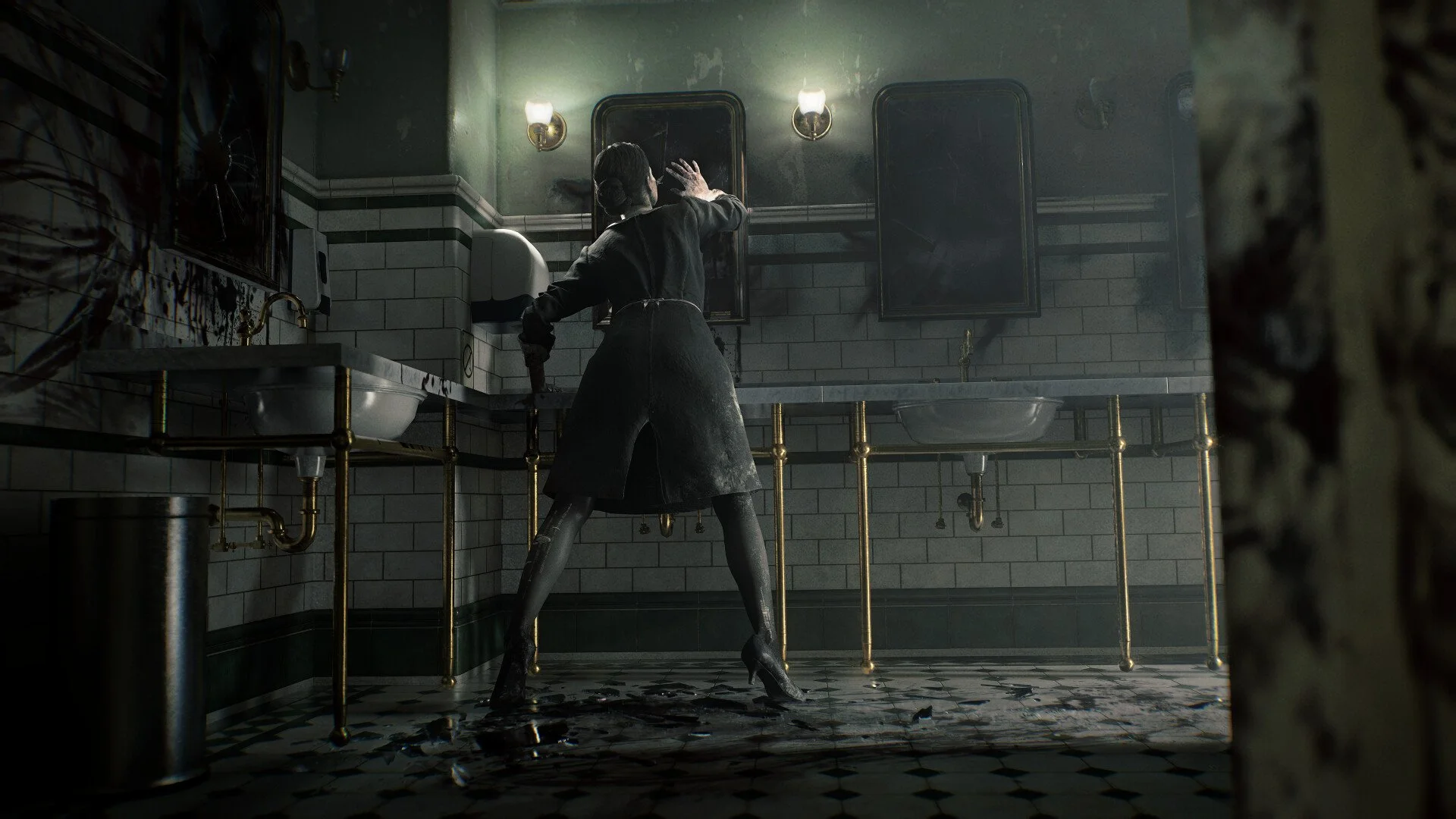
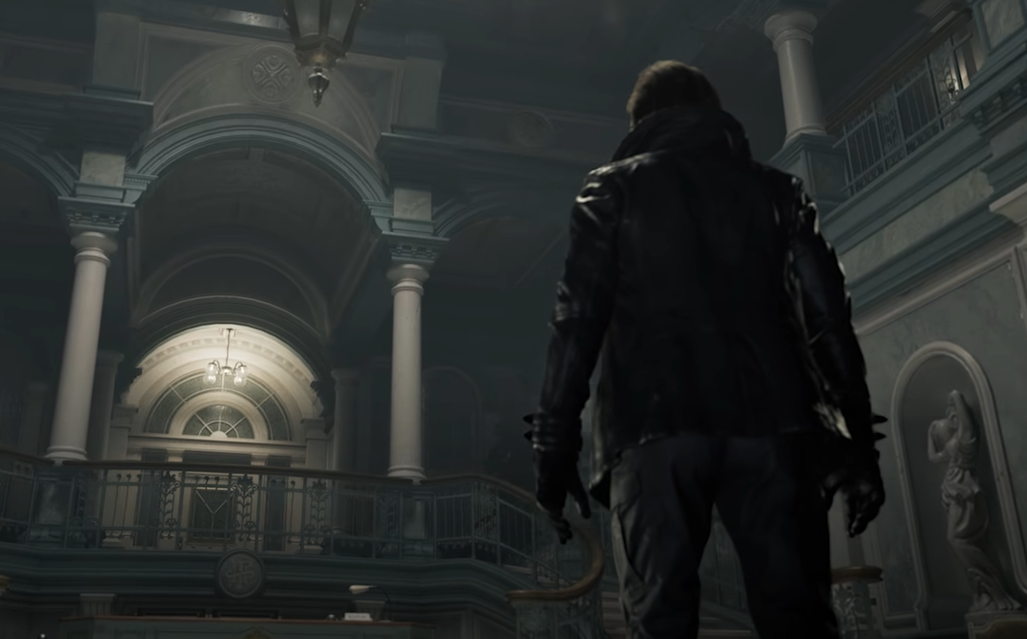
If Resident Evil Requiem (or as referred to by many, Resident Evil 9) looks blurry, grainy, or washed out on Xbox, PS5, or PC, HDR is usually the reason. The game uses aggressive tone mapping and lighting that can look flat or foggy if HDR is not calibrated properly. This is not always low texture quality. It is often HDR configuration.
Here is how to fix it.
Why Requiem Looks Blurry Or Dull
Common complaints include:
Washed out colors
Film grain that looks heavy
Rooms that are too bright
Textures that seem soft
On consoles, the game renders at 1080p internally and upscales to 4K. That can add softness. But when contrast looks wrong or blacks look gray, that is HDR tone mapping.
Ray Tracing can also introduce lighting noise that looks like grain.
How To Fix HDR On Xbox Series X
Re run the Xbox HDR Calibration tool
Follow the 3 brightness screens carefully
Restart your console
Then inside the game:
Lower HDR brightness slightly
Adjust black level until true blacks look dark
Avoid maxing peak brightness
Some users report cleaner visuals by slightly lowering HDR brightness below default.
If it still looks wrong, disable HDR in system settings and test SDR mode. Many players find SDR sharper on non OLED displays.
How To Fix HDR On PS5
Go to PS5 HDR calibration
Recalibrate carefully
Restart the console
Then test:
HDR on
HDR off
If SDR looks better, your display may not support strong HDR performance.
How To Fix HDR On PC
First, disable Auto HDR in Windows.
Then:
Use the Windows HDR Calibration app
Match peak brightness to your display
Restart PC before launching the game
If using multiple monitors:
Enable HDR on all monitors
Or disable secondary monitors
Restart before launching
Mixed HDR states can cause washed out output.
Ray Tracing And Grain Issues
Some players notice extra grain when Ray Tracing is enabled.
Try:
Turn Ray Tracing off
Restart the game
If the image becomes cleaner, the issue may be lighting noise rather than textures.
Path Tracing especially can add visible noise in darker areas.
Film Grain And Motion Blur
Film grain appears baked into the presentation. There is no full disable option currently.
Motion blur may still appear even when toggled off for some users. This appears to be a minor bug and may require a patch.
When It Is Not HDR
If you are on console:
You cannot change resolution
There are no performance settings
The image quality is fixed aside from HDR calibration.
If you are on PC and textures look extremely low resolution even on High settings, check:
VRAM usage
Texture Quality setting
Upscaling mode
DLSS or FSR on Performance can make textures look softer.
Final Blurb
If Resident Evil Requiem looks washed out or blurry, HDR calibration is the first thing to check. Recalibrate your system HDR, lower in game brightness slightly, and test SDR if needed.
In most cases, the issue is tone mapping, not bad textures. Once HDR is dialed in properly, the image should look significantly cleaner.
FAQ
Why does Resident Evil Requiem look washed out?
HDR calibration or tone mapping issues are the most common cause.
Should I turn HDR off?
If your display is not true HDR capable, SDR may look sharper and more consistent.
Does Ray Tracing cause grain?
It can introduce lighting noise that appears like film grain in darker scenes.
Can you disable film grain?
There is currently no full option to remove film grain.