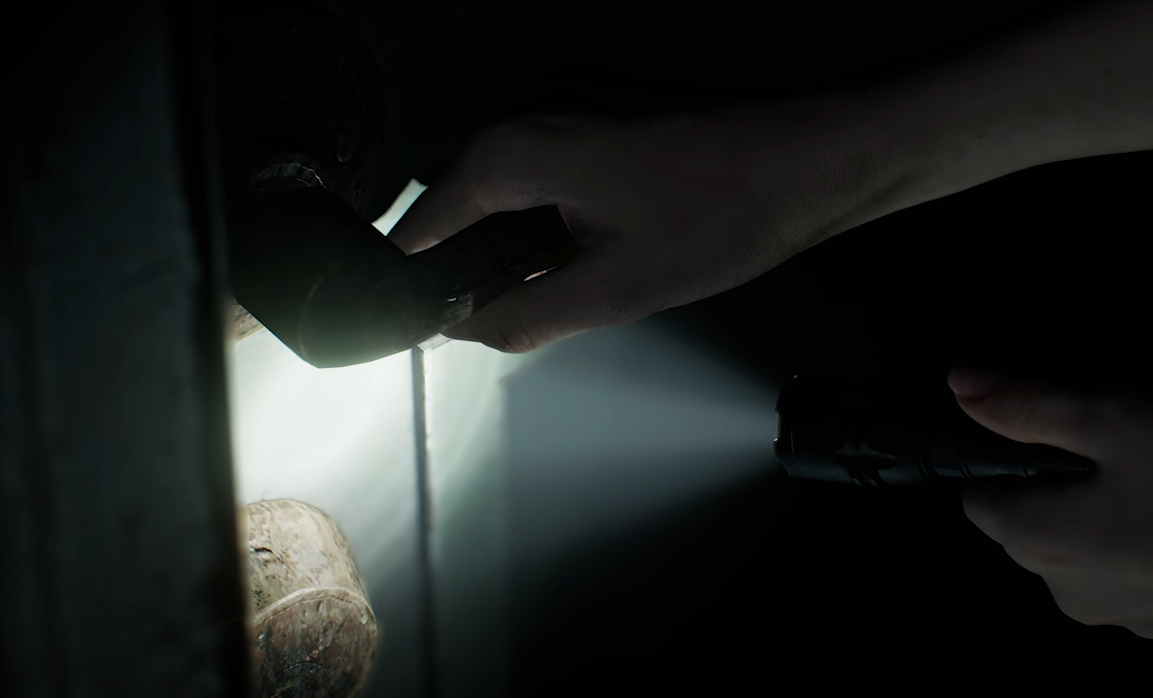
You cannot change FOV in Resident Evil Requiem / Resident Evil 9. There is no field of view slider on console or PC. The game does not include a built in option to widen or narrow the camera view.
If you are searching for how to change FOV, the short answer is that it is not currently possible through official settings.
Is There An FOV Slider
No.
Resident Evil Requiem does not offer:
A field of view slider
Vertical or horizontal FOV adjustment
Advanced camera zoom control
This applies to:
Xbox Series X
PlayStation 5
PC
The camera distance and field of view are locked by default.
Are There Any Workarounds
On console, there is no workaround.
On PC, players may use third party tools or mods if they become available. Previous Resident Evil titles received FOV unlocker mods, so something similar may appear for Requiem.
However, there is no official method at launch.
What You Can Adjust Instead
While you cannot change FOV, you can adjust:
Camera sensitivity
Dead zone
Motion blur
Switch to third person perspective where allowed
To access camera sensitivity:
Open Settings
Go to Camera
Select Leon or Grace camera
Click the small pop out arrow icon
Additional camera sliders will appear.
Switching to third person can help reduce motion discomfort if the tight FOV feels overwhelming.
Final Blurb
There is no way to change FOV in Resident Evil Requiem through official settings. If you are experiencing motion sickness or discomfort, your best options are switching perspective and adjusting sensitivity.
PC users may eventually see mod solutions, but for now, the field of view is locked across all platforms.
FAQ
Can you change FOV in Resident Evil Requiem?
No. There is no FOV slider on console or PC.
Is there a hidden FOV setting?
No. The Camera menu does not include field of view controls.
Can mods unlock FOV on PC?
Possibly. Previous Resident Evil games received FOV mods, so it is likely similar tools may appear.
Does switching to third person change FOV?
It changes camera perspective, but it does not provide manual FOV control.