Snacks in Retro Rewind are one of the easiest ways to boost your profit, but the game does not explain them very clearly. You do not order them like movies, and there is no big menu telling you what to do. Once you understand how the system works, though, snacks become a simple and steady source of extra money.
How To Buy Snacks In Retro Rewind
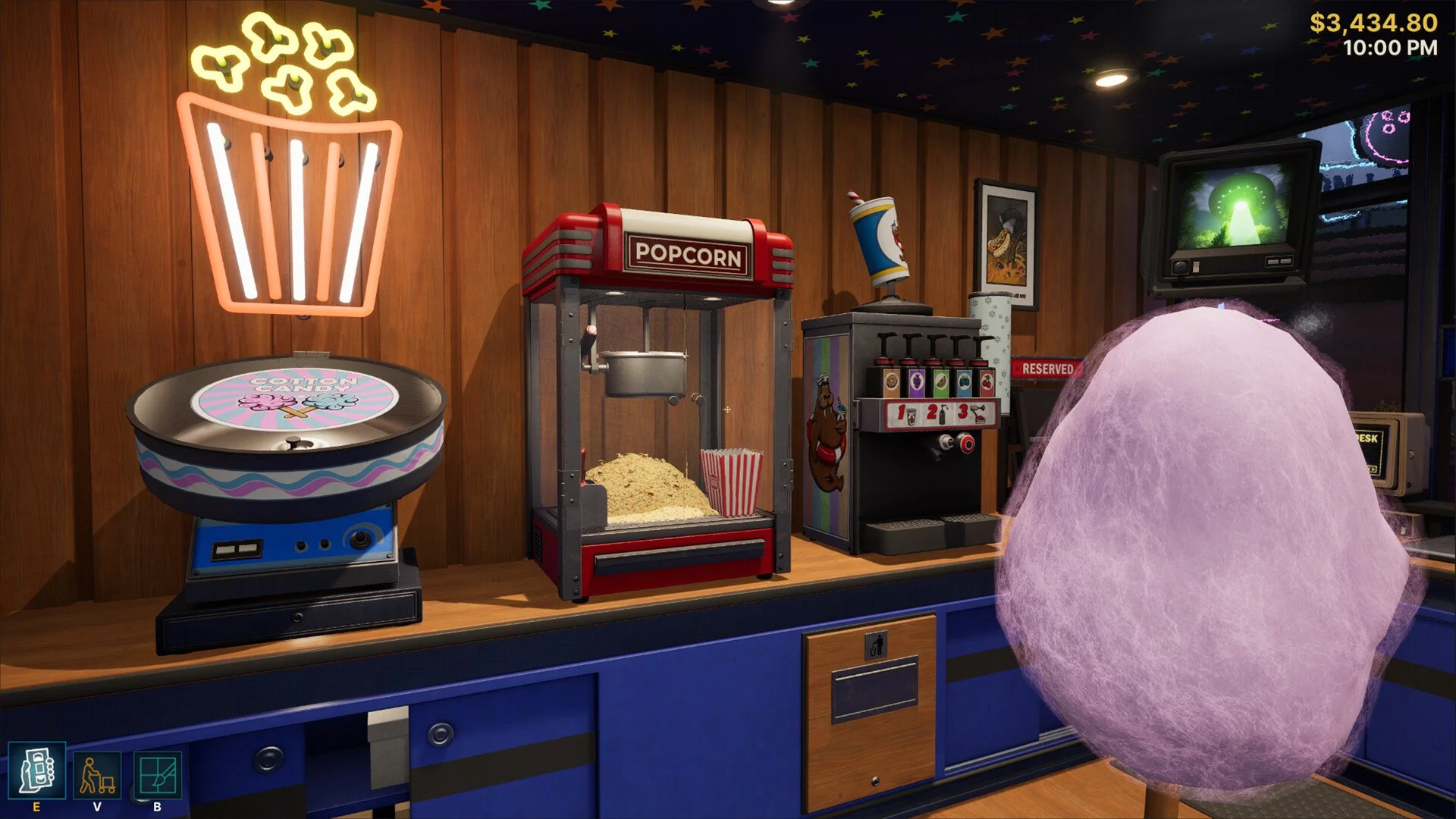
You buy snacks directly from the snack shelf by selecting the item you want, paying for each piece individually, then placing it on the shelf for customers to purchase.
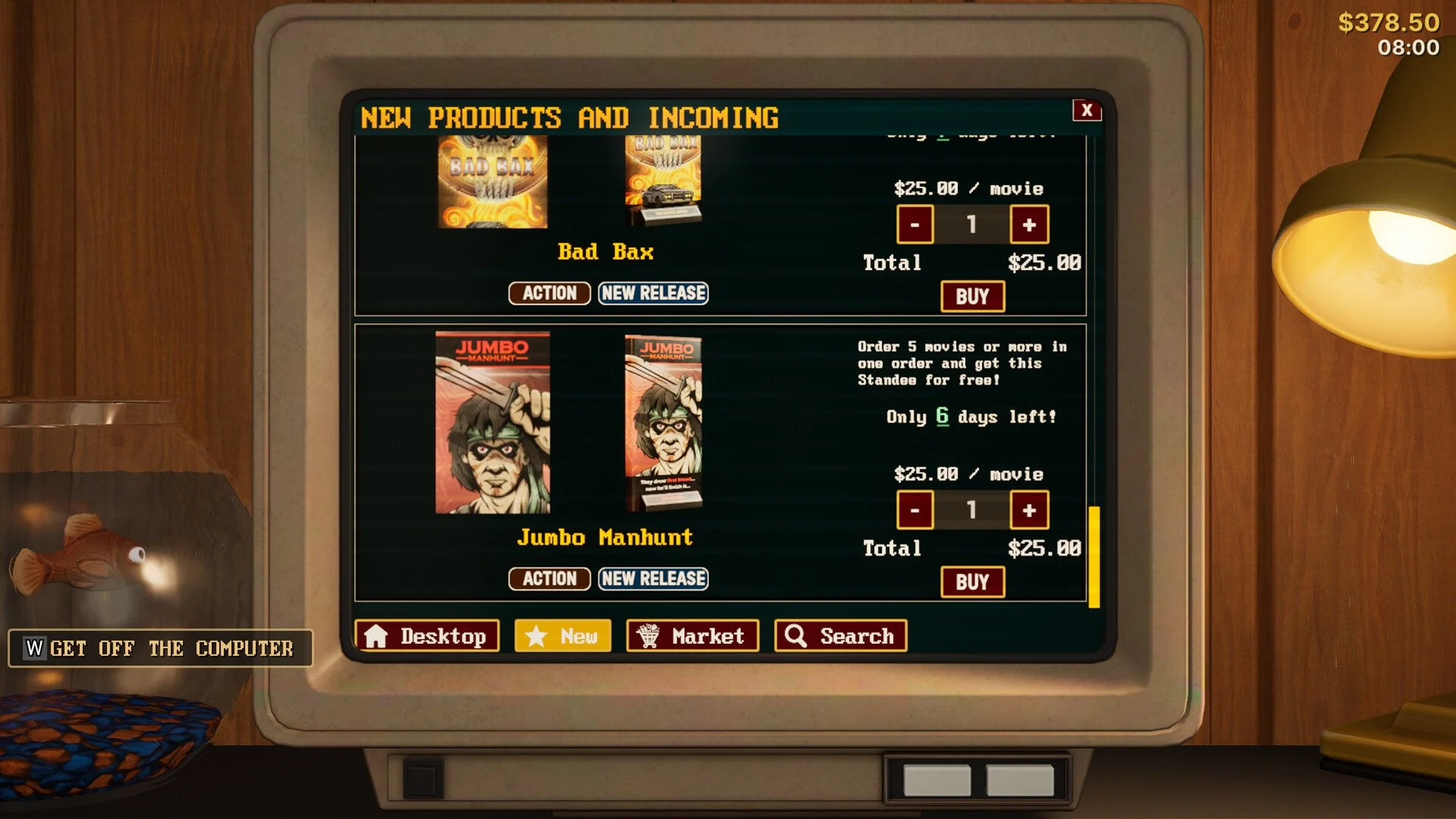
There is no ordering system like the movie PC. Everything is handled right at the shelf itself.
How The Snack System Works
Snacks are handled differently from everything else in your store.
You interact with the snack shelf
Choose a snack from the available options
Pay for each item one at a time
The snack is immediately added to the shelf
There is no waiting period or delivery. What you pick shows up instantly.
Where To Buy Snacks
You do not go to the PC or any external vendor for snacks.
Snacks come from the snack shelf equipment
You must unlock and place the shelf first
Once placed, it becomes your snack supply point
If you do not have a snack shelf yet, you will not be able to buy or sell snacks at all.
How To Restock Snacks
Restocking is manual, but very simple.
Walk up to the snack shelf
Select the snack you want
Purchase multiple pieces one by one
Keep the shelf filled so customers can grab them
There is no auto restock, so you need to stay on top of it during busy days.
How Snacks Make Money
Snacks are not the main focus of your store, but they are very strong for extra income.
Each snack costs very little to buy
Customers purchase them as impulse buys
Profit margins are high compared to cost
They work best when customers pass by often
They are basically bonus income while customers are already there for movies.
Best Snack Placement Strategy
Where you place snacks matters more than you might expect.
Put snack shelves near the checkout
Place them along main walking paths
Avoid hiding them in corners
Keep them visible and easy to grab
The more customers walk past them, the more likely they are to buy.
When To Invest In Snacks
You do not need snacks right away, but they become very useful early on.
After unlocking the snack shelf
When your store starts getting steady traffic
When you want extra profit without more work
When you have spare space in your layout
They are low effort and scale well as your store grows.
Final Blurb
Buying snacks in Retro Rewind is simple once you realize everything happens at the shelf itself. You pick what you want, pay per item, and keep the shelf stocked for customers. It is a small system, but it adds up fast, especially when your store gets busy. Keep your shelves full and placed in the right spots, and snacks will quietly boost your income all day.
FAQ
Do you buy snacks from the PC in Retro Rewind
No, snacks are not purchased from the PC. You buy them directly from the snack shelf.
Do snacks restock automatically
No, you have to manually restock snacks by buying each item yourself.
Are snacks worth it
Yes, snacks have high profit margins and are an easy way to earn extra money.
Where should I place snack shelves
Place them near the checkout or along main paths so customers walk past them often.
Can you have multiple snack shelves
Yes, you can place multiple snack shelves to offer more variety and increase sales.