Expanding your store in Retro Rewind is something you will feel coming before you even unlock it. Your shelves fill up, new movies keep coming in, and suddenly your layout starts looking like a mess. Once you finally have enough money, you can expand and your store instantly opens up with way more room to work with.
How To Expand Store In Retro Rewind
You expand your store by saving enough money and buying the expansion upgrade, which instantly makes your store bigger.
This is not automatic. You have to choose to expand once you can afford it.
How Store Expansion Unlocks
Expansion is tied to how much money you have and your overall progress.
You run your store and keep earning money
Once you reach a high enough amount, expansion becomes available
You can then buy it whenever you are ready
It does not randomly trigger, it becomes available once you hit that point.
What Happens When You Expand Your Store
The change happens right away and you will notice it immediately.
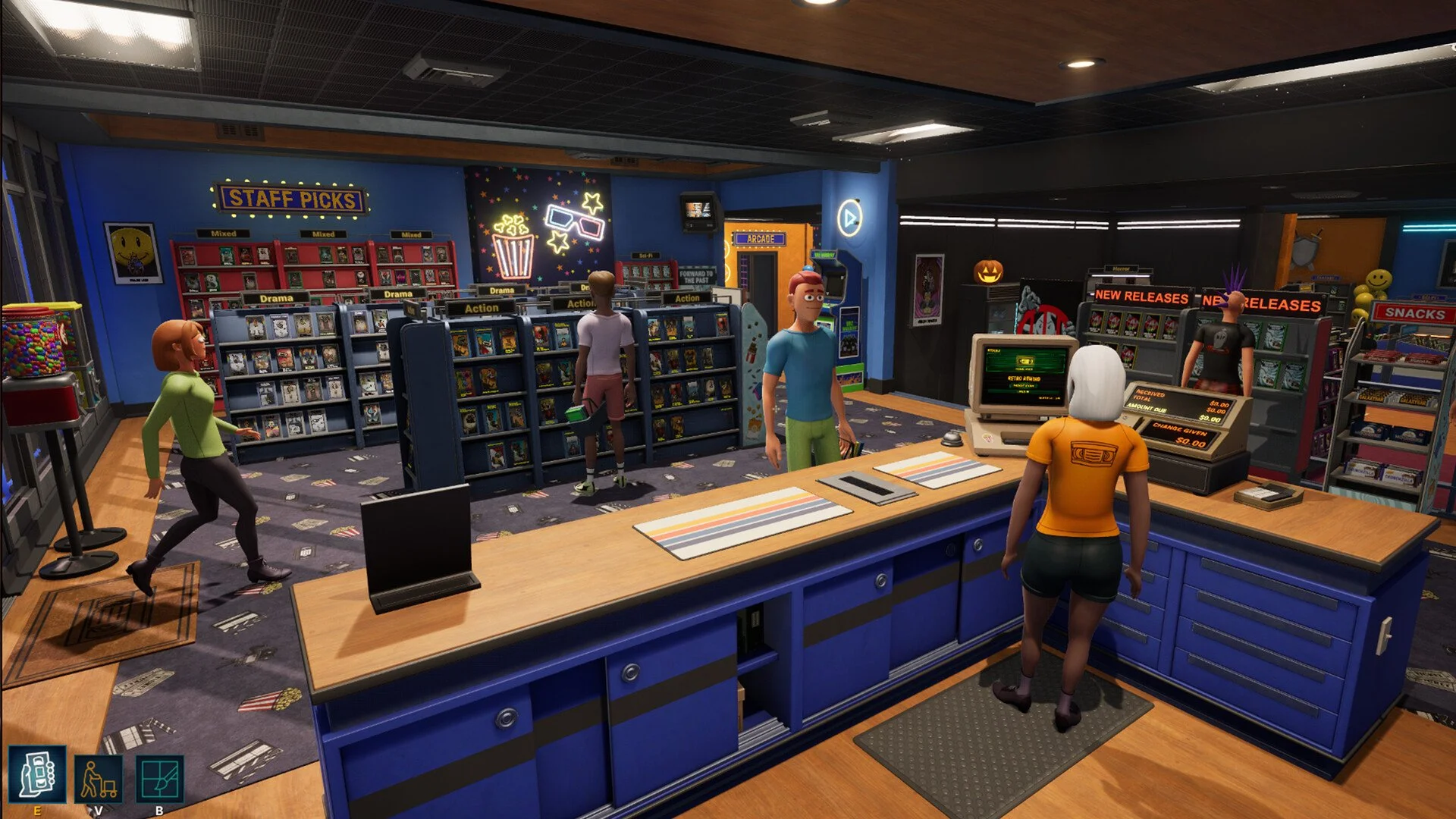
Your store becomes much larger instantly
You get a lot more open space to work with
You can place more shelves and items right away
It goes from cramped to wide open in a second.
Why Expanding Your Store Is Important
Expansion directly affects how well your store performs.
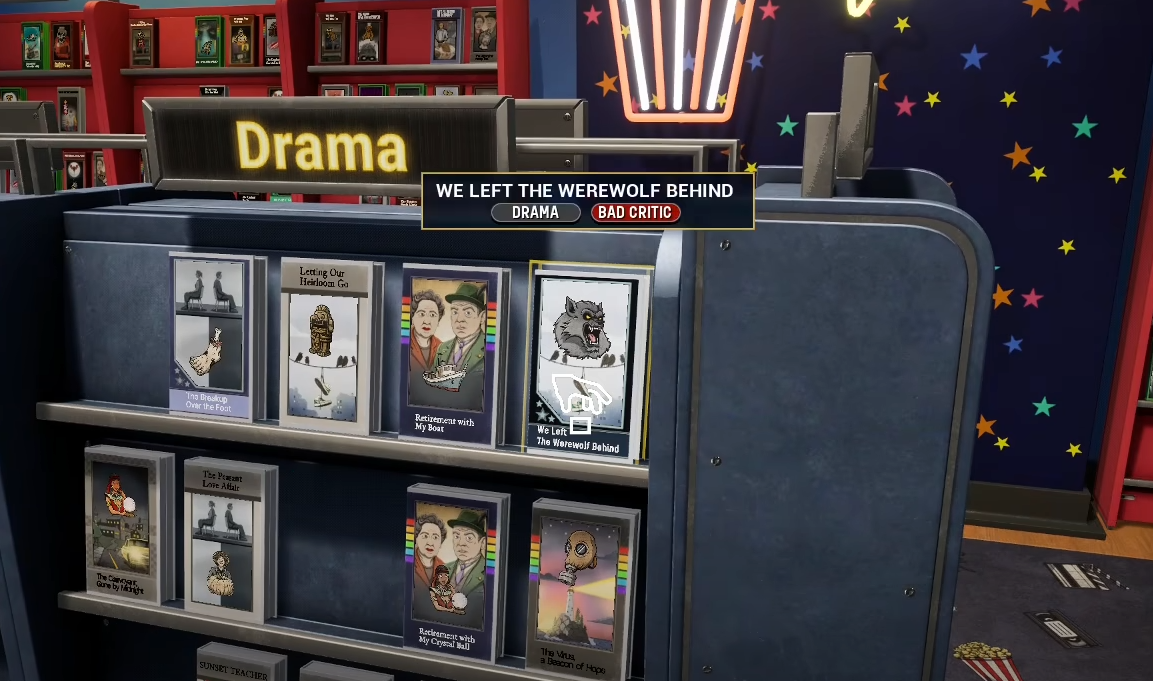
More space lets you add more movie shelves
More shelves means more movies available
More movies leads to more rentals and money
It also helps customers move around easier, which keeps things running smoother.
When You Should Expand Your Store
Timing your expansion makes a big difference.
When your shelves are full
When you cannot fit new movies
When customers start crowding areas
When you have enough money saved
If your store still has space, you can wait. If it feels tight, it is time.
What To Do After Expanding Your Store
Once you expand, your next step is fixing your layout.
Spread out your genres into clear sections
Add more shelves for growing inventory
Move snacks into better positions
Keep walkways open so customers do not get stuck
More space only helps if you actually use it well.
Final Blurb
Store expansion in Retro Rewind is one of the biggest upgrades you can make once you have the money for it. It instantly gives you more room to grow, organize, and improve your store without any extra steps. If your shop feels cramped or hard to manage, expansion is the upgrade that fixes it fast.
FAQ
How do you expand your store in Retro Rewind
You expand your store by saving enough money and buying the expansion upgrade when it becomes available.
Does store expansion happen automatically
No, you have to purchase the expansion yourself once you have enough money.
What happens when you expand your store
Your store instantly becomes larger and gives you more space for shelves and layout changes.
When should I expand my store
You should expand when your store feels crowded and you have enough money saved.
Is expanding your store worth it
Yes, expanding gives you more space to grow your inventory and improve how your store runs.