Roadside Research Alien Points Guide (Research Points)
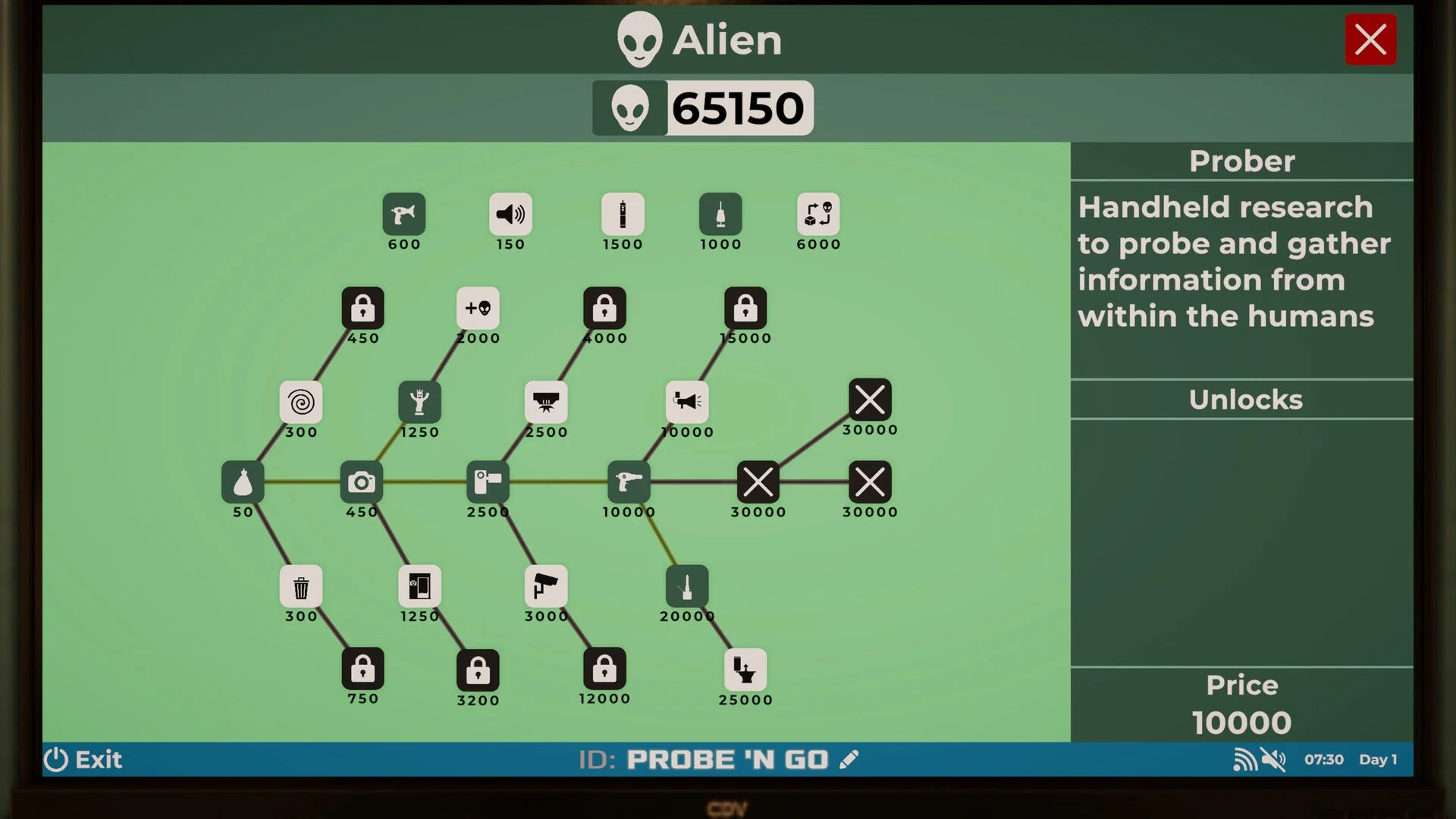
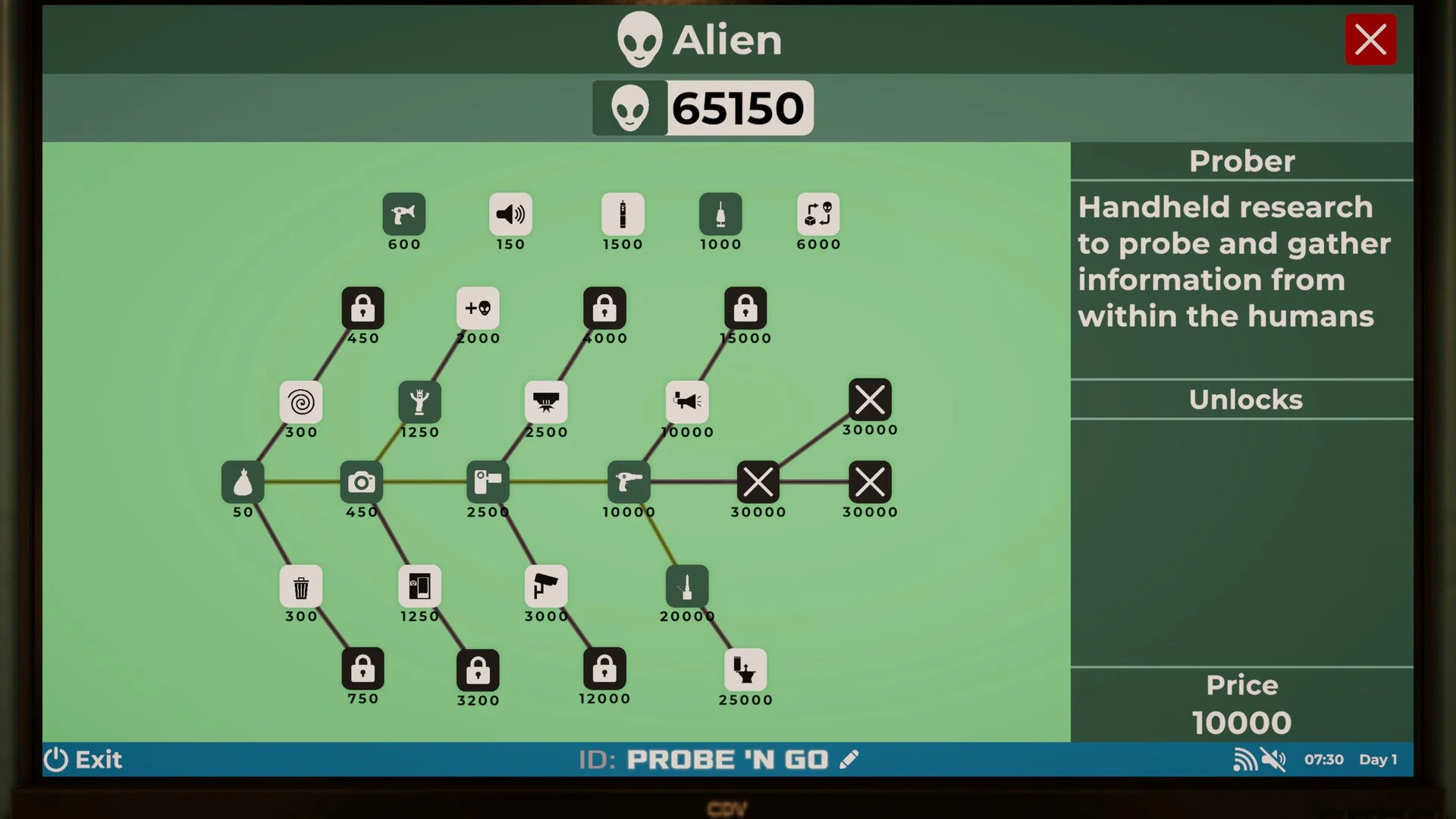
If you are wondering how to get Alien Points in Roadside Research, here is the simple answer… you earn Alien Points by analyzing human trash in the Alien recycler and by completing certain Alien upgrade tasks like using the Camera. Do not toss trash in the dumpster if you want progress. Feed it to the machine instead.
Now let’s go step by step so you do not waste a single soda can.
Where Alien Points Actually Come From
Alien Points, also called Alien Research Points in game, are earned inside the Alien room. You will see a small yellow recycler machine there. That machine is your main source of points early on.
To earn points:
Pick up human trash from around your shop
Carry it into the Alien room
Place it inside the yellow recycler
Press the button to analyze it
Once the machine processes the trash, you receive Alien Points. That is it. Simple system, easy profit.
Stop Using The Dumpster
The regular dumpster outside does not give you Alien Points. It only clears trash from your property.
If you throw everything away like a normal business owner, you get zero research progress. The recycler is what matters. Every cup, wrapper, and random piece of litter is potential upgrade fuel.
In short, trash equals science.
Using Trash Cans The Smart Way
After progressing a bit, you unlock the Trash Can. This makes things much easier.
Customers will start throwing their trash into the Trash Can automatically. When it fills up, you can right click it, grab the trash bag, and carry that bag to the Alien recycler.
This saves time because you are not chasing every wrapper across the parking lot. It becomes a steady loop of:
Let customers fill the Trash Can
Remove the trash bag
Analyze it in the recycler
Collect Alien Points
If the Trash Can fills up, customers may drop trash nearby, but it usually stays close. Cleanup stays manageable.
What Not To Put In The Recycler
Not everything counts as valid research material.
Do not put storage containers from deliveries or fuel tanks into the recycler. These are not treated like normal trash and can cause issues if forced inside.
Stick to human trash only. Cups, food wrappers, and litter from customers are safe and profitable.
Extra Alien Points From The Camera
As you unlock more Alien upgrades, you gain access to the Camera. This opens another way to earn Alien Points.
With the Camera, you can:
Take photos of customers
Complete daily photography objectives
Earn Alien Points per valid photo
You can photograph customers who visit your gas station. Each successful photo grants additional Alien Points. Just follow the objective requirements so the photo counts.
It is basically side income for your research program.
Final Blurb
Alien Points in Roadside Research come mainly from analyzing human trash in the yellow recycler inside the Alien room. Use Trash Cans to automate collection, avoid using the dumpster for research material, and unlock the Camera to earn bonus points through photography. If you want more Alien upgrades, stop throwing trash away and start studying it.
FAQ
How do you get Alien Points early in Roadside Research?
You get Alien Points by picking up human trash and placing it inside the yellow recycler in the Alien room, then pressing the analyze button.
Does the dumpster give Alien Points?
No. The dumpster only removes trash and does not generate Alien Points.
Can you use storage boxes or fuel tanks for Alien Points?
No. Only human trash items can be analyzed for Alien Points.
How does the Camera give Alien Points?
The Camera lets you take photos of customers and complete photography objectives, which reward Alien Points.