

Roblox Acoustic Simulation Guide (2025) — How It Works
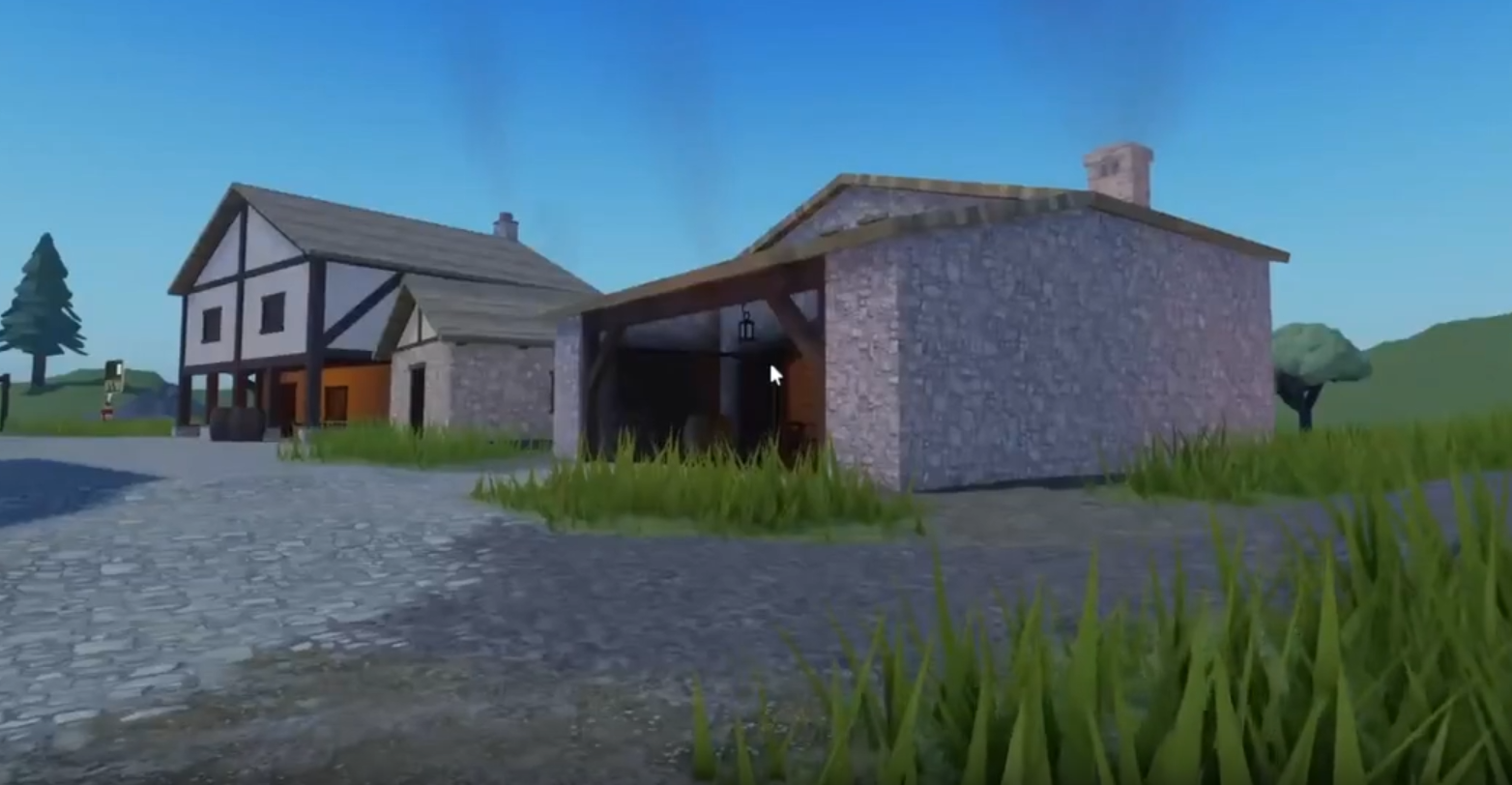
Image Credits: Roblox Corporation
Roblox Studio’s new Acoustic Simulation feature lets sounds in your games bounce, echo, and muffle just like in the real world. It’s currently in beta, but it’s a big step for creators who want better audio without the headache of scripting.
Here’s how it works and how to turn it on.
What Is Acoustic Simulation?
When enabled, any 3D audio (sounds, voice chat, or character noises) will automatically change based on the environment.
Sounds will muffle when blocked by walls or doors.
Audio can bend around corners and reflect off surfaces.
Echoes will happen naturally in large spaces like caves or halls.
No scripting is needed. Just build your world, and the sound effects will follow.
How To Turn On Acoustic Simulation
To enable it:
Open Roblox Studio.
Go to File → Beta Features.
Check the box for Acoustic Simulation.
That’s it. You’re ready to start using it in your creations (but remember—it only works in Studio for now. It won’t carry over to published games until a future update).
Acoustic Simulation Features
Here’s what you can tweak if you want more control:
AudioEmitter.SimulationFidelity — Turns acoustic simulation on/off for each sound emitter.
AudioListener.SimulationFidelity — Turns it on/off for the listener (usually the player’s character).
BasePart.AudioCanCollide — Makes a part block or reflect sound. (Default is ON.)
PhysicalProperties.AudioAbsorption — Controls how much sound a material absorbs. High absorption = fewer echoes.
SoundService.CharacterSoundsUseNewApi — Updates character sounds to work with the new simulation.
Other effects to keep in mind:
PhysicalProperties.Density — Thicker, denser materials block more sound and create stronger muffling.
What You Can Build With It
A stone cave where voices echo and footsteps carry.
A sealed room that blocks out outside noise when the door closes.
A maze or hallway where players hear sounds coming from around corners.
Known Issues (For Now)
Performance might vary on lower-end devices. In some cases, acoustic effects may turn off to avoid lag.
Things might change a bit when the full version releases, as Roblox is still adjusting how the system runs.
Final Blurb
Whether you’re crafting spooky caves or futuristic corridors, Acoustic Simulation makes your Roblox worlds sound more real without the usual scripting headache. For now, it’s Studio-only, but it’s shaping up to be a must-have for serious builders. Just don’t blame Roblox when your players start hiding behind doors to avoid the creepy echoes.
Recommended | View all Roblox


