

RV There Yet Mic Quiet Fix Guide
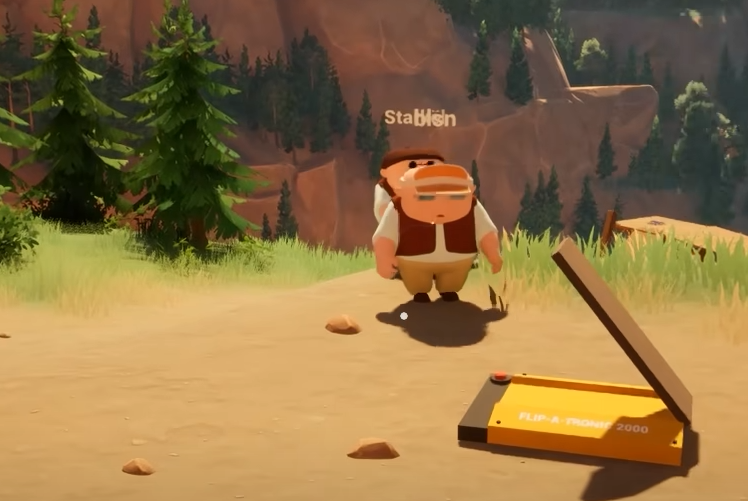
If your mic sounds too quiet in RV There Yet, it has been an issue for many. The in-game voice chat can sometimes make your mic nearly inaudible to friends, even when it works fine in other games.
How To Fix A Quiet Mic In RV There Yet
RV There Yet uses built-in proximity chat, which automatically connects your microphone when you join a session. If your voice is too quiet, start by checking the in-game audio menu. Go to Settings, then Audio, and raise the Mic Volume slider all the way up.
If that doesn’t help, minimize the game and open your PC’s sound settings. Under Input Devices, make sure the correct microphone is selected and that the input level bar moves when you speak. If it’s barely showing any movement, raise your system mic gain.
Other Fixes That Help
Some players reported that changing Windows’ default communications device can help boost the mic in RV There Yet. Open your Sound Control Panel, find your active mic, click Properties, and increase the microphone level manually. You can also disable any “noise suppression” or “auto volume” effects that make your voice sound distant.
If you’re using Discord or another voice app at the same time, close them before testing again. These can occasionally block or lower in-game mic priority.
When The Problem Isn’t You
Sometimes the issue comes from the game itself. RV There Yet still has a few audio bugs tied to co-op and proximity chat. Restarting the session or relaunching the game can temporarily fix quiet mics. If you’re playing on Steam Deck, switch your compatibility to Proton Experimental before testing again.
Final Blurb
If your mic is quiet in RV There Yet, adjust both your in-game and system mic settings first. Close any other apps using your mic, and restart the game if needed. The proximity chat works, but it’s still a bit rough, so don’t stress if your voice sounds far away at first.
FAQ
Why is my mic so quiet in RV There Yet?
The in-game proximity chat sometimes lowers mic volume automatically, especially if the input gain is low in Windows.
How do I make my mic louder?
Raise the mic level in both the game’s Audio menu and your system sound settings.
Does Discord interfere with in-game chat?
Yes, it can. Try closing Discord before joining a new session.
Is there a proximity range limit?
Yes, your voice fades the farther you get from your friends in-game.
Can this be fixed in future updates?
Probably. The developers have acknowledged some ongoing voice chat issues and may improve the audio mix in upcoming patches.
© 2025 GamerBlurb. Linking is welcome with credit to GamerBlurb.com. Copying or reproduction without permission is prohibited.
More RV There Yet


