

RV There Yet No Sound Fix
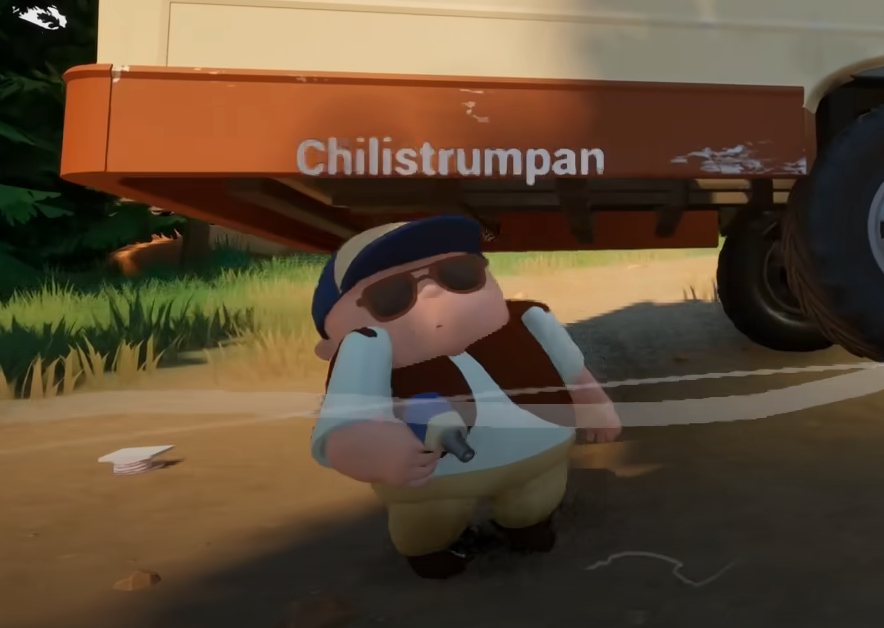
If RV There Yet has no sound at all, the issue is usually tied to your system’s audio output or a startup glitch with the Unreal Engine build. The game doesn’t include a mute toggle, so silence almost always means something outside the in-game settings.
How To Fix No Sound In RV There Yet
Start by checking your system output. While the game is running, press Alt + Tab and make sure Windows is sending audio to the correct device, like your headset or speakers. Right-click the sound icon in your taskbar, open Sound Settings, and confirm that the active output device matches what you’re using.
If the correct output is selected, restart the game once. Unreal-based titles sometimes load without attaching to the audio driver, especially if the output device was switched after launch.
Check In-Game Audio Menu
From the main menu, open Settings, then Audio. Make sure both Master Volume and Effects Volume are turned up. The sliders can reset to zero after updates or file verification, which causes total silence.
There are no separate “mute” buttons or channel filters, so if your levels are up and still no sound plays, move on to verifying the files.
Verify Game Files Through Steam
Corrupted or missing audio files can break the entire sound mix.
Open your Steam Library
Right-click RV There Yet
Select Properties, then Installed Files
Click Verify integrity of game files
Once the check finishes, restart Steam and launch the game again. This replaces any broken or missing audio assets.
Disable Audio Enhancements
If your system uses sound enhancements, turn them off. Right-click your output device in Sound Settings, open Properties, and uncheck any “Enhancements” or “Spatial Sound” options. These can sometimes conflict with Unreal’s sound engine, muting the game entirely.
Final Blurb
If RV There Yet has no sound, restart the game with the correct audio device selected, check the in-game volume sliders, and verify the files on Steam. Unreal Engine occasionally drops audio output on launch, but it usually returns after one restart or a file repair.
FAQ
Why is there no sound when I launch the game?
It often happens if your output device switched after launch or Unreal failed to attach to the driver.
Does the game have a mute option?
No, there’s only a Master Volume slider in the Audio menu.
Will verifying files fix missing sound?
Yes, it can replace broken or missing audio files that stop the game from playing sound.
Does Spatial Sound break it?
Sometimes. Disabling it has fixed silent audio for a few players.
Will updates fix this permanently?
Likely. The devs have been patching smaller technical bugs like these since release.
© 2025 GamerBlurb. Linking is welcome with credit to GamerBlurb.com. Copying or reproduction without permission is prohibited.
More RV There Yet


