

RV There Yet Proximity Chat Guide
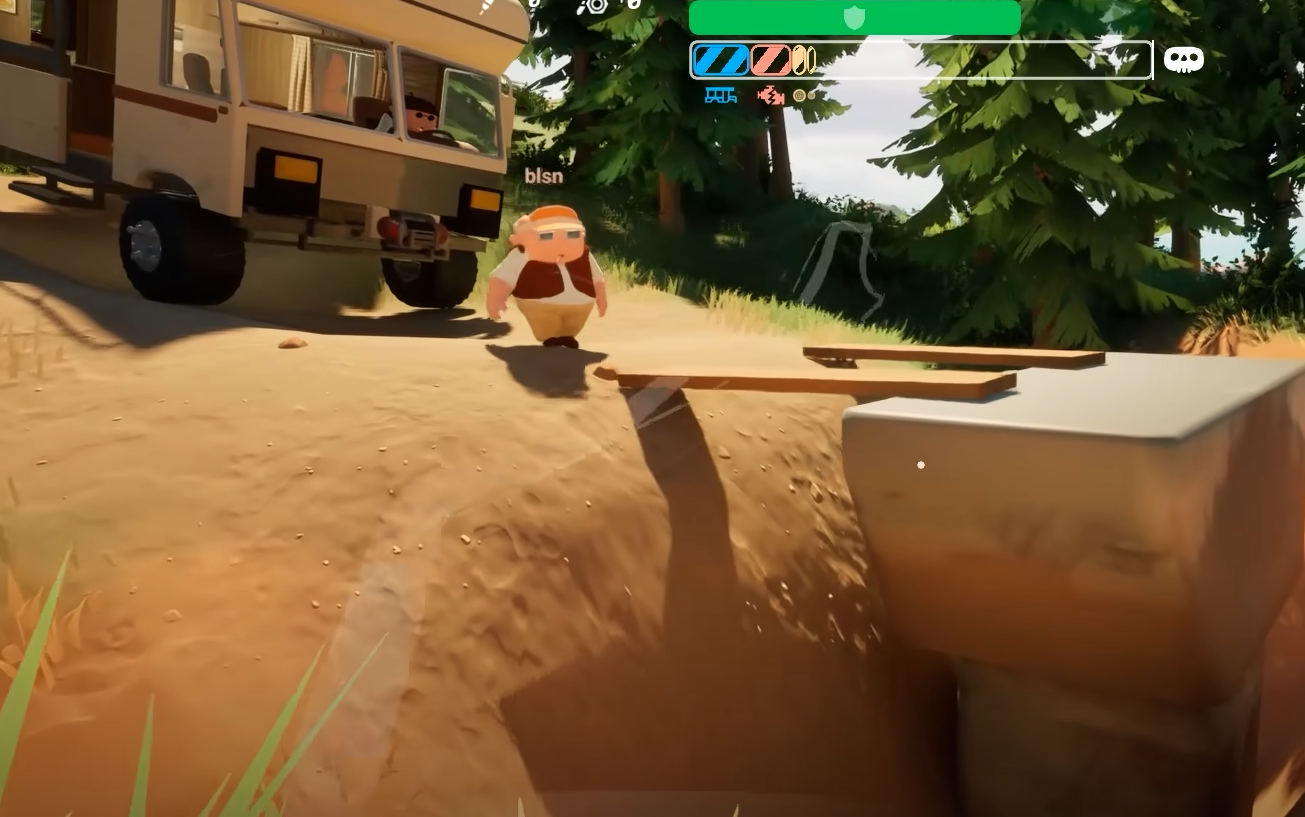
RV There Yet throws players into total madness, mixing physics-based driving with proximity voice chat that turns teamwork into chaos. The way you communicate can decide if your RV survives the hill climb or bursts into scrap metal.
How Proximity Chat Works
Proximity chat in RV There Yet automatically activates in multiplayer sessions. It uses a distance-based system, meaning your voice fades the farther you move from other players. You don’t need to push any key to talk if proximity chat is active, but it uses the same mic setup as push to talk, so make sure your input device is correct.
Hearing Range And Limitations
Players within a short radius can hear you clearly, while teammates farther away will only catch parts of your voice. If someone wanders off into the woods or down a cliff, they’ll slowly fade out until completely silent. Inside the RV, proximity chat feels tight and immersive, keeping everyone yelling directions in real time as the vehicle flips or catches fire.
Balancing Chat Volume
You can adjust proximity chat under the Audio tab in the settings menu. Look for the voice volume and microphone sensitivity sliders. The game does not include separate options for proximity and global chat yet, so your mic settings affect both modes. A stable connection helps prevent voice lag or sudden cutouts, especially when multiple players shout at once.
Best Ways To Use Proximity Chat
Proximity chat works great for quick coordination, jokes, or warning teammates about bears and snakes sneaking nearby. It also adds a layer of tension since everyone must stay close to communicate effectively. If you stray too far or run ahead, you’ll lose contact until you regroup. This design forces players to stay within range, building teamwork through pure panic.
Final Blurb
Proximity chat in RV There Yet brings the chaos to life. It’s local, distance-based, and designed to make you laugh or panic as your RV topples off a cliff. Stay close, keep your mic working, and prepare for the loudest road trip you’ll ever take.
FAQ
How does proximity chat work
Your voice volume changes based on how close you are to other players.
Can proximity chat be disabled
Not yet, but you can mute your mic or lower voice volume in settings.
Does proximity chat work with push to talk
It shares the same mic input, but functions automatically when active.
How far can players hear you
Roughly the range of a small open area around the RV, depending on terrain.
Why can’t my teammates hear me
Check your mic input and make sure proximity chat is turned on in audio settings.
© 2025 GamerBlurb. Linking is welcome with credit to GamerBlurb.com. Copying or reproduction without permission is prohibited.
More RV There Yet


