

RV There Yet Push to Talk Guide
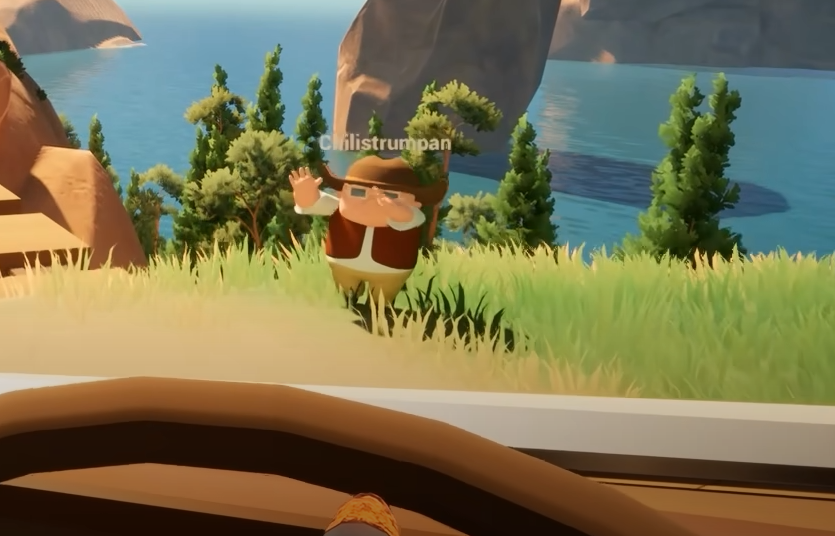
Communication keeps you alive in RV There Yet. The in-game voice chat uses a simple push to talk system, but you need to know how it actually works before your friends start screaming about bears.
How To Use Push To Talk
Push to talk in RV There Yet uses the V key by default. Hold V to talk and release it when done. The system is proximity-based, so your voice fades as you move farther from your teammates.
Adjusting Voice Chat Settings
Open the settings menu, go to Audio, and look for the voice chat section. You can adjust your mic volume, output, and toggle the push to talk option. Make sure your microphone input is set correctly and that no other audio software is interfering.
Fixing Mic Or Volume Issues
If your mic isn’t working, double-check that your PC only has one active input. Sometimes multiple devices confuse the game. You can also try restarting your lobby or reconnecting if your team stops hearing you mid-session. It’s rare, but the voice chat can bug out after long playtime.
When To Use External Voice Chat
The in-game system works fine for short sessions, but players sometimes prefer using apps like Discord for longer runs. It stays stable even if the game lags, and the sound quality is usually clearer when things get noisy around the RV.
Final Blurb
RV There Yet uses a simple push to talk voice system mapped to V by default. It’s clear, easy, and works well if your mic is set right. Fix input settings, adjust your volume, and you’ll be ready to yell directions like a true RV survivor.
FAQ
What is the default push to talk key
V is the default key for voice chat.
Can I change my push to talk key
Not yet, the keybind can’t be remapped in current builds.
Is voice chat proximity-based
Yes, voices fade the farther you move from your team.
Why can’t my friends hear me
Check your mic input and restart your lobby if needed.
Does voice chat work in solo play
No, it’s only active during multiplayer sessions.
© 2025 GamerBlurb. Linking is welcome with credit to GamerBlurb.com. Copying or reproduction without permission is prohibited.
More RV There Yet


