Schedule 1 Online Co-Op Guide (Multiplayer Explained Simply)
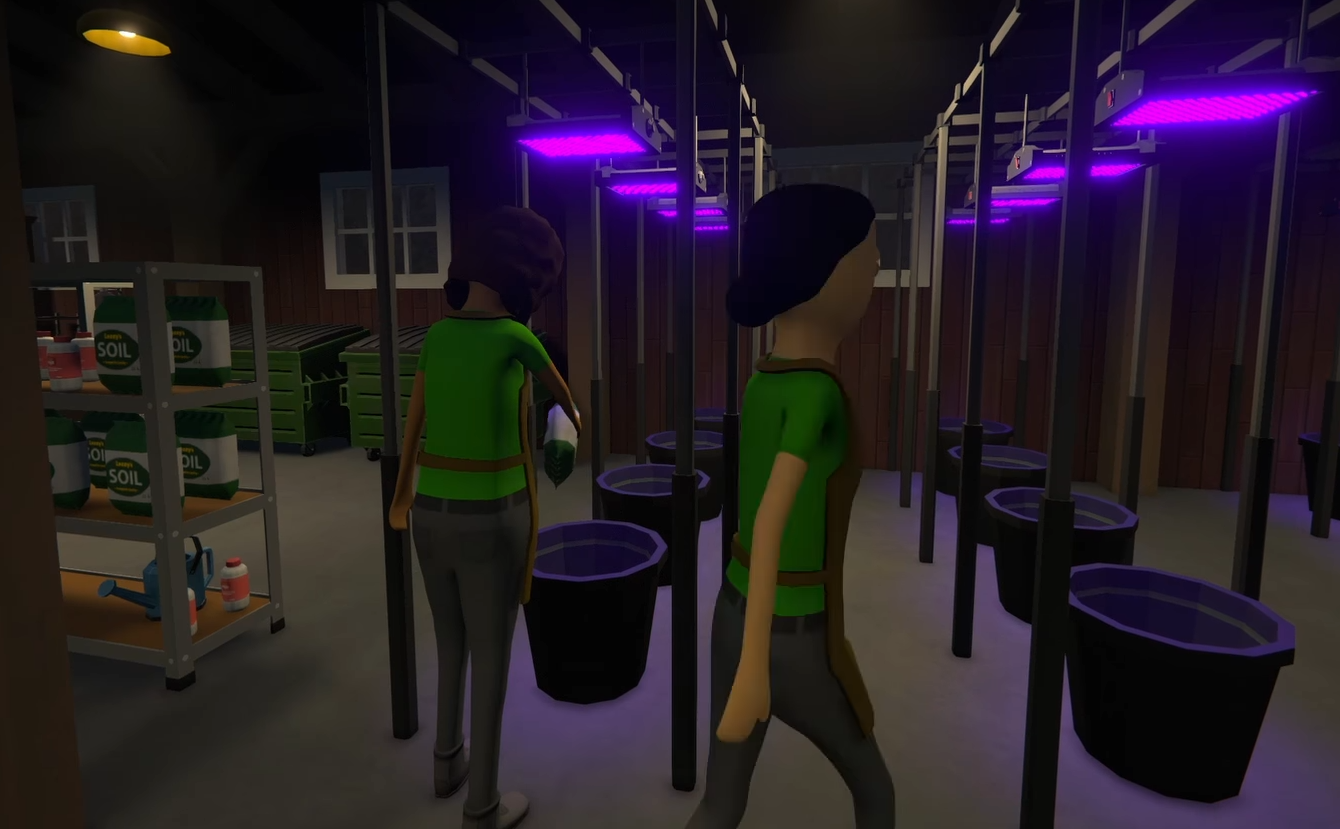
Image Credit: TVGS, Schedule I
You and your friends can indeed hop into the same game and run your operation together in doing online co-op (up to 4 players), no split screen or local-only nonsense. Whatever you wanna do; if you want to automate a huge farm, split up deliveries, or just mess around while selling stuff to sketchy customers… It is all possible online.
How Online Co-Op Works
To invite friends to join your game, use the "+" icon in the top right corner of the main menu to send them an invitation to your lobby
Host-and-Join Setup: One player hosts the game, others join via invite
Shared World: All players share the same money, supplies, properties, and progress
Cross-Town Chaos: You can explore different parts of the map separately or stick together
No PvP: It’s cooperative only—you won’t be turning on each other with bats (intentionally)
Things to Keep in Mind
Read More: Schedule 1 Tips and Tricks
All players need to have the same version of the game
If you're using mods, everyone must have the same mod setup
It’s still in active development, so minor bugs might pop up—but nothing game-breaking
Final Blurb
Yes, Schedule 1 has real online co-op, and it works great. Build together, grow together, accidentally set your operation on fire together. Just make sure someone remembers to pay the employees.
Recommended | View all Schedule I