Schedule 1: Jukebox Guide (New Update)
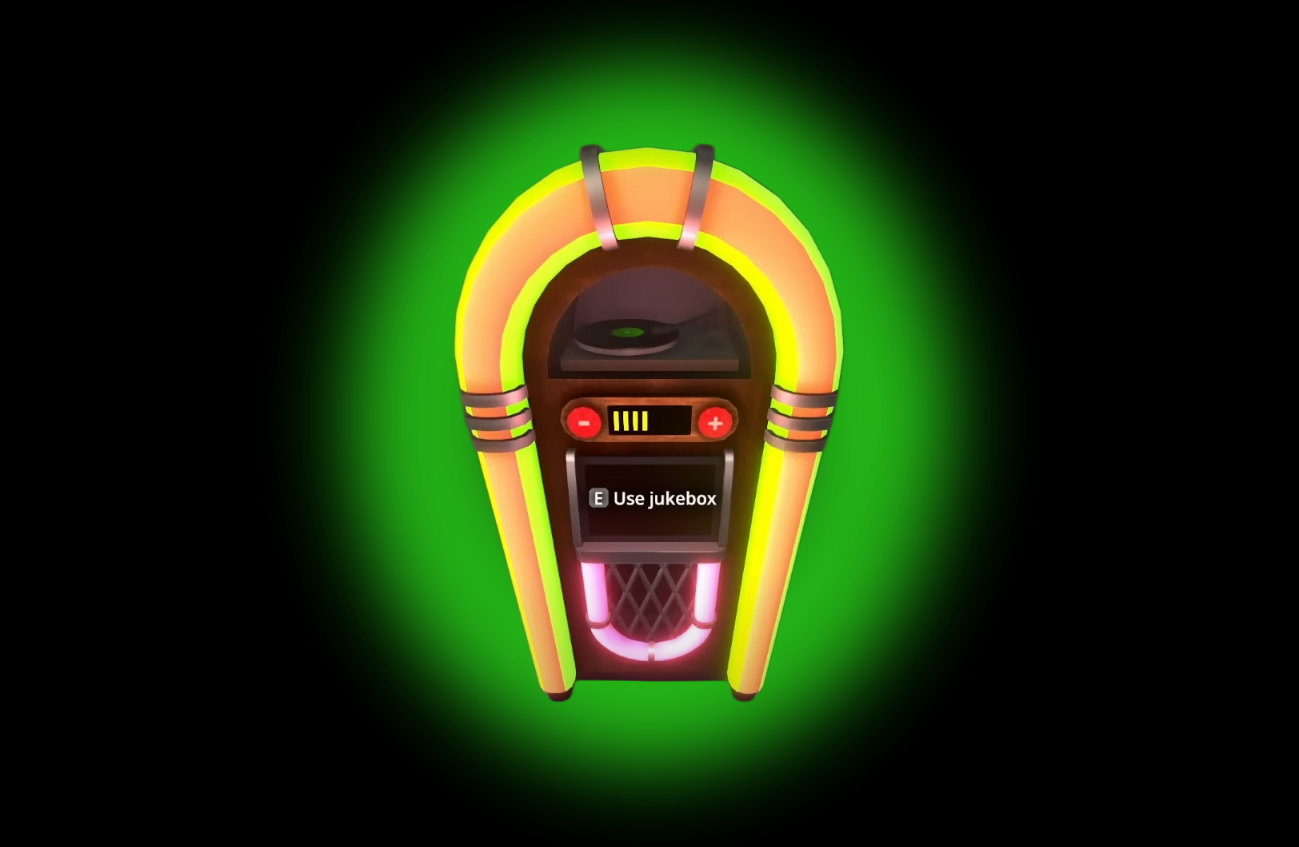
Image Credit: TVGS, Schedule I
The jukebox is one of the newest additions to Schedule 1 as part of the beta update. It’s cheap, easy to use, and honestly makes your storage units feel less like a warehouse and more like a home (or at least a better warehouse).
Here’s a quick guide going over all the jukebox details.
Read More: Schedule 1 Storage Unit Guide (New Property)
How to Get the Jukebox in Schedule 1
Where: Buy it from Blue Balls Boutique
Cost: $1,500
Placement: Works in any property, including the new storage units
What It Does
Plays the full game soundtrack (yes, all the bangers Quesil cooked up)
Audio changes realistically... the further you are from it, the quieter it gets
Sound is dampened through walls and doors (fancy word: audio occlusion)
How to Use It
Place it anywhere in your property.
Walk up and interact to choose a song.
Walk away and notice how the sound adjusts... surprisingly realistic for a game about questionable business choices.
Extra Notes
You can’t upload your own songs yet.
Might change in the future... or might not. Tyler likes surprises.
Purely cosmetic... no confirmed productivity boost (unless the music makes you work faster out of sheer vibe).
It’s a Jukebox… So What?
Look, it’s $1,500. That’s nothing in Schedule 1 terms.
It also makes your workspaces feel a lot less depressing.
For anyone who’s running long automation setups or just chilling while employees do the work... it’s worth it for the ambiance alone.
Final Blurb
The jukebox won’t grow plants or cook batches, but it will make your empire sound a lot cooler. For the price of a few supply runs, you can finally give your employees (and yourself) a break from total silence. Plus, let’s be honest my guy... you were going to buy it anyway.
Recommended | View all Schedule I