

Shape of Dreams: Controller Support and Steam Deck Guide
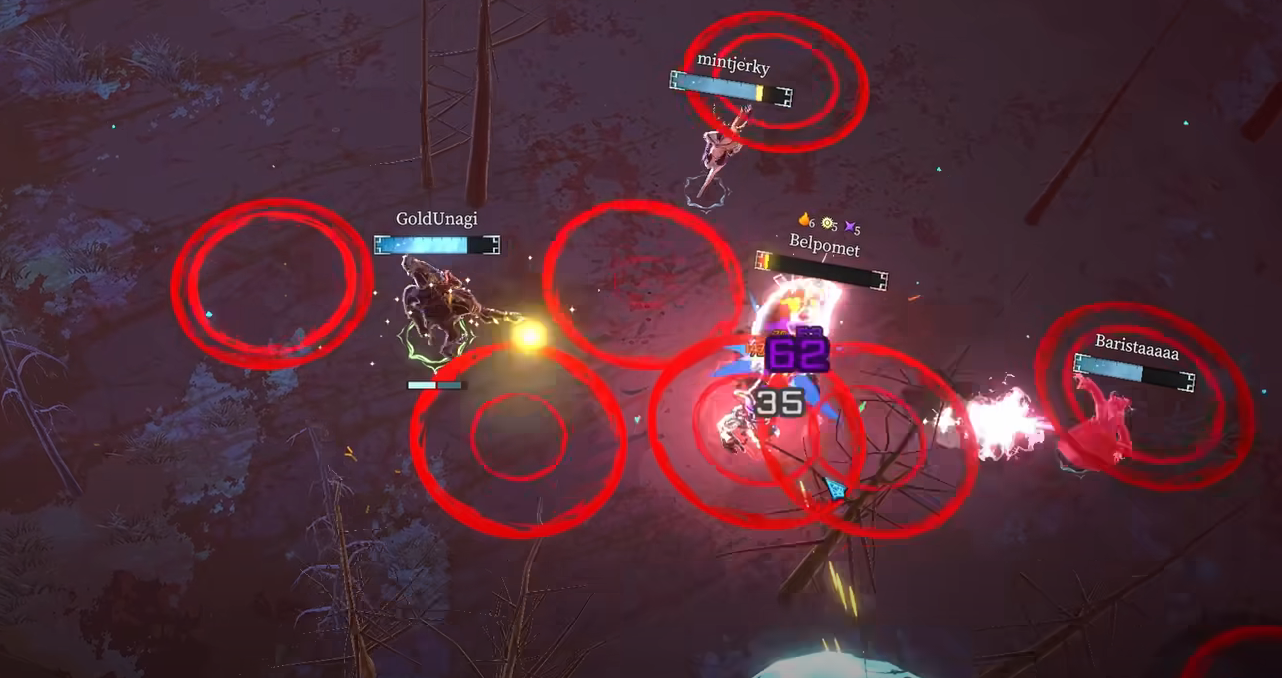
Shape of Dreams is fully playable with a controller and even runs well on the Steam Deck. While the game was clearly designed with gamepad support in mind, there are some limits to customization that players should know about. This guide explains how controllers work, what’s supported, and how the game performs on the Steam Deck.
Controller Support in Shape of Dreams
The game supports modern controllers out of the box. Players have confirmed smooth play with both Xbox and Nintendo Switch Pro controllers. Combat and exploration feel natural, and the button layout is responsive.
The main drawback is that there is no in-game option to remap buttons. If you want a custom layout, you need to rely on Steam’s controller settings or external tools to override the defaults.
Steam Deck Performance
Shape of Dreams also works well on the Steam Deck. Players report it runs steadily, usually around 40 frames per second during combat. It’s not a perfect 60 FPS, but it’s stable enough to be enjoyable.
The default Deck controls work fine, and you can tweak them through Steam’s built-in configuration system if you want a different setup. Some players prefer to adjust inputs manually to make menus easier to navigate.
Tips for Playing With Controller
Use the default layout for combat since it feels natural and responsive.
If you want a custom setup, change bindings through Steam’s controller options.
Menu navigation can be clunky with controller alone, so some players switch to mouse and keyboard when editing Essences or Memories.
On Steam Deck, experiment with performance settings to balance frame rate and battery life.
Final Blurb
Shape of Dreams supports controllers well and plays comfortably on the Steam Deck. While you can’t remap buttons in-game, Steam’s controller settings cover that gap. Expect a smooth experience in combat, though menus may still feel easier with a mouse.
FAQ
Does Shape of Dreams support controllers
Yes, it supports Xbox, Switch Pro, and other modern controllers without extra setup.
Can you remap buttons in-game
No, the game does not offer in-game button remapping. Use Steam’s controller settings to customize layouts.
How does Shape of Dreams run on the Steam Deck
Performance is generally stable around 40 FPS during combat, which is very playable though not a locked 60.
Is menu navigation easy with a controller
It works, but some players prefer to swap to mouse and keyboard for editing Essences and Memories, then return to controller for combat.
More Shape of Dreams


