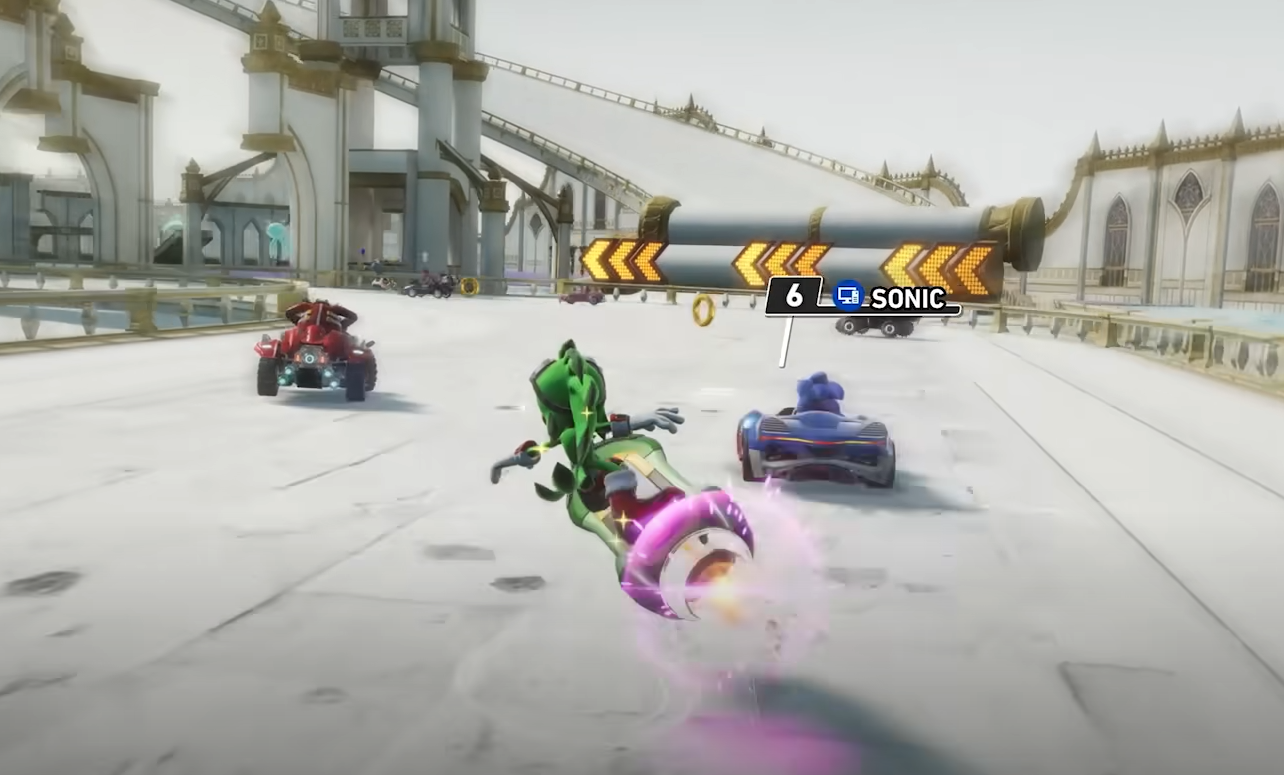
Sonic Racing CrossWorlds Auto Accelerate Not Working Fix Guide
Auto Accelerate in Sonic Racing CrossWorlds is supposed to remove the need to hold down the gas button, but many players have found it unreliable. In single-player races, it often delays before kicking in, making you slow down for several seconds before speeding up again. In online multiplayer, the feature sometimes fails completely, leaving racers with no automatic acceleration at all.
Why Auto Accelerate Feels Broken
The main problem is the delay. When you let go of the accelerate button, the game waits too long before Auto Accelerate activates. This gap is enough for other racers to pass you. If you press the button again, the delay resets, making the feature feel clunky compared to similar options in other racing games.
In online matches, the situation gets worse. Reports show that Auto Accelerate doesn’t function properly during multiplayer, and in many cases, it does not activate at all. Some players believe this is intentional, treating it as a “crutch” that was disabled online for competitive reasons.
Others argue that holding a button down offers no skill advantage, so disabling it makes no sense.
Possible Workarounds
There is no in-game fix right now, but a few players have found controller-based workarounds. On Steam, you can edit controller inputs by setting the accelerate button to a toggle instead of a hold. This lets you double tap the button to stay locked into acceleration without needing Auto Accelerate.
While this causes small annoyances in menus, it allows for longer play sessions without finger strain.
Accessibility Concerns
For many players, Auto Accelerate is not just about convenience but rather accessibility. Holding down a button for long races can cause pain or fatigue, and the feature was meant to solve that. The current broken state creates a barrier for players who rely on it. Until the developers patch the game, the only options are controller toggles or adjusting playstyle.
Final Blurb
Auto Accelerate in Sonic Racing CrossWorlds does not function the way it should. Delays in single-player races and complete failure in multiplayer make the option unreliable. Until the developers confirm a fix or adjustment, the best choice is to use a controller workaround or stick to manual acceleration.
If this issue affects you, consider submitting a bug report to push for an official solution.
FAQ
Why does Auto Accelerate not work in Sonic Racing CrossWorlds?
It has a built-in delay in single-player, and in online play it often does not function at all. This appears to be either a bug or an intentional restriction.
Is Auto Accelerate disabled online?
Many players report that it is completely nonfunctional in multiplayer. The developers have not confirmed whether this is a bug or an intentional choice.
Can I fix Auto Accelerate myself?
There is no in-game setting to fix it. However, Steam users can remap the accelerate button as a toggle, which acts as a replacement.
Does Auto Accelerate give a competitive advantage?
No. It only removes the need to hold the gas button. It does not affect speed, handling, or racing skill. That is why many players see no reason for it to be disabled online.
More Sonic Racing: CrossWorlds