Sonic Racing CrossWorlds Controls Guide: PS5, Xbox, and Switch

Knowing the full control layout in Sonic Racing CrossWorlds makes racing smoother and gives you an edge in every match. Each platform has slight differences, so it helps to know exactly where every action sits on your controller.
Controls on PlayStation (PS4 and PS5)
Left Stick: Steer and Air Trick
R2: Drift
L2: Item
Square: Rear View
Cross: Accelerate
Circle: Brake or Reverse
Options: Pause
Controls on Xbox (Xbox One and Xbox Series X|S)
Left Stick: Steer and Air Trick
RT: Drift
LT: Item
X: Rear View
A: Accelerate
B: Brake or Reverse
Start: Pause
Controls on Nintendo Switch (and Switch 2)
Left Stick: Steer and Air Trick
ZR: Drift
ZL: Item
Y: Rear View
B: Accelerate
A: Brake or Reverse
X: Gadget
Plus: Pause
Control Tips
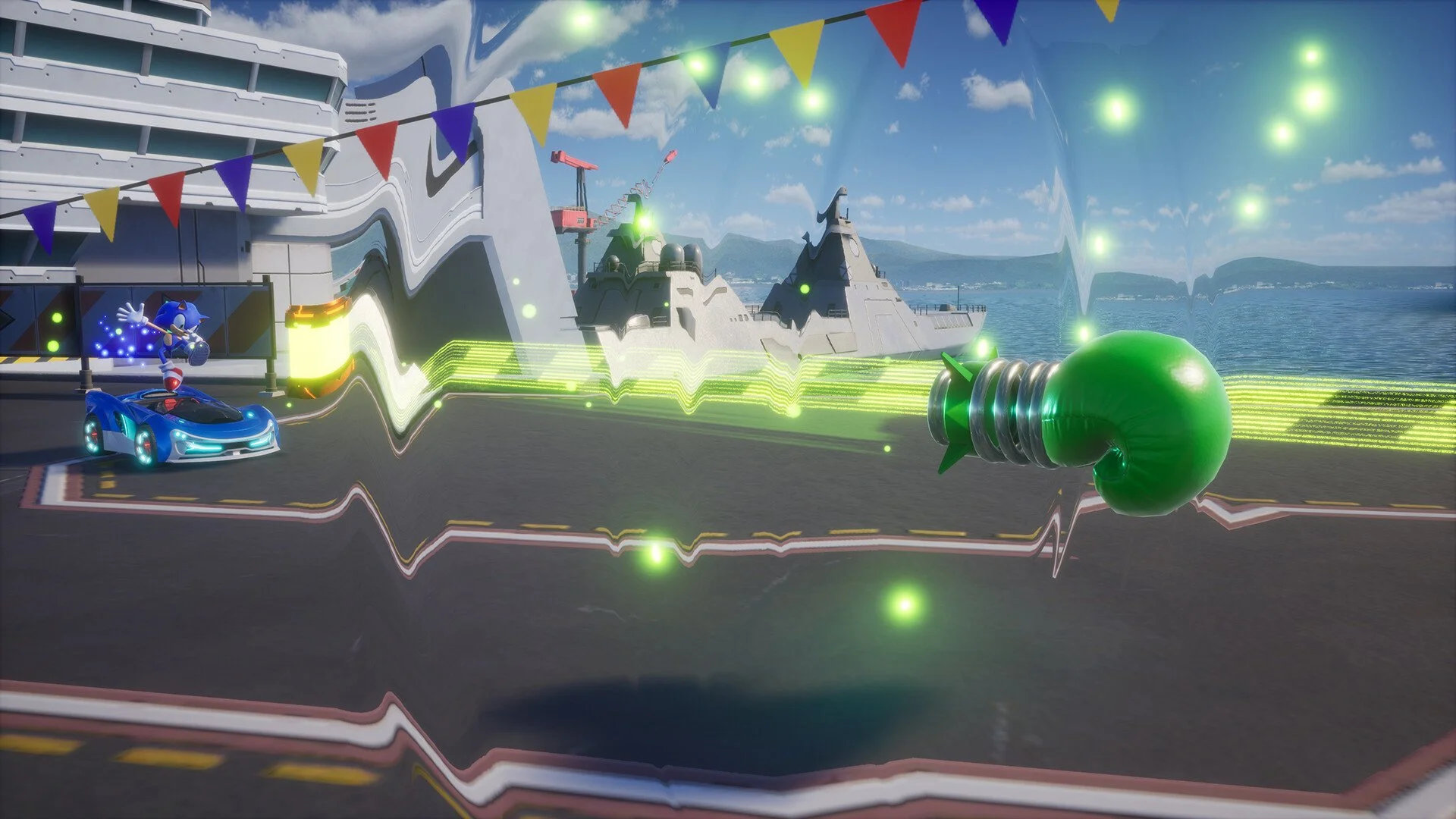
Learning drift is the biggest key to staying competitive. Holding the drift button through corners charges boost levels, giving extra speed. Using items at the right time is also critical, especially for blocking attacks or disrupting opponents.
The gadget button on Switch offers unique customization and can change strategy mid-race. On other platforms, gadgets are tied to menu loadouts rather than an in-race button.
Final Blurb
The control setup in Sonic Racing CrossWorlds is simple but rewards precision. Master steering with the left stick, learn to drift with R2, RT, or ZR, and time your item use to survive the chaos. Once you memorize the layout for your platform, the rest comes down to skill on the track.
FAQ
Do controls differ between consoles?
Yes, the basic layout is the same, but button names differ depending on platform.
How do you drift in Sonic Racing CrossWorlds?
Hold R2 on PlayStation, RT on Xbox, or ZR on Switch while steering.
How do you use items?
Press L2 on PlayStation, LT on Xbox, or ZL on Switch.
What is the gadget button for?
On Switch, gadgets can be activated in-race with X. On other platforms, gadgets are managed through menus.
How do you boost speed during races?
Drift through corners to build boost, then release to gain extra speed.
More Sonic Racing: CrossWorlds