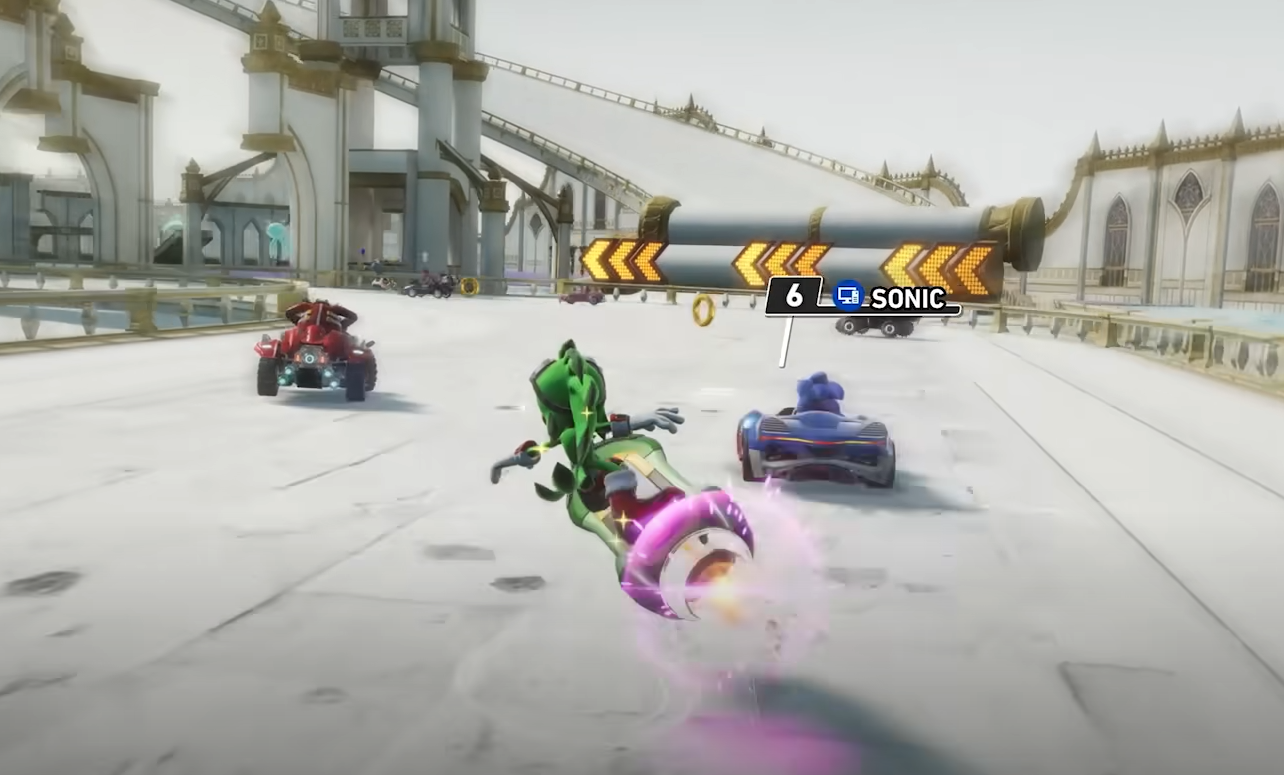
Sonic Racing CrossWorlds How to Change Title
Sonic Racing CrossWorlds how to change title is something you’ll need to know once you start unlocking new ones. Titles are earned through Challenges and milestones, and swapping them out is quick once you know where the menus are.
How to Change Title in Sonic Racing CrossWorlds
You can change your title directly from the Challenge screen if you are selecting one after completing a task. From there, pick the title you want and apply it.
The other option is through the Titles menu on the Extras screen. This menu is located right beside Challenges, and it shows every title you have unlocked.
Highlight the one you want and confirm the change.
How to Unlock More Titles
Most titles come from completing Challenges, which can include race objectives, item goals, and performance milestones. Some are tied to bigger achievements such as beating all rivals or clearing Grand Prix sets.
As you progress, more titles are added automatically. The Titles menu updates as soon as new ones are unlocked, so you can switch to them at any time.
Why Titles Are Worth Using
Titles don’t impact gameplay, but they do mark your progress. They add customization and show what you’ve accomplished so far. For completionists, collecting every title is another layer of the grind.
Final Blurb
Changing titles in Sonic Racing CrossWorlds is simple. Use the Challenge screen if you’re equipping one right away, or head to the Titles menu in Extras to see your full collection.
Unlocking them through Challenges and milestones makes them a solid way to showcase your progress.
FAQ
Where do I go to change my title?
Either the Challenge screen after unlocking one, or the Titles menu in Extras.
How do I unlock new titles?
Complete Challenges, clear Grand Prix milestones, and finish special objectives.
Do titles have any effect in races?
No, they are purely cosmetic and meant to highlight progress.
Can I view all my unlocked titles at once?
Yes, the Titles menu lists every title you’ve earned.
More Sonic Racing: CrossWorlds