Soulmask Interact Not Working Fix: E Key Bug Solution
The interact not working bug in Soulmask shows up mid run and completely blocks progress. You press E and nothing happens, no prompts, no interaction, and no clear reason why. There is a consistent trigger behind it, and once you know what causes it, the fix becomes simple.
How To Fix Soulmask Interact Not Working
The Soulmask interact not working bug is fixed by restarting the game, and it is commonly caused by using the Civilization Mask ability which breaks the E key interaction.
Once this happens, your inputs are still working, but the game stops recognizing interaction entirely. You will notice it immediately when you try to loot, talk, or use anything and nothing responds.
Restarting resets that broken state and restores interaction right away.
Quick Fix
Restart the game to restore E key
Avoid using Civilization Mask ability
If it triggers, stop and reset early
Try holding E instead of tapping
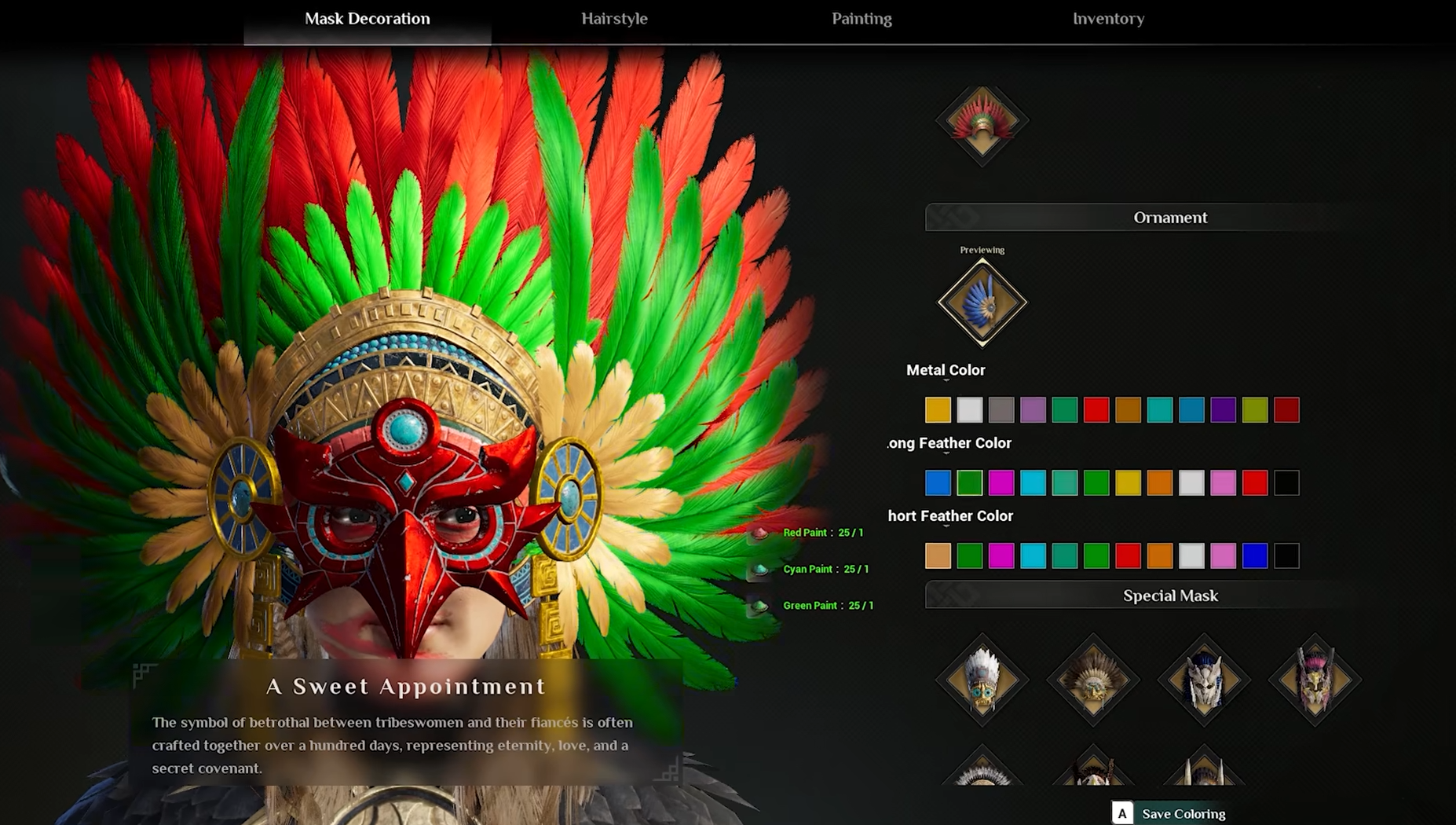
Civilization Mask Is Causing The Issue
This is not a random bug tied to controls or settings.
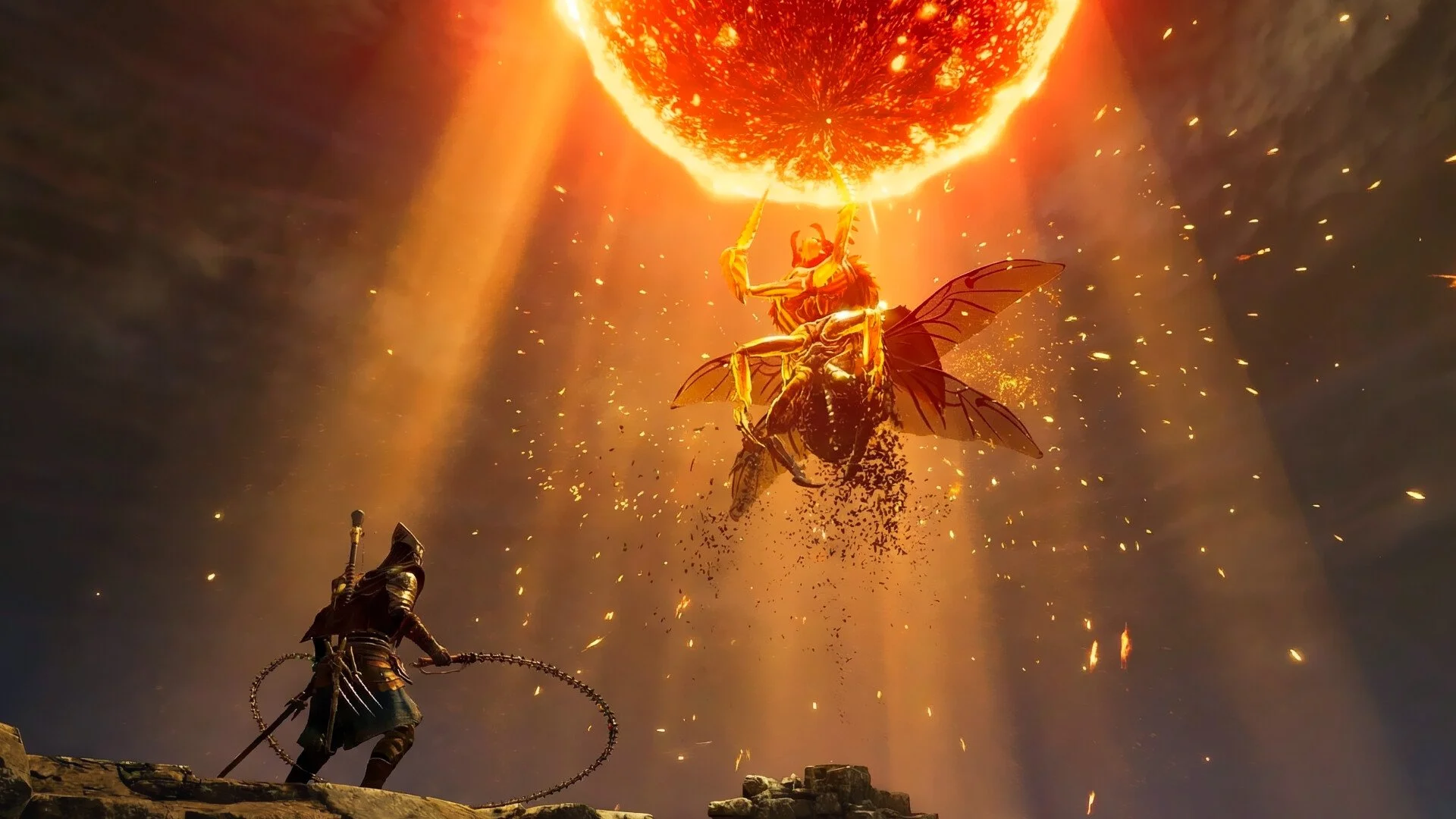
The issue is linked to the Civilization Mask, specifically when using its active ability. After using it one or more times, the game can desync your interaction state, which completely disables the E key.
You will notice a clear pattern:
Everything works normally
You use the mask ability
Interactions suddenly stop working
At that point, you are effectively locked out of interacting until you reset.
What The Bug Feels Like In Gameplay
The frustrating part is how sudden it is.
You can be in the middle of a run, finishing a fight or trying to recruit a tribesman, and suddenly nothing responds. No prompt, no animation, no feedback. The game keeps running, but you cannot progress.
If you keep playing like this, you will start missing loot, failing interactions, and wasting time trying to force it to work.
Temporary Ways To Avoid It
Until this gets patched, avoiding the trigger is the best move.
Do not spam the Civilization Mask ability
Be careful using it right before interacting with objects
Reset as soon as interaction feels broken
Avoid chaining actions too quickly after using it
These reduce how often it happens, even if they do not eliminate it completely.
Why Restarting Fixes It Instantly
This bug is connected to a broken state, not your keybinds. That is why changing controls does nothing. The game still receives your input, it just does not process interaction correctly. Restarting clears that state and puts everything back to normal.
Once you know this, you stop wasting time trying to troubleshoot settings and just reset immediately.
Final Blurb
The Soulmask interact bug comes down to the Civilization Mask breaking the interaction system after using its ability. Once you recognize that trigger, the issue becomes predictable instead of random. Restarting fixes it every time, and avoiding the ability keeps your runs smooth until a proper patch lands.