Spirit City: Lofi Sessions – How to Turn On the Fireplace
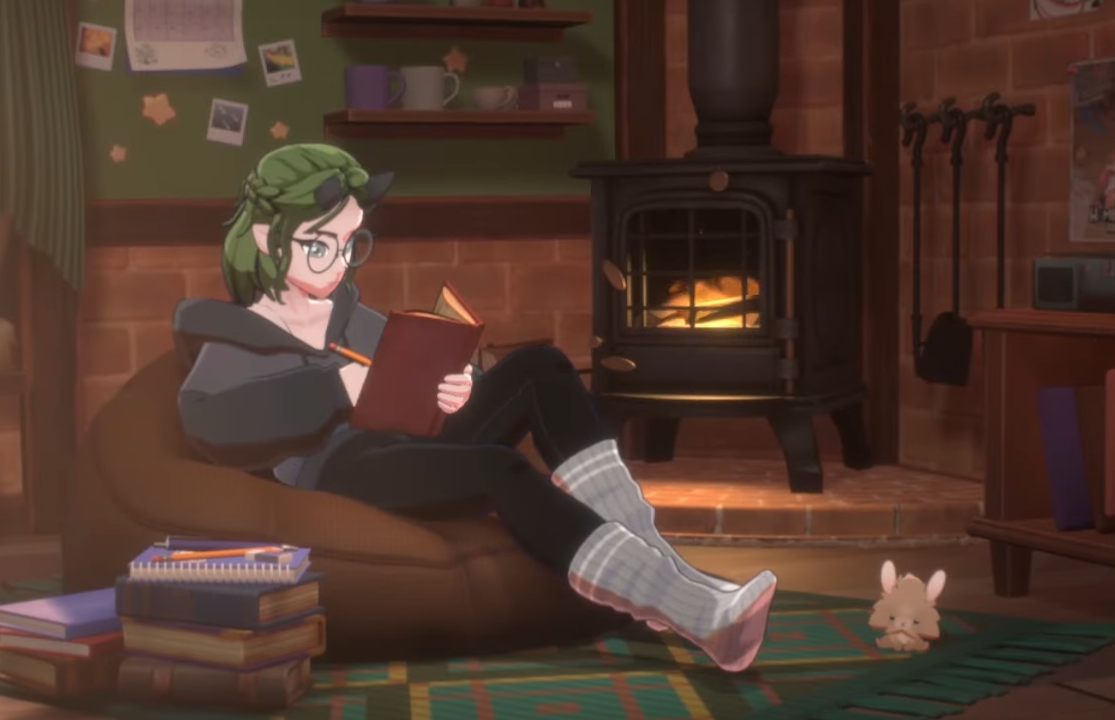
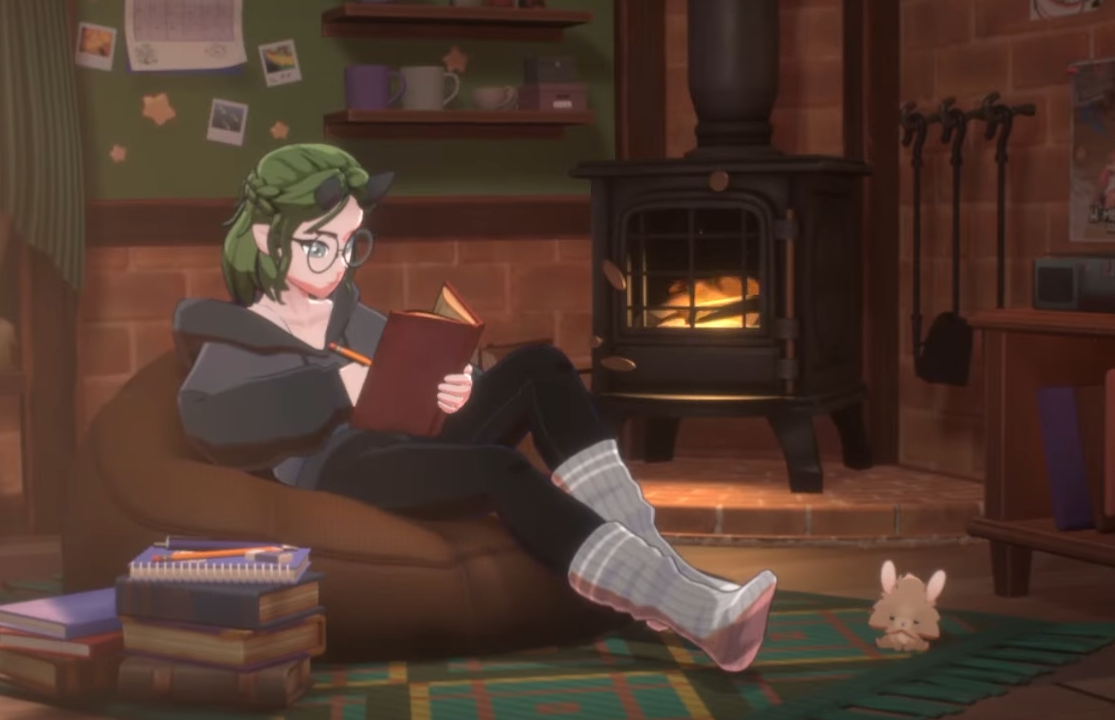
The fireplace in Spirit City: Lofi Sessions is not just decoration, it can be toggled as part of the ambient sound mix. Many players miss this feature at first, since it is hidden in the same menu as rain, wind, and other sound effects. If you want to cozy up your room even more, here’s exactly how to activate it.
How to Turn On the Fireplace
Open the Sound Effects menu from the bottom toolbar.
Look for Fireplace in the list of available effects.
Toggle it on by clicking the option.
Adjust the volume slider to set how strong the crackling fire sounds.
Combine it with other effects (rain, wind, pink noise, etc.) for your perfect mix.
Tips for Fireplace Ambience
Pair the fireplace sound with Gentle Snowstorm or Night Forest for maximum cozy vibes.
Lower the lofi playlist volume slightly so the crackle stands out.
Save your mix as a custom preset if you like to swap between setups.
Works in both the standard room and DLC scenes, giving flexibility no matter where you play.
Final Blurb
The fireplace in Spirit City: Lofi Sessions adds a warm, crackling layer to your focus space. By enabling it through the sound effects menu, you can create a calm study or relaxation environment that feels more immersive.
FAQ
Where is the fireplace located in Spirit City?
The fireplace is in the back-right corner of your main room, though activating it is done through the sound effects menu.
Can I change how the fireplace looks?
Right now, the fireplace is static. Players have suggested more customization options in future updates.
Does the fireplace show visual fire when activated?
The crackling sound plays regardless, but recent updates added synced visual effects to make it glow when turned on.
Can I use the fireplace sound with DLC locations?
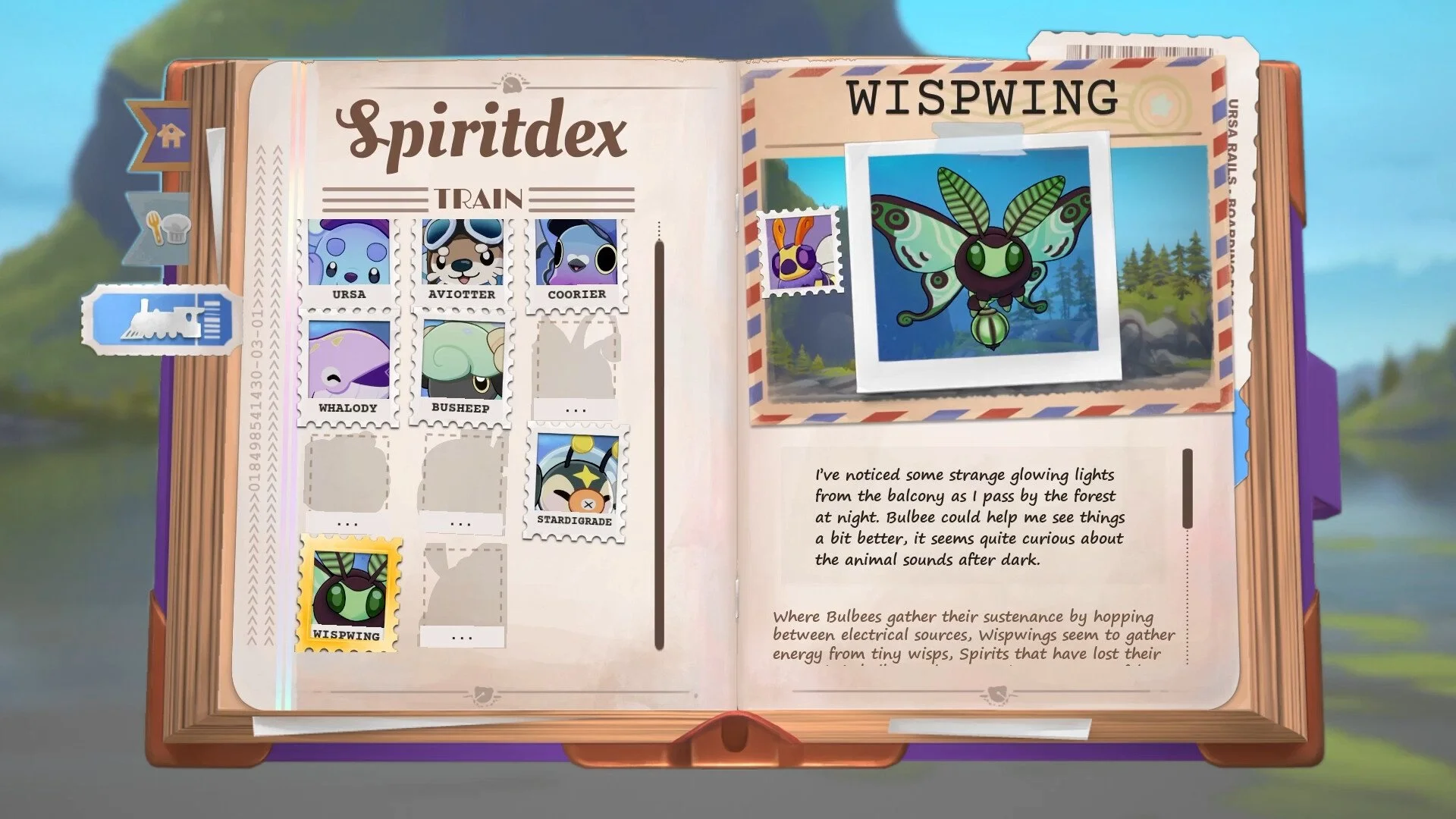
Yes, you can combine the fireplace with any scenery or activity setup, including DLC rooms like All Aboard!.
More Spirit City: Lofi Sessions - All Aboard!