StarRupture Keeps Crashing: Why It Happens and What You Can Do
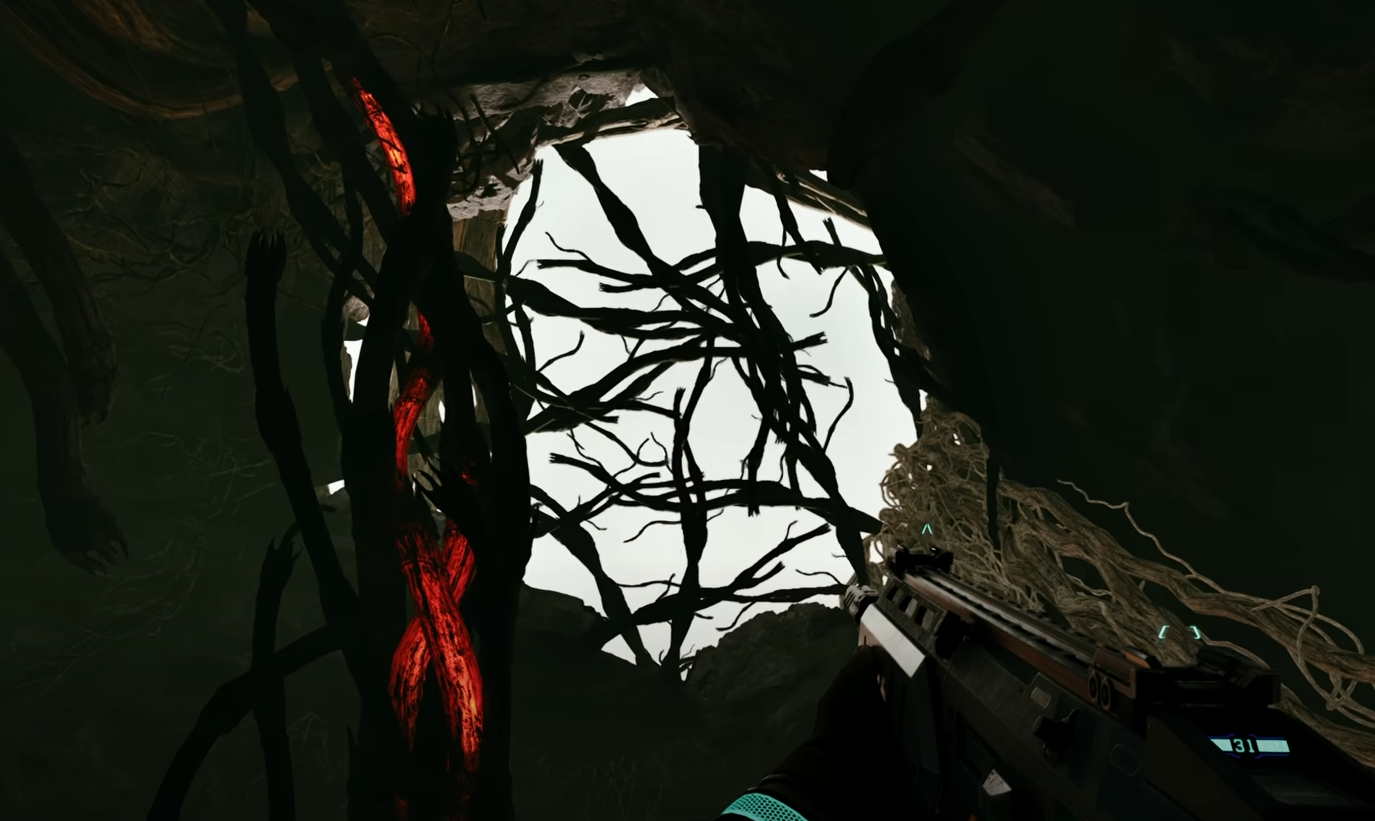
StarRupture crashing is a common issue right now and it usually feels random. It is not random. The game is still in Early Access and several systems can overload or fail under specific conditions.
Why StarRupture Keeps Crashing
StarRupture crashes because the game is still unstable under certain loads. World simulation, rupture events, factories, and long play sessions all stack memory and CPU usage over time. When limits are hit, the game closes instead of recovering.
This is not tied to player skill or save corruption in most cases. It is usually a system or engine issue.
Common Causes Of Crashes
Crashes tend to happen during moments where the game updates many systems at once. This is why players often notice crashes at similar times.
During or right after a rupture event
When loading large factory areas
After long sessions without restarting
When autosave triggers during heavy simulation
When hardware is close to minimum requirements
Why Players Get Confused
Crashes often happen after something specific, like placing a building or exiting shelter. That makes it feel like a single action caused the problem. In reality, that action is usually just the final load added to an already stressed system.
Because crashes do not always repeat instantly, it can feel inconsistent or broken. The underlying cause is usually cumulative.
What You Can Do To Reduce Crashes
You cannot fully prevent crashes right now, but you can reduce how often they happen. These steps work around current engine limits rather than fixing them.
Restart the game every 1 to 2 hours
Avoid building massive factory clusters in one area
Leave shelter only after rupture effects fully clear
Lower graphics settings if your system is near minimum
Close background apps that use RAM or CPU
Manually save before major building or travel
When Crashes Are Not Your Fault
If StarRupture crashes during loading, ruptures, or autosaves, that is almost always on the game side. These crashes usually persist even on high end systems. Updates may reduce them, but they are expected during Early Access.
If crashes happen instantly on launch or every few minutes, that may point to driver or hardware conflicts instead.
Final Blurb
StarRupture crashing is frustrating, but it is not unusual for a game simulating this many systems at once. Most crashes come from overload, not mistakes. Until stability improves, short sessions and cautious saves are your best defense.
FAQ
Is StarRupture crashing because of my save file
Usually no. Most crashes are engine or performance related, not save corruption.
Do ruptures cause crashes directly
Not directly, but rupture effects push the simulation hard and often trigger crashes.
Will lowering graphics stop crashes
It can help if your system is near minimum specs, but it will not fix engine issues.
Are crashes expected in Early Access
Yes. Frequent crashes are common during Early Access development.