Starsand Island How To Pick Up Furniture
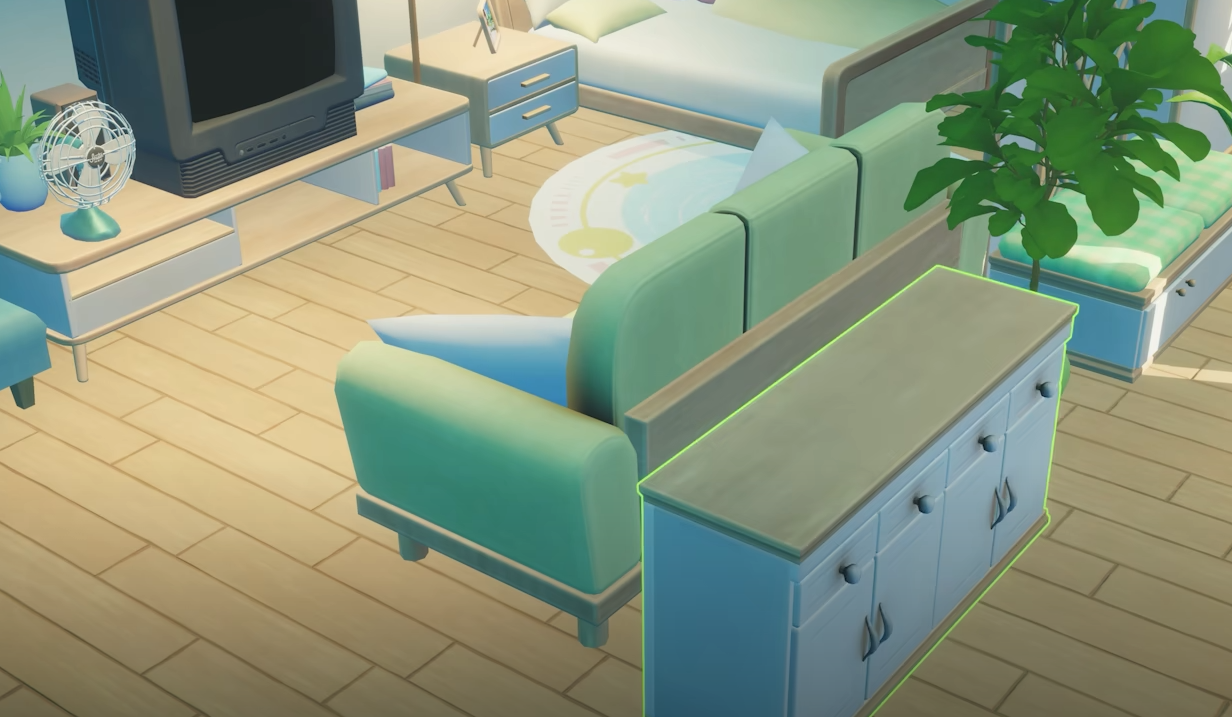
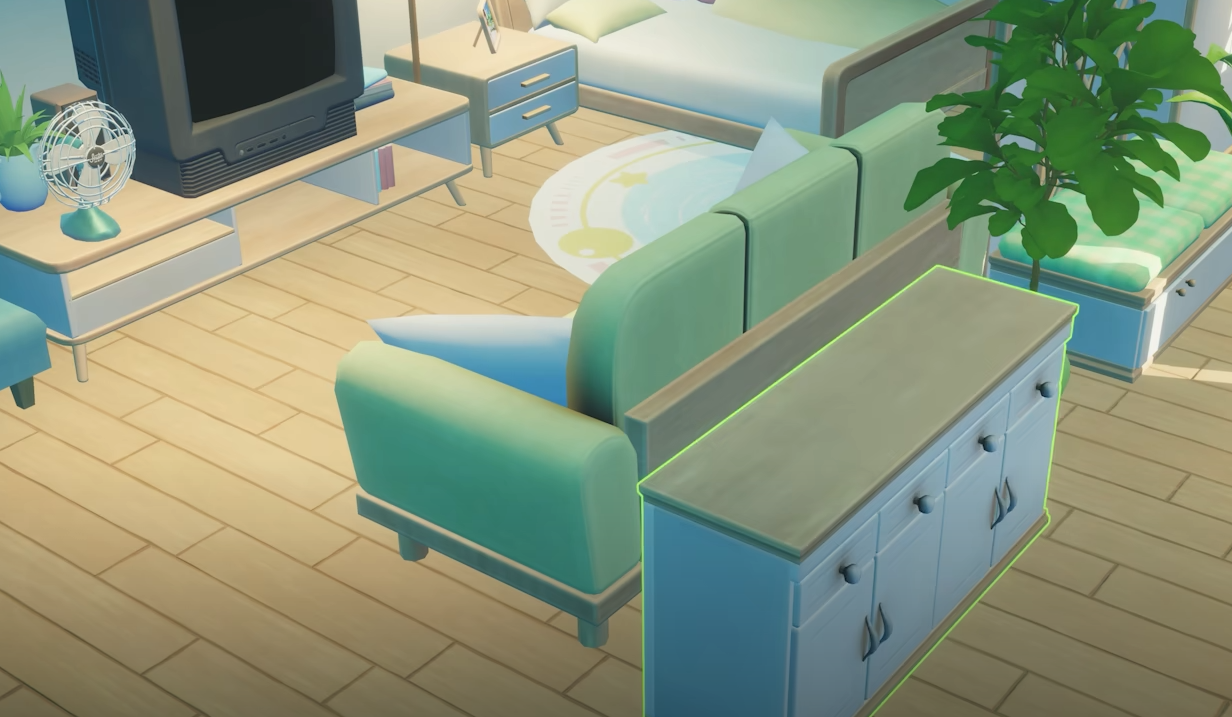
Placed something in the wrong spot? In Starsand Island, you can pick up furniture and crafting stations by opening Build Mode with C, clicking the object, and selecting the remove option. The item returns to your inventory so you can reposition it or store it.
That’s the core mechanic. Now here’s what else you should know.
What Happens To Removed Objects
When you remove furniture in Build Mode, it goes back into your inventory as long as you have space available. You do not lose materials and you do not need to recraft the item.
This works for crafting stations like the Gear Workshop, decor items, and most buildable objects on your property.
If removal is not working, double check that you are actually in Build Mode. Normal interaction mode will not allow you to move placed objects.
Gear Workshop Quest Confusion
If you placed the Gear Workshop and the quest still says 0 out of 1, do not panic. Some quests do not require the item to physically sit in your inventory.
Follow the Golden Trail marker and speak to the quest NPC anyway. In certain cases, the quest will complete even if the Gear Workshop is already placed outside your house.
Items stored in chests can also count toward deliveries.
Final Blurb
Starsand Island how to pick up furniture is simple once you know about Build Mode. Press C, remove the object, and place it where you actually want it. And if it is tied to a quest, try turning it in first. You might not need to move it at all.
FAQ
How do you pick up furniture in Starsand Island?
Open Build Mode with C, click the object, and select the remove option.
Does removing furniture destroy it?
No. The item returns to your inventory.
Do quest items need to be in your inventory?
Not always. Some quests complete even if the item is placed or stored.
Can you move crafting stations after placing them?
Yes. Use Build Mode to remove and reposition them.