Story of Seasons Grand Bazaar How to Pick Up Items
Story of Seasons Grand Bazaar lets players collect items from the ground, fields, fishing, and the bazaar. Picking up items is a simple action, and here’s how to do it.
How to Pick Up Items
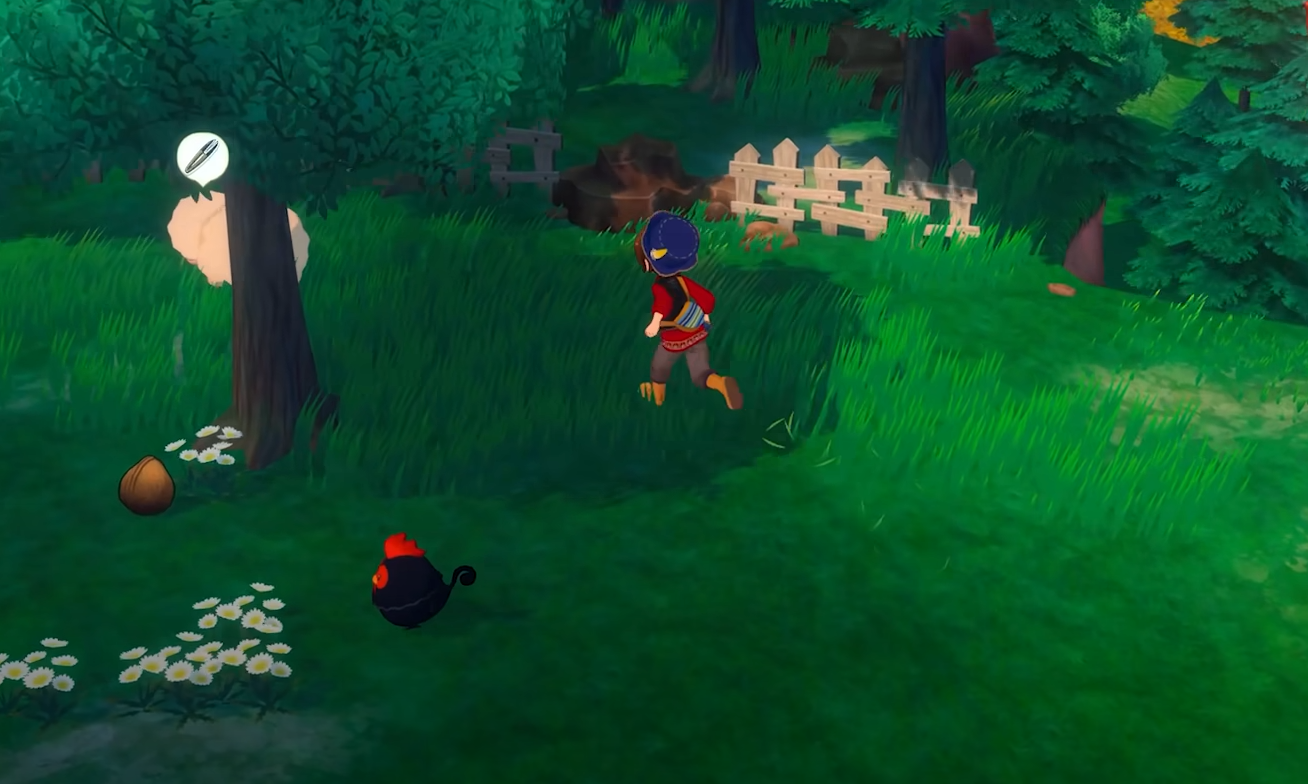
Field and Foraged Items
Walk over to the item on the ground.
Press the action button (A on Switch, X on PlayStation, default key on PC).
The item will move into your bag if there is space.
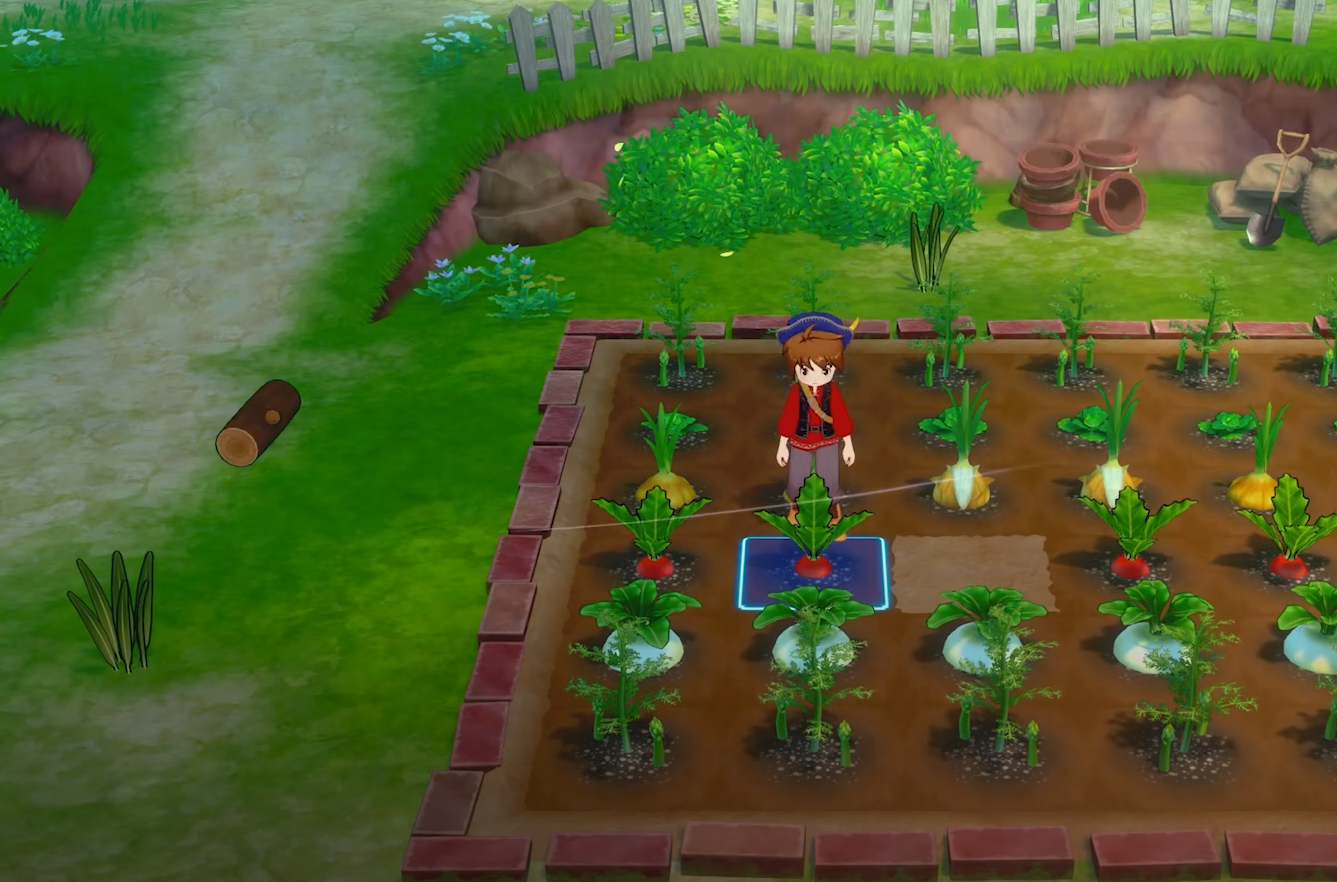
Harvested Crops
Stand next to the fully grown crop.
Press the action button to harvest.
The crop is placed in your bag. If storage is full, you cannot collect it.
Fishing and Caught Items
After catching a fish or pulling up an item, it is added directly to your bag.
Make sure you have room before fishing, or you cannot keep what you catch.
Bazaar Stalls and Quests
Purchased or rewarded items go straight into your bag or storage.
If your bag is full, the transaction will not complete until you free space.
Final Blurb
To pick up items in Story of Seasons Grand Bazaar, stand next to them and press the action button. Always keep bag space open to avoid missing crops, foraged goods, or fishing rewards.
FAQ
What button picks up items
The action button (A on Switch, X on PlayStation, or default interact on PC).
Where do picked-up items go
They go into your bag if there is space.
Can I pick up items with a full bag
No, you need to clear space first.
Do purchased items auto-collect
Yes, they go directly to your bag or storage.
© 2025 GamerBlurb. All rights reserved. Please credit GamerBlurb.com by linking to any information used from this site.
More Story of the Seasons: Grand Bazaar