Story of Seasons Grand Bazaar How to Read Mail
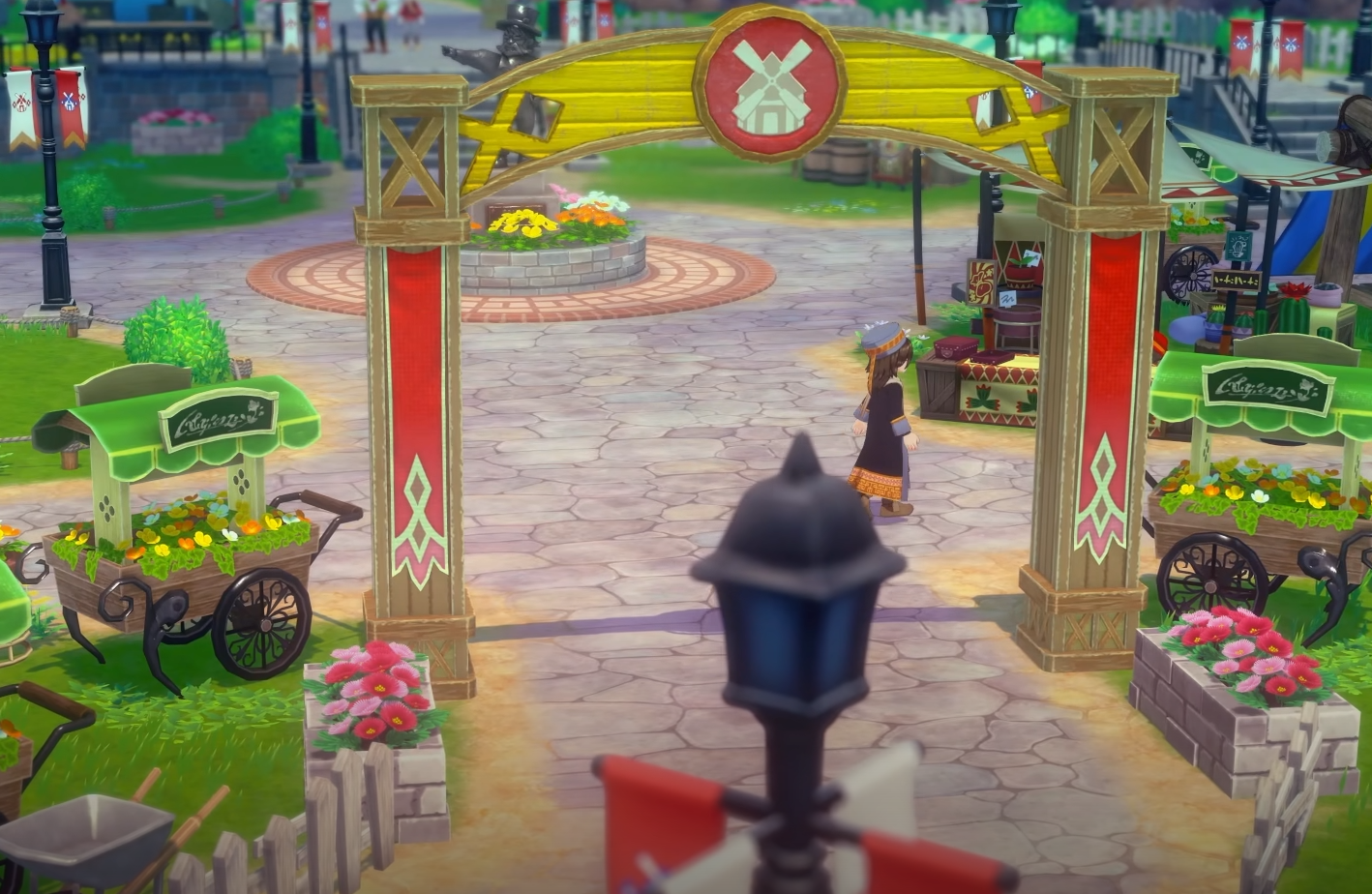
In Story of Seasons Grand Bazaar, mail is one of the easiest things to overlook. Mail delivers items, quests, and reminders, but you need to know exactly how to read it.
How to Read Mail
Step 1 | Collect from Mailbox
Mail shows up at the mailbox near your farmhouse.
Interact with the mailbox when new mail is waiting.
Festival announcements, quest updates, and personal letters often arrive this way.
Step 2 | Open the Menu
After collecting, press the menu button to access your mail.
Go to the mail tab to see all letters you’ve picked up.
Reading mail here ensures you don’t miss details about quests or events.
Step 3 | Check for Attached Items
Many letters include items. These are stored in the mail until you redeem them.
Highlight the mail and confirm to claim the attached reward.
If your bag is full, leave the item in the mail until you have space.
Final Blurb
Reading mail in Story of Seasons Grand Bazaar is simple but important. Always check your mailbox, open the menu to read letters, and redeem attached items when you have storage room.
FAQ
Where is the mailbox in Story of Seasons Grand Bazaar
Right outside your farmhouse.
Can you lose items from mail
No, items stay in your mail until you claim them.
Do all letters come with items
Not all. Some only contain event details or story text.
Why can’t I redeem items right away
If your storage is full, you’ll need to clear space first before claiming.
© 2025 GamerBlurb. All rights reserved. Please credit GamerBlurb.com by linking to any information used from this site.
More Story of the Seasons: Grand Bazaar