Subliminal Controls Guide: PC Keybinds Explained
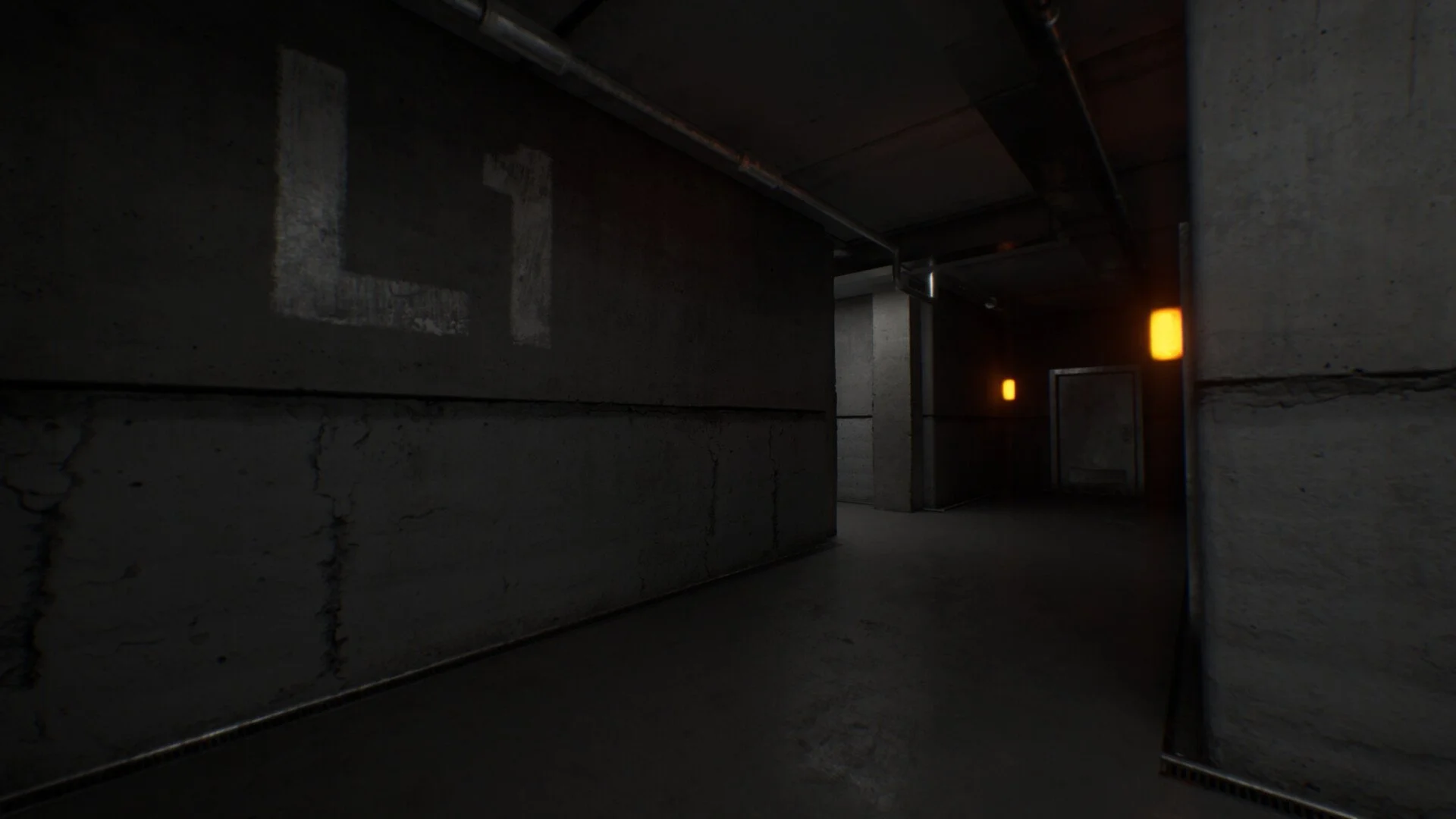
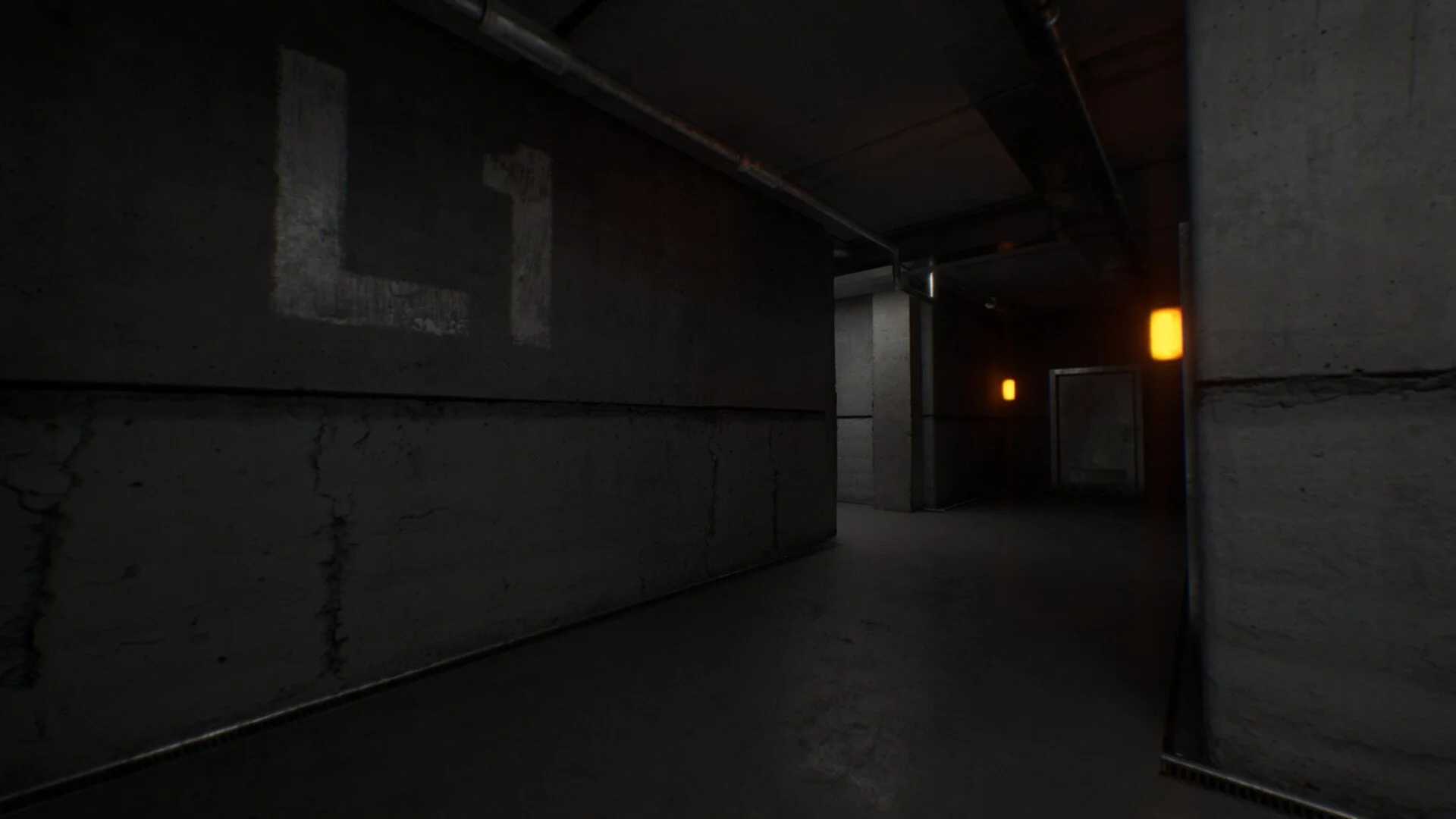
Getting comfortable with the controls in Subliminal makes a huge difference, especially during fast sections like the basement sequence. The game uses simple inputs, but a few keys handle multiple mechanics, so knowing them early helps you avoid mistakes later.
Core PC Controls You Need To Know
The main controls in Subliminal use E for interacting, mouse clicks for actions, and WASD for movement, with Shift for sprint and Space for jumping.
These are the keys you will use constantly while playing, so it is worth locking them in right away.
Full PC Keybind Breakdown
Basic Interaction And Actions
Interact is E
Use Left is Left Click
Use Right is Right Click
Memory Meter is Tab
Interact is your most used key. You will press E for doors, switches, puzzles, and pretty much everything in the game.
Movement Controls
Move Forward is W
Move Backward is S
Move Left is A
Move Right is D
Movement is standard and feels like most first person games, so this part should come naturally.
Movement Abilities
Sprint is Left Shift
Jump is Space
Crouch is Left Ctrl
Sprint is important during timed sections like the basement doors and lights. If you are not using it, you will fall behind quickly.
Extra Controls
Zoom is C
Toggle Narration is M
Zoom helps when focusing on objects like paintings or small details. Toggle Narration can turn off voice guidance if you want a quieter experience.
Controls That Matter Most During Gameplay
Some keys matter more depending on what you are doing in the game.
During Puzzle Sections
E for interacting with objects
Mouse clicks for adjusting items like clocks
Space to switch between elements when needed
During Fast Sequences
Left Shift to sprint between rooms
E to close doors or flip switches
Mouse clicks when using light or similar mechanics
If you hesitate during these moments, the game can feel harder than it actually is.
Quick Tips To Avoid Control Mistakes
Keep your finger near E at all times
Use sprint often, not just when you feel rushed
Practice switching between mouse clicks quickly
Do not forget Space can swap functions in certain puzzles
These small habits make the game feel smoother almost instantly.
Final Blurb
Subliminal keeps its controls simple, but it expects you to react quickly and use them together. Once you get used to E for everything, Shift for speed, and mouse clicks for actions, the game starts to flow much better. Most mistakes come from hesitation, not difficulty.
FAQ
What is the interact key in Subliminal
The interact key is E, and it is used for doors, switches, puzzles, and most objects.
How do you sprint in Subliminal
Hold Left Shift to sprint, which is important during fast sequences.
What key is used for jumping
Jump is mapped to Space.
Can you change controls in Subliminal
Yes, there is a keybinds menu where you can reset or adjust controls.