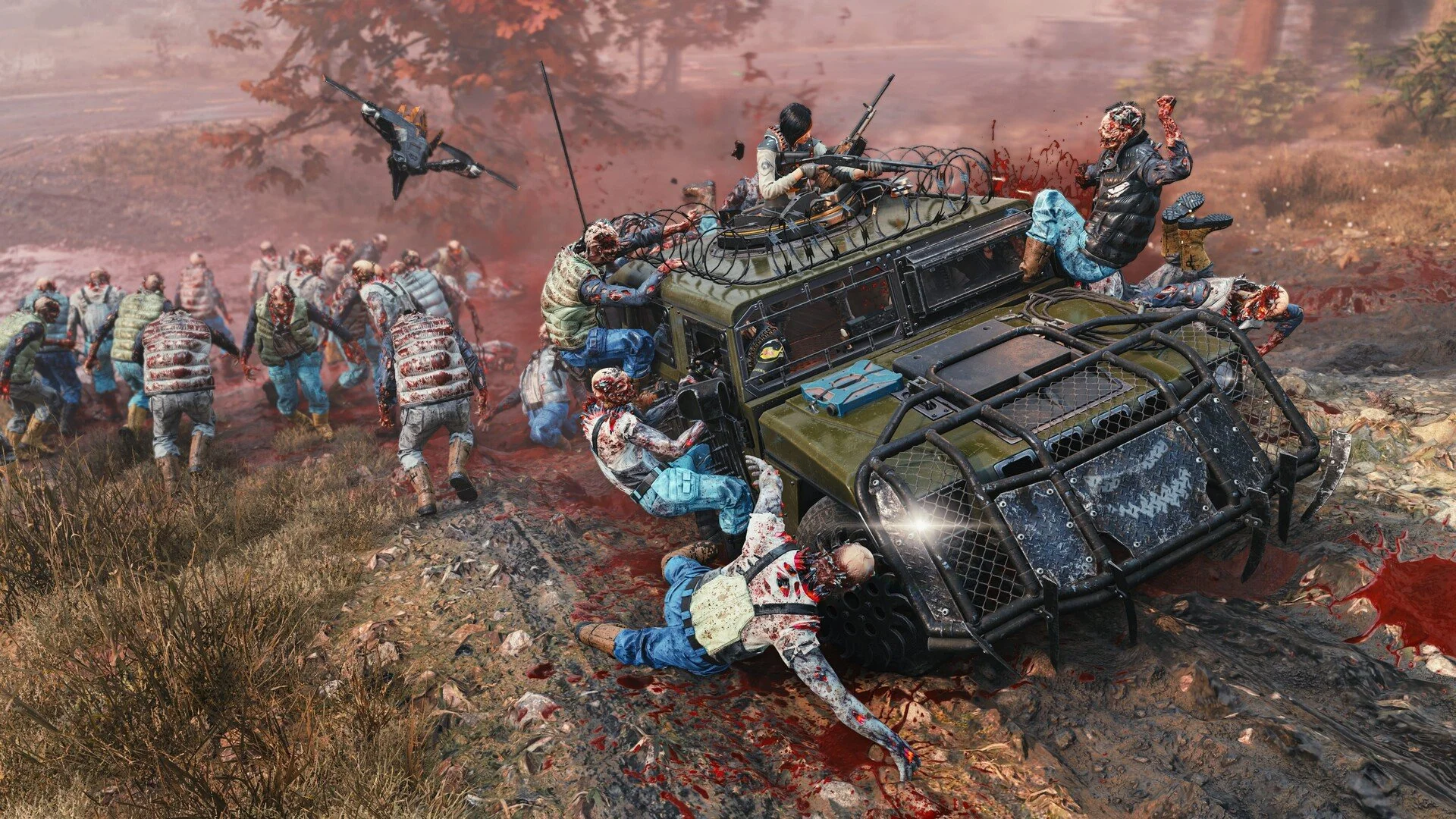
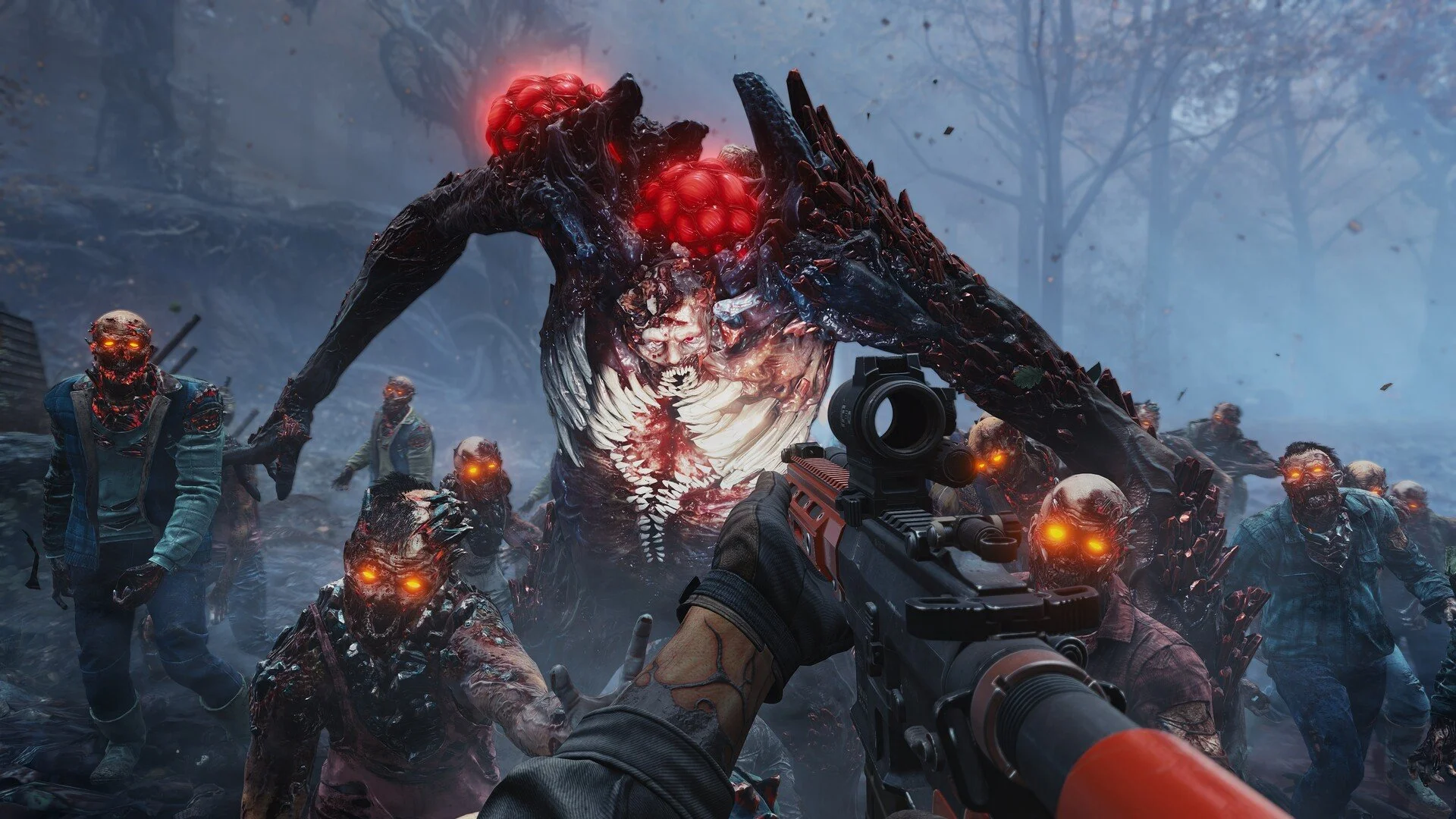
Toxic Commando FOV Slider: How To Change FOV

Field of view settings were one of the biggest questions players had before launch. The early demo of John Carpenter's Toxic Commando shipped without an FOV slider, which led to a lot of complaints from PC players. The good news is the full release fixed that problem.
If the camera feels too tight while fighting large zombie waves, the game now lets you adjust it directly in the settings menu.
How To Change FOV In Toxic Commando
Yes. Toxic Commando includes an FOV slider in the full release, allowing players to adjust both First Person and Third Person field of view from the settings menu.
You do not need mods or file edits anymore. The option is built directly into the game.
Where To Find The FOV Setting
The FOV controls are located inside the gameplay settings.
Open the main menu or pause menu
Select Settings
Open the Gameplay tab
Locate the First Person FOV slider
Adjust the Third Person FOV slider if desired
The change applies immediately once you move the slider.
Default And Maximum FOV
The game launches with fairly standard camera values for a shooter.
First Person default around 90
First Person maximum around 130 on PC
Third Person default around 65
Increasing the value gives you a wider view of the battlefield, which helps when large zombie groups start pouring in from every direction.
Why Players Asked For An FOV Slider
During the early demo version the field of view was locked. This caused issues for players using ultrawide monitors or anyone sensitive to narrow camera views.
The developers responded to the feedback and added proper FOV sliders in the full release. Thankfully that means no more digging through game files just to see more than your character's elbows.
Final Blurb
Toxic Commando now includes proper field of view controls directly in the settings menu. Players can adjust both first person and third person camera views to better fit their setup.
If the default camera feels tight, increasing the FOV is one of the easiest ways to make combat feel smoother and improve awareness during large zombie swarms.
FAQ
Does Toxic Commando have an FOV slider
Yes. The full release includes adjustable FOV sliders in the gameplay settings.
What is the max FOV in Toxic Commando
The first person FOV can reach roughly 129 on PC.
Can you change FOV on console
Yes. The FOV sliders appear in the gameplay settings on console versions as well.
Why did the demo not have an FOV slider
The early demo version launched without the option. The developers added it for the full release after player feedback.