Toxic Commando FPS: How To Increase FPS And Reduce Lag

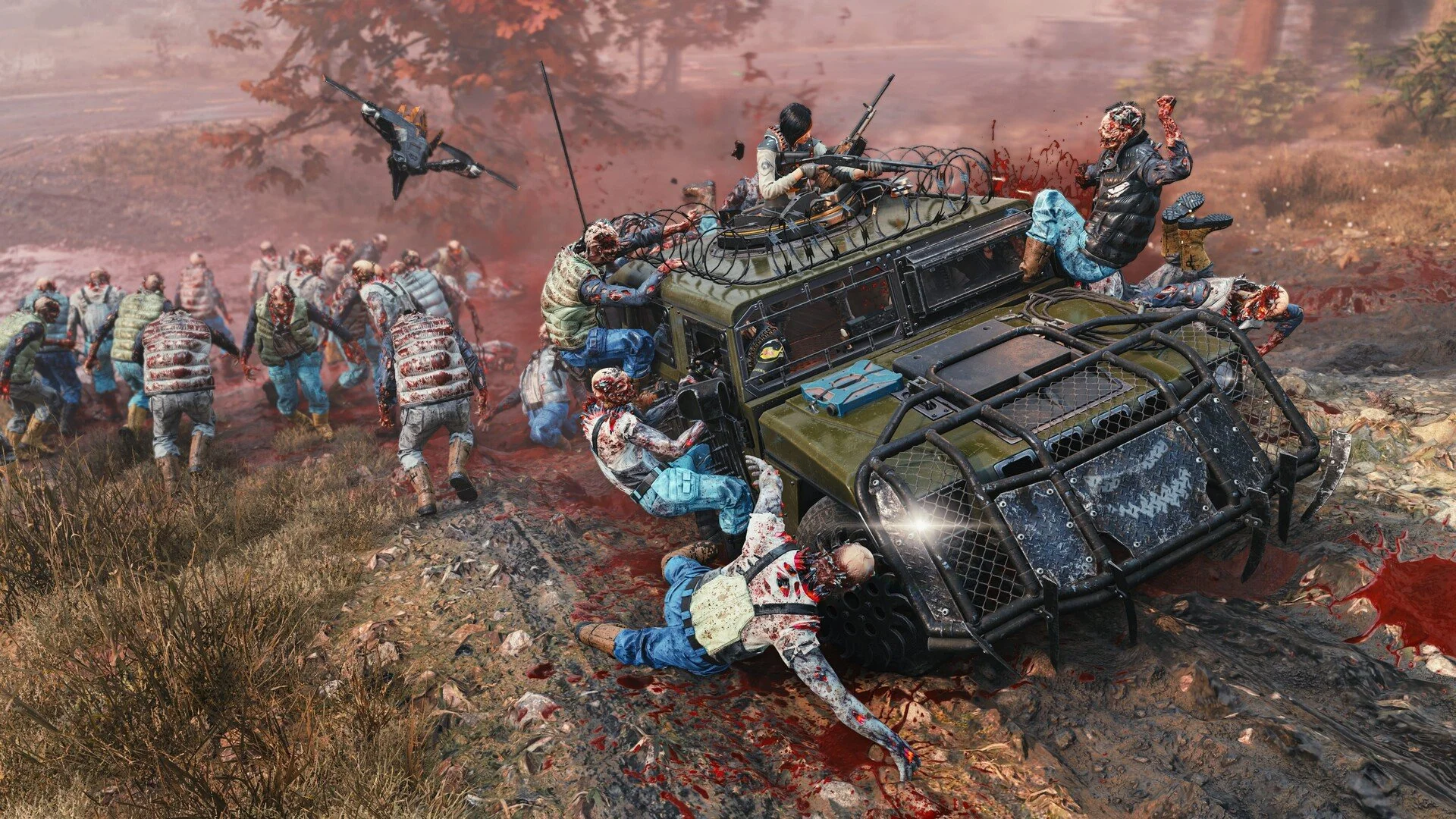
Performance can vary a lot depending on your system and settings. In John Carpenter's Toxic Commando, large zombie waves and explosions can cause noticeable FPS drops if your graphics settings are too high.
Many players notice lower FPS in the hub area or during heavy combat. The good news is the game includes several settings you can adjust to stabilize performance and improve frame rates.
Improving FPS In Toxic Commando
The best way to increase FPS in Toxic Commando is lowering heavy graphics settings like Shadows, SSAO, and SSR while enabling DLSS or FSR upscaling.
These settings have the biggest impact on performance during missions where dozens of enemies appear on screen.
Best Settings For Higher FPS
Adjusting a few key graphics settings can significantly improve performance.
Resolution Upscaling set to DLSS or FSR
Render Resolution set to Performance
Shadows set to Low
SSAO set to Low
SSR set to Low
Texture Filtering set to Medium
Volumetric Effects set to Low
These changes reduce GPU load while keeping the game looking good during intense fights.
Disable Heavy Visual Effects
Some graphical features look nice but can reduce FPS during large zombie swarms.
Turning these off can make the game run much smoother.
VSync Off
Motion Blur Off
Cinematic Ambiance Off
This removes extra visual effects that do not affect gameplay.
Use An FPS Cap To Reduce Stutters
While higher FPS is always nice, uncapped frame rates can cause performance spikes when many enemies appear.
Setting a stable cap can make the game feel smoother.
Set FPS Limit to 60 or 120 depending on your monitor
A stable frame rate often feels better than constant fluctuations.
Why FPS Drops Happen
Toxic Commando uses large enemy waves and heavy particle effects during combat. Explosions, abilities, and dozens of enemies appearing at once can increase GPU and CPU load quickly.
Because of this, FPS drops usually appear during intense fights rather than when exploring the map.
Lowering the most demanding settings helps keep performance stable when the action ramps up.
Final Blurb
FPS performance in Toxic Commando can vary depending on your hardware and graphics settings. Lowering heavy visual effects and enabling DLSS or FSR upscaling are the fastest ways to improve frame rates.
Once you find the right settings for your system, the game runs much smoother even during the largest zombie swarms.
FAQ
How do I increase FPS in Toxic Commando
Lower settings like Shadows, SSAO, and SSR while enabling DLSS or FSR upscaling.
Why is Toxic Commando FPS low
Large zombie waves, explosions, and visual effects can cause heavy GPU load during missions.
What is the best setting for FPS in Toxic Commando
Using DLSS or FSR with lower shadow and lighting settings usually provides the biggest performance improvement.
Does lowering resolution improve FPS
Yes. Lower render resolution reduces GPU workload and can significantly increase frame rates.