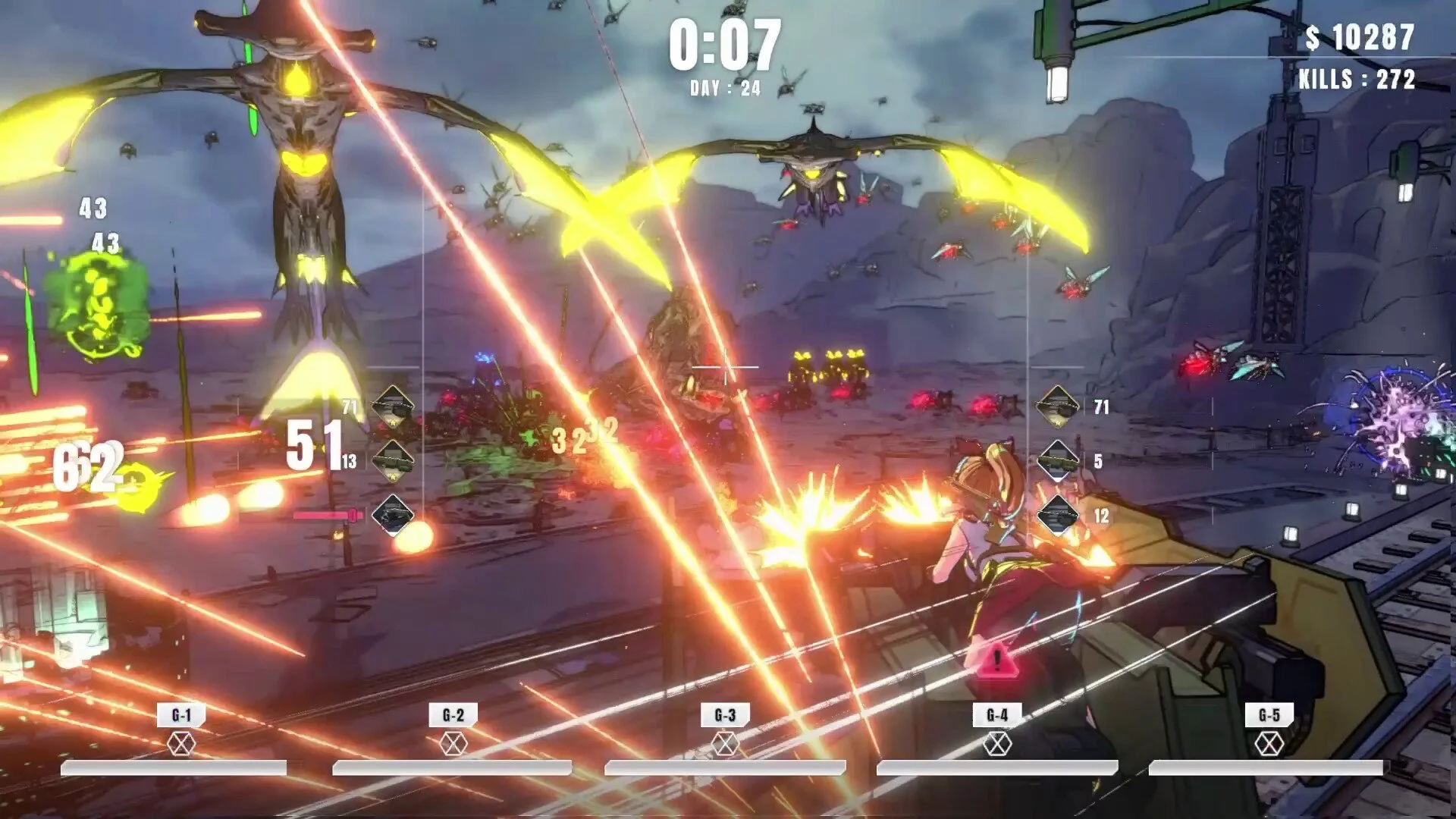
Turret Girls Mod Guide (TurretGirls) | How to Use Mods
Credit to nanairo-develop/Steam who’s info helped shape portions of this guide.
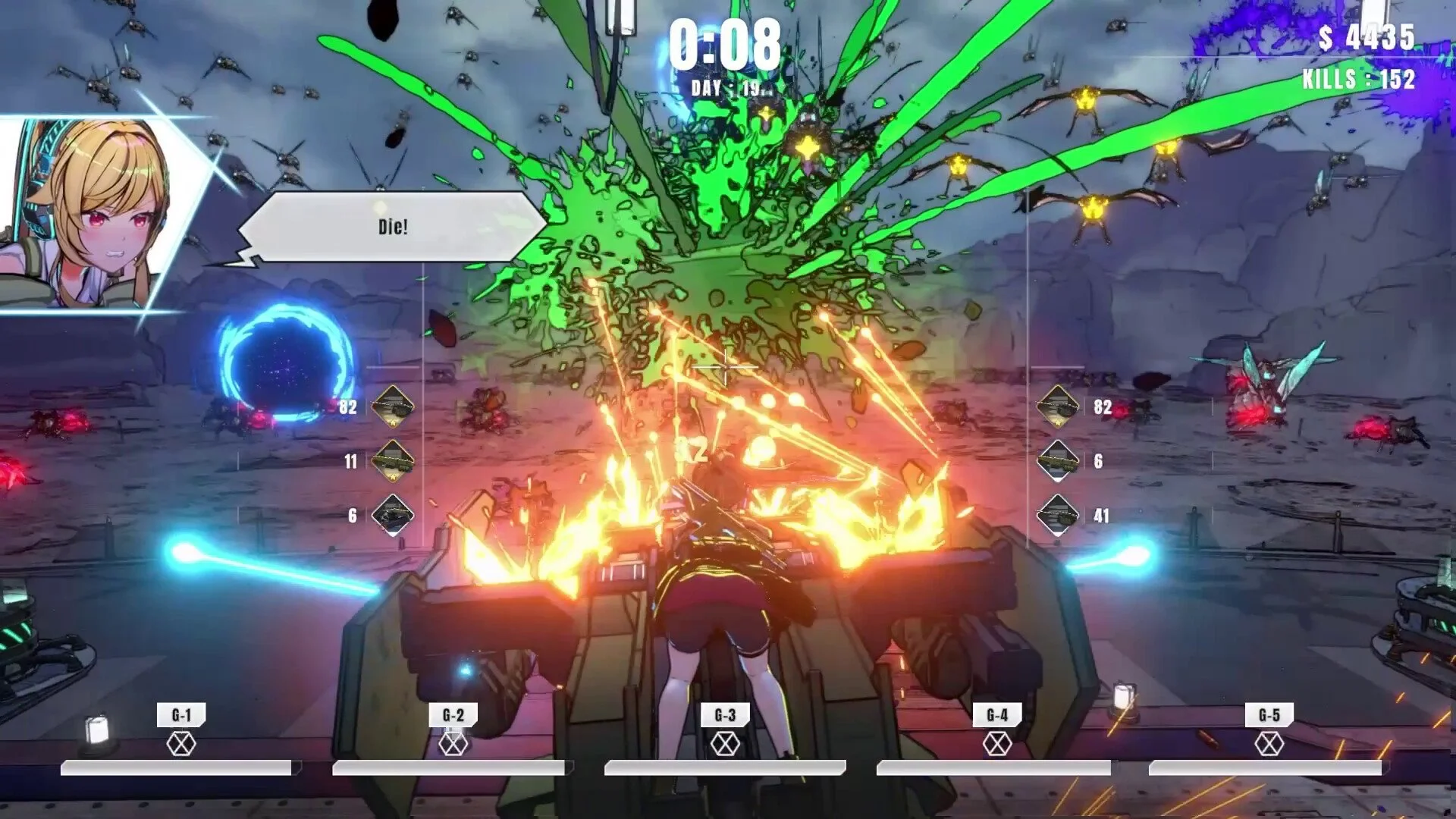
Turret Girls supports official modding, and players can change textures, accessories, weapons, and even upload mods directly to the Steam Workshop. If you are looking for a Turret Girls modding guide, this walkthrough covers the tools you need, how to set up mods, and what parts of the game can be edited.
Getting Started with Modding in TurretGirls
To begin modding, you’ll need a few tools. Note that you should always do your own research before utilizing third-party software.
UABE Avalonia – A free tool for editing Unity asset bundles. This is the main way to access and replace Turret Girls game files.
Image Editor – Gimp is recommended for working with textures, though Photoshop or other editors can work. Transparency support is important.
Steam Workshop Uploader – Built into the Turret Girls installation folder, this lets you package and upload mods.
The game files are located under:
Steam\steamapps\common\TurretGirls\TDSTG_Win64_Data\StreamingAssets\aa\StandaloneWindows64
Most moddable data, including textures and accessories, can be found here.
Example: Nurse Hat Texture Replacement
Open UABEAvalonia.exe and load the file
accessories_assets_pre_acch_03_01.bundle.Search for “Texture2D” inside the bundle. This file contains the Nurse Hat textures.
Export the albedo and shading textures as PNG files.
Edit the textures in Gimp or Photoshop (for example, swap out the heart icon).
Reimport the edited textures using UABEA’s “Edit Texture” option.
Save changes and recompress the file using LZMA compression.
Launch Turret Girls and equip the Nurse Hat to see your changes.
Always back up the original files in case you need to revert. Steam file verification will also reset any modded files.
Uploading Mods to the Workshop
Open
TurretGirlsWorkshopUploader.exeinside theSteamWorkshopUploaderfolder.Create a new item and give it a name. This generates a workshop folder for your mod.
Place only the modified files in that folder. Avoid including untouched files to reduce conflicts.
Add a preview image, title, and description. Keep the mod private for testing.
Submit the mod through the uploader. Once verified, you can make it public.
Resetting and Handling Conflicts
To reset back to default files, verify game integrity in Steam.
If two mods edit the same file, the most recently subscribed mod takes priority.
What Can Be Modded
Almost all visual data in Turret Girls can be altered. These are the main categories:
Character
Body textures, hair, eyes, face, and skin files.
Accessories
Head items like Nurse Hat, Cat Ears, Fox Mask, and Cyberpunk Helmets.
Body items like rifles, tails, wings, and armor.
Clothing
Bras, panties, and socks each have separate asset files with multiple variants.
Turrets and Weapons
Turrets: machine gun, shotgun, laser, flamethrower, rocket launcher, and more.
Autoweapons: default turret weapons.
Equipped weapons: shop-purchased weapons like Ballista, Thunder Shot, and Incendiary Bomb.
Generators
Prototype, Durable, Shield, and weapon-linked generators with unique textures.
Final Blurb
Turret Girls modding is built around Unity asset editing with UABEA, texture replacement, and Workshop uploads. You can change anything from hats and underwear to turrets and generators, then share it with the community.
With backups, compression, and careful file management, modding Turret Girls is straightforward and highly customizable.
FAQ
What tool do you need to mod Turret Girls?
UABE Avalonia is the main tool, alongside an image editor like Gimp.
Can you upload mods to Steam Workshop?
Yes, the game includes a Workshop Uploader tool in the installation directory.
What files can be modded in Turret Girls?
Textures and models for the character, accessories, clothing, turrets, weapons, and generators.
What if mods conflict?
The most recently subscribed mod will overwrite earlier ones if they touch the same file.
More TurretGirls Articles