Wildgate: How to Change Ship
Written by Andrew Hammel | Wildgate
Changing your ship's appearance in Wildgate is fast and easy. To customize your ship color, shape, or name, open the in-game menu and use the Customization tab.
How to Change Your Ship in Wildgate
Open the Menu
Tap the menu icon in the top-right corner of the screen. This brings up your main options.
Go to Customization
Select the Customization tab from the list. This is where all ship changes happen.
Change Ship Color or Shape
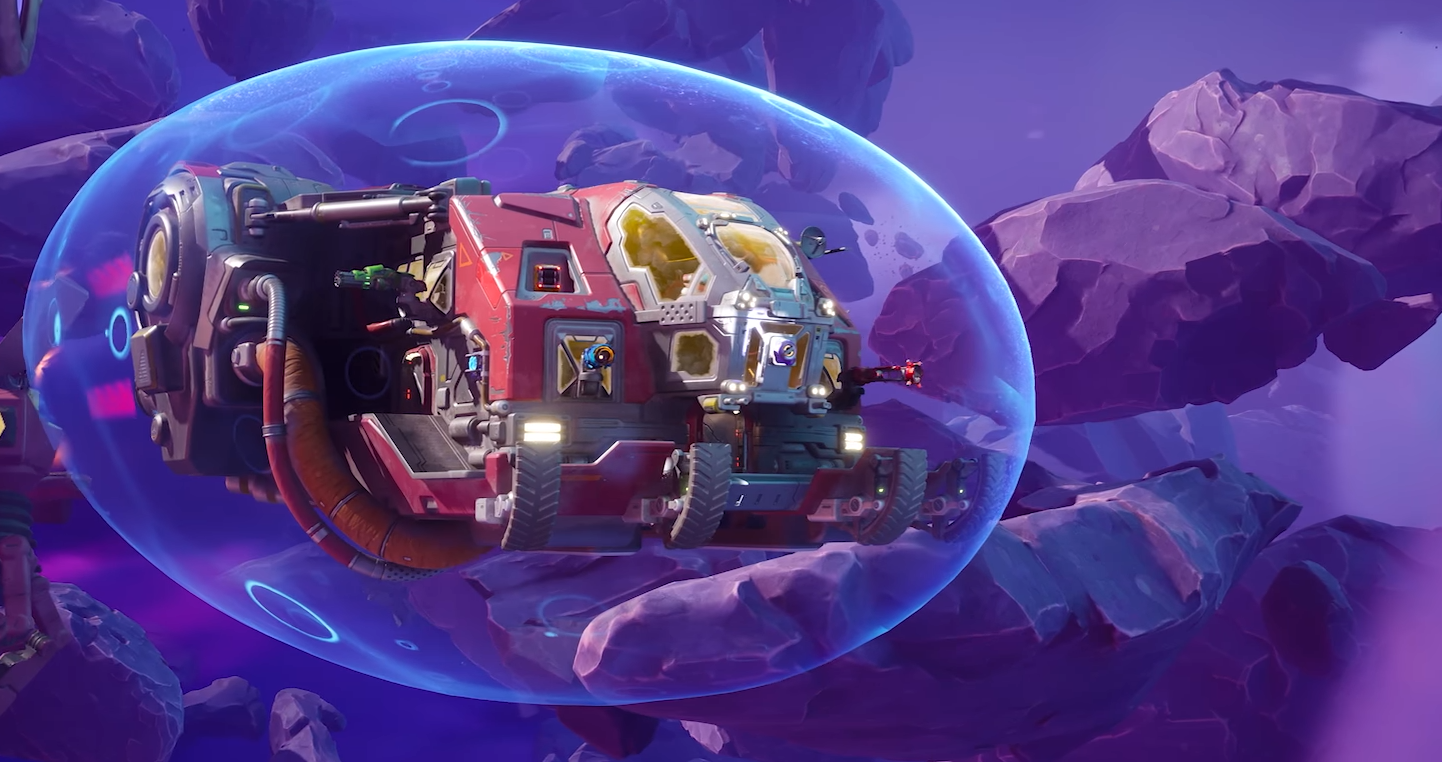
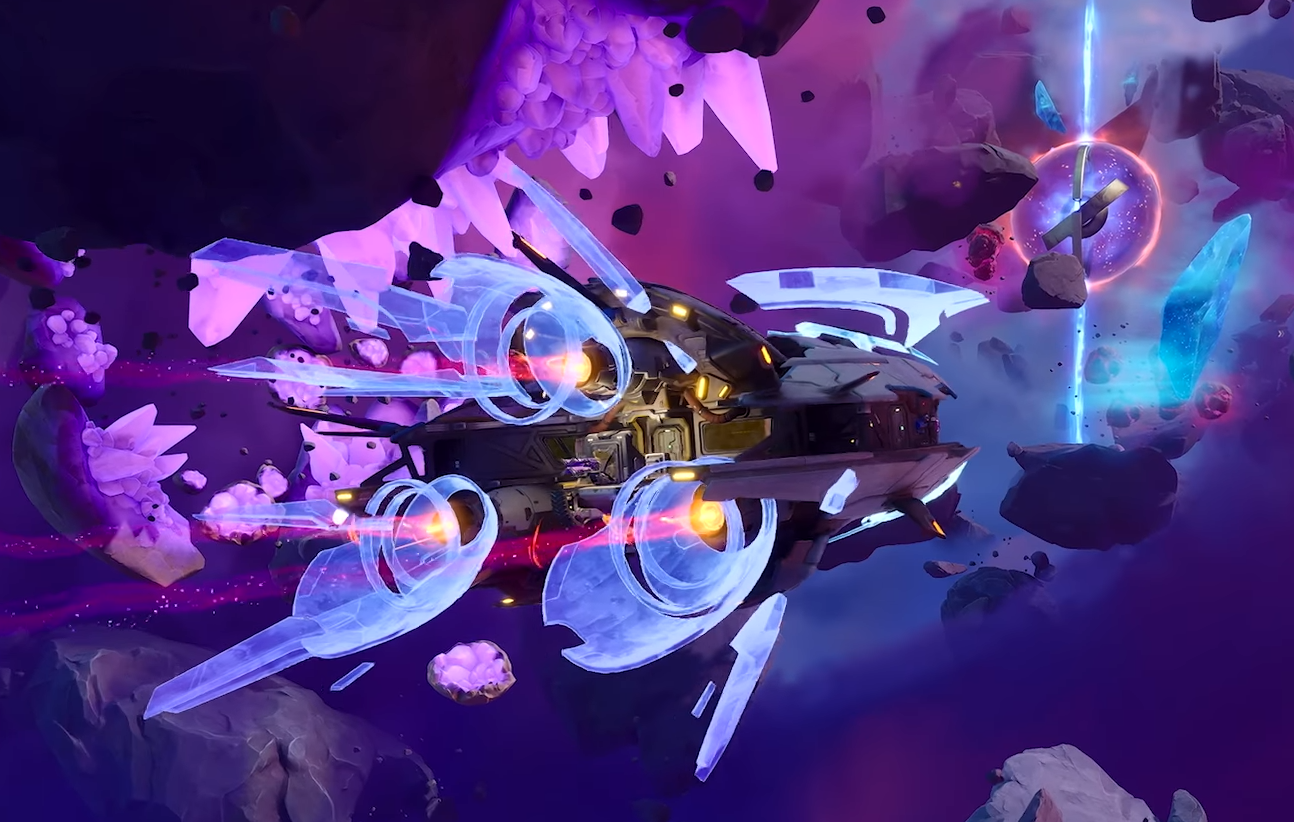
Inside Customization, scroll to the Shapes section. This lets you preview and pick different ship designs and color variants.
Click on a shape to preview it. When you’re happy with the look, hit the Equip button at the bottom to confirm.
Rename Your Ship
In the same Customization section, you’ll find an option to edit your ship’s name. Type the new name and save.
Final Blurb
Customizing your ship in Wildgate takes just a few clicks, even if you want a new look or a fresh name. It’s all handled in the Customization menu.
FAQ
Where is the customization menu in Wildgate?
Tap the menu icon in the top-right corner, then choose Customization.
Can I change both ship color and shape?
Yes, use the Shapes section to choose both the design and color.
Is ship customization free?
Some shapes or colors may require unlocks, but basic changes are free.
Can I rename my ship more than once?
Yes, there’s no limit to how often you rename your ship.
© 2025 GamerBlurb. All rights reserved. Feel free to link to or quote this guide; please provide a direct link back for attribution.
More Wildgate