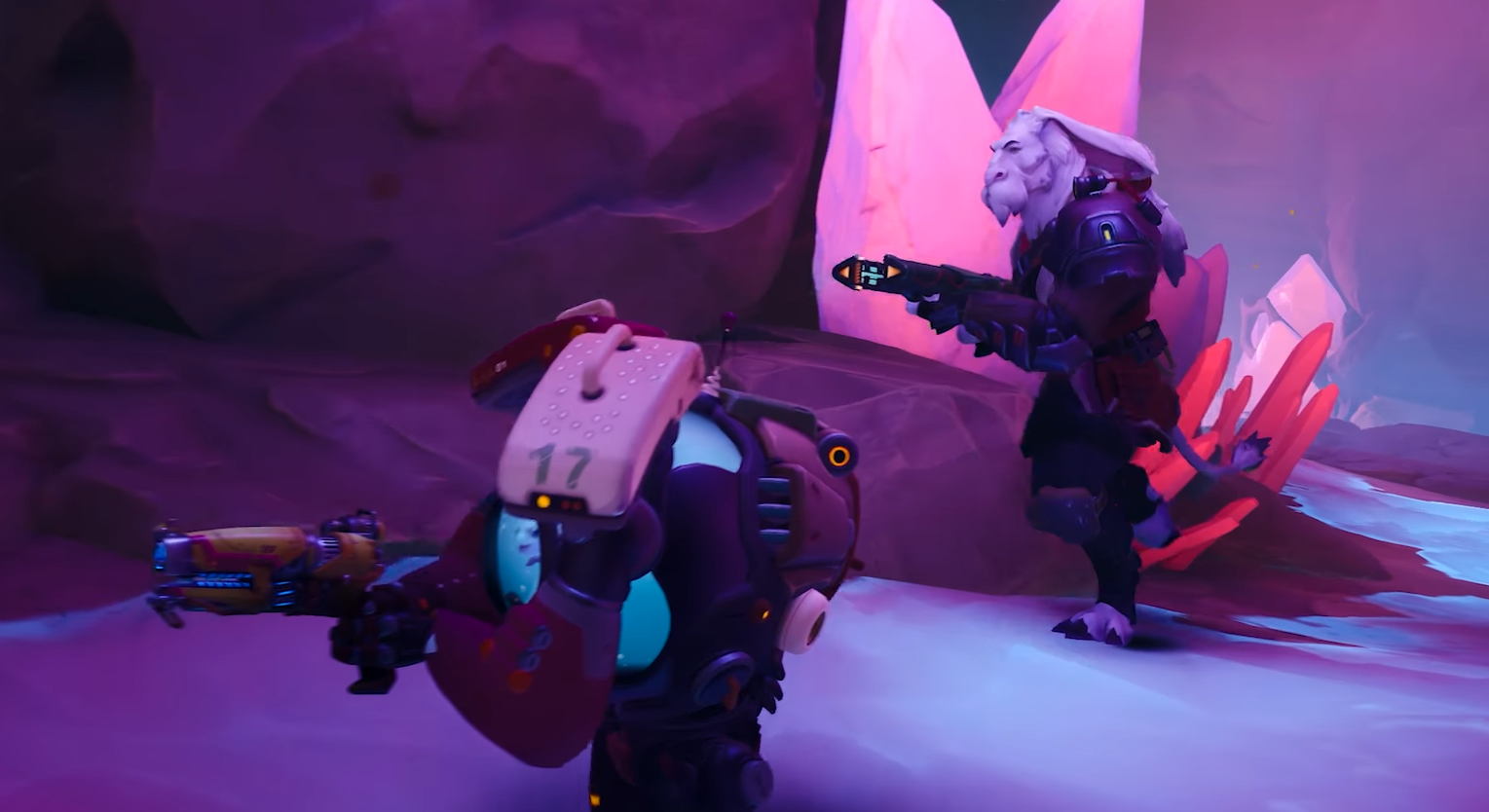
Wildgate: How to Fix Disconnect Issues
Written by Andrew Hammel | Wildgate
If you're getting disconnected in Wildgate, start with your internet, account link, and overlays. Most issues come from unstable connections or background conflicts, not the game itself.
Use a Stable Wired Connection
Wi-Fi spikes are a common cause of mid-match drops. Use a wired Ethernet connection if possible. Restart your modem and router before playing if disconnects are frequent.
Link Your Dreamhaven Account
Crossplay and match stability require a linked Dreamhaven account. If your account isn’t linked correctly, it may cause connection errors. Re-log in from the main menu or verify links through the Dreamhaven site.
Turn Off Overlays
Disable overlays from Steam, NVIDIA, Discord, or any other software. These can interfere with Wildgate’s network processes and cause unexpected drops.
Avoid Background Bandwidth Use
Pause downloads, streams, and updates while playing. If your connection is shared with others, lag spikes or disconnections may happen during high-traffic moments.
Check Your Firewall or Antivirus
Firewall or security software can block Wildgate’s connection. Add the game to your allow list or try running it with antivirus temporarily disabled.
Restart Steam or Console
If you’re stuck in a loop of disconnecting and can’t load into a game, fully close and restart Steam, your console, or the game client. This clears some session errors that prevent reconnecting.
Final Blurb
Wildgate disconnects are frustrating, but most are fixable. Clean up your connection, check account links, and shut down background apps to keep matches stable.
FAQ
Why do I keep getting disconnected in Wildgate?
Usually from network spikes, overlays, or an unlinked account.
How do I fix the rejoin bug after crashing?
There’s no full fix yet. Restarting the game and logging in cleanly gives you the best shot.
Do I need to link a Dreamhaven account to stay connected?
Yes, especially for crossplay and progression sync.
Can antivirus cause disconnects?
Yes, if it blocks Wildgate’s connection. Add it to your firewall’s allow list.
© 2025 GamerBlurb. All rights reserved. Feel free to link to or quote this guide; please provide a direct link back for attribution.
More Wildgate